SaaS product news · 3 min read
How to make a product video with Canva MCP in ChatGPT or Claude
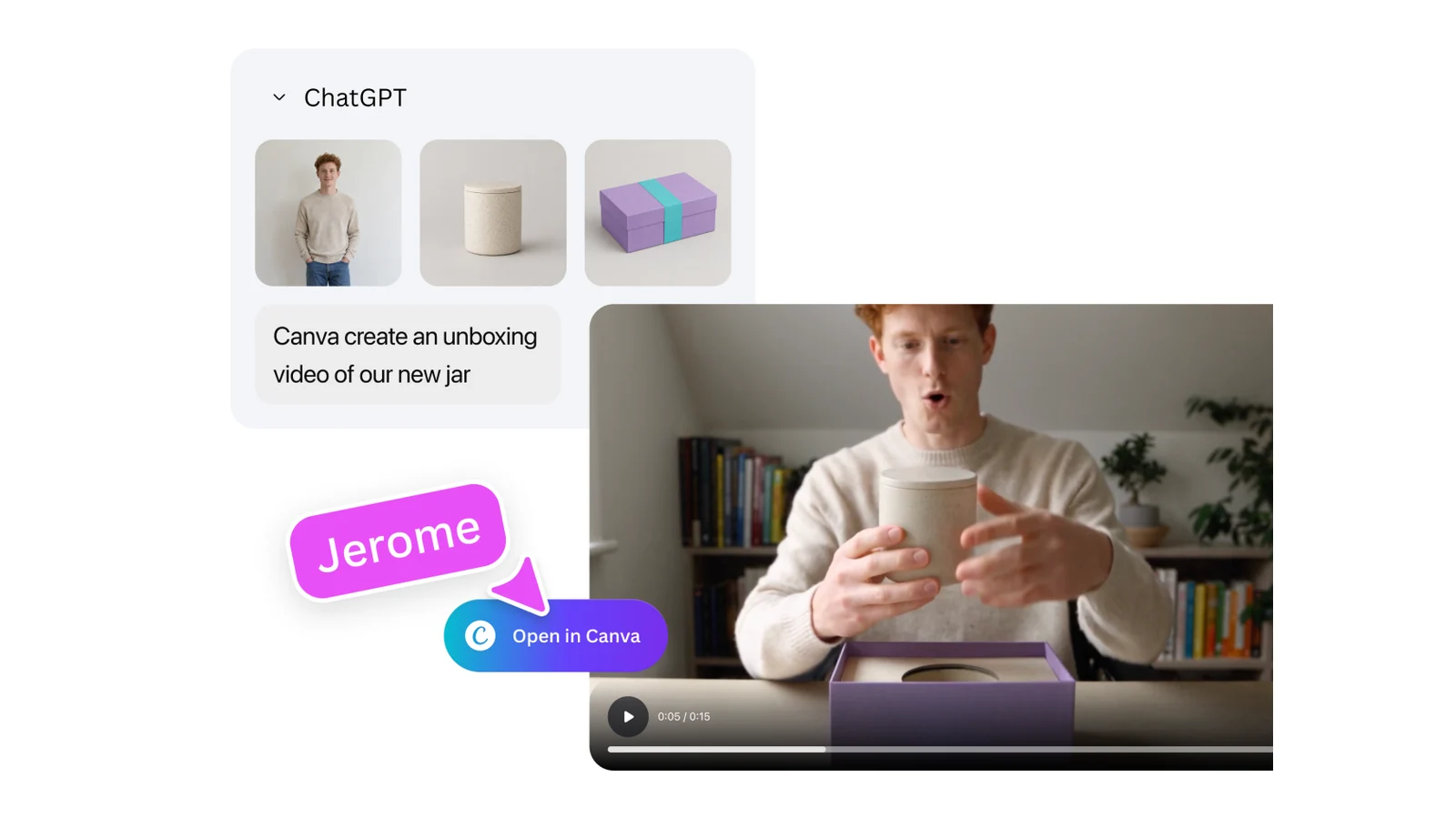
On November 23, 2026, Canva announced Canva MCP video generation in ChatGPT and Claude for select markets. Give the assistant a product image and a brief, then approve the proposed shot timing before generation. Canva saves the result as a clip you can open in its editor to trim and add captions or music.
Check your plan before requesting a video
Choose Canva in ChatGPT or Claude’s connected apps and follow the sign-in prompts. Connecting is free across Canva plans. Video generation uses your Canva AI allowance and requires an eligible paid Canva plan at Pro or above. Canva Help excludes free trials, Canva for Education, and Canva for Nonprofits. On a team account, check whether the admin has enabled the connector and the Canva AI and Magic Media permissions used for video.
Plan a 15-second clip around one product photo
Canva’s example starts with a picture of a new drink range and an unboxing brief. For your own launch, attach a photo with a clear view of the package and ask for a 15-second vertical clip. Ask to show the package first, open it in the middle, and leave a few seconds at the end for the product name. Review Canva’s timed production plan and the required allowance before you generate.
Finish the generated clip in Canva
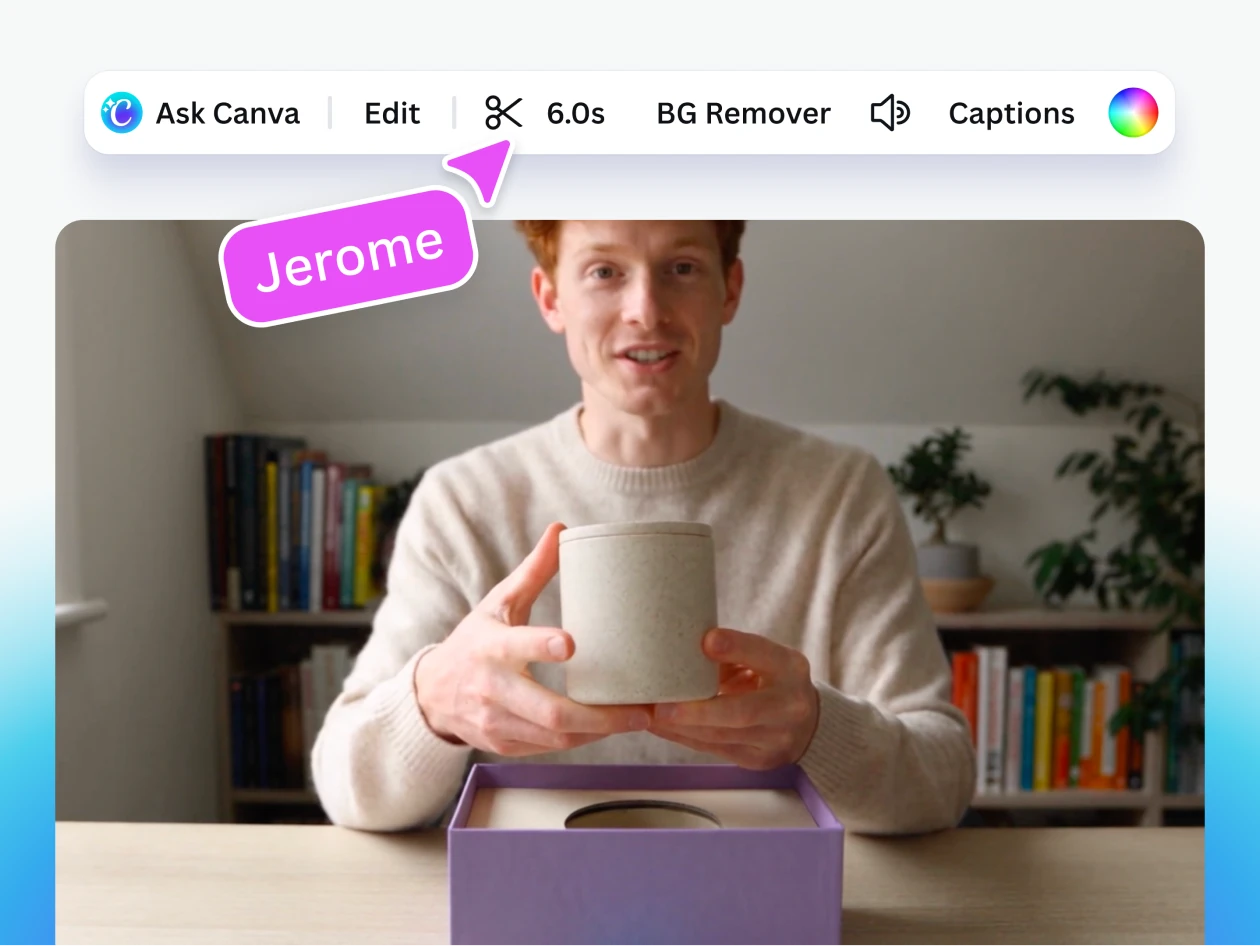
Open the saved clip in Canva Projects. Trim or split it on the timeline, then add captions, music, or a separate text layer. Before exporting, compare the clip with the original photo. Check the product name, packaging and colors, and use a text layer for wording that needs to be exact. Start with one teaser and use the reviewed cut to decide whether to make more versions.