
SaaS product news · 4 min read
Figma agent launches in FigJam and Slides: from workshop notes to a deck
On November 23, 2026, Figma announced general availability of its agent in FigJam and Figma Slides on Professional, Organization, and Enterprise plans. The agent can summarize board content in FigJam and draft or revise a deck in Slides. You need edit access for the agent to change a file.
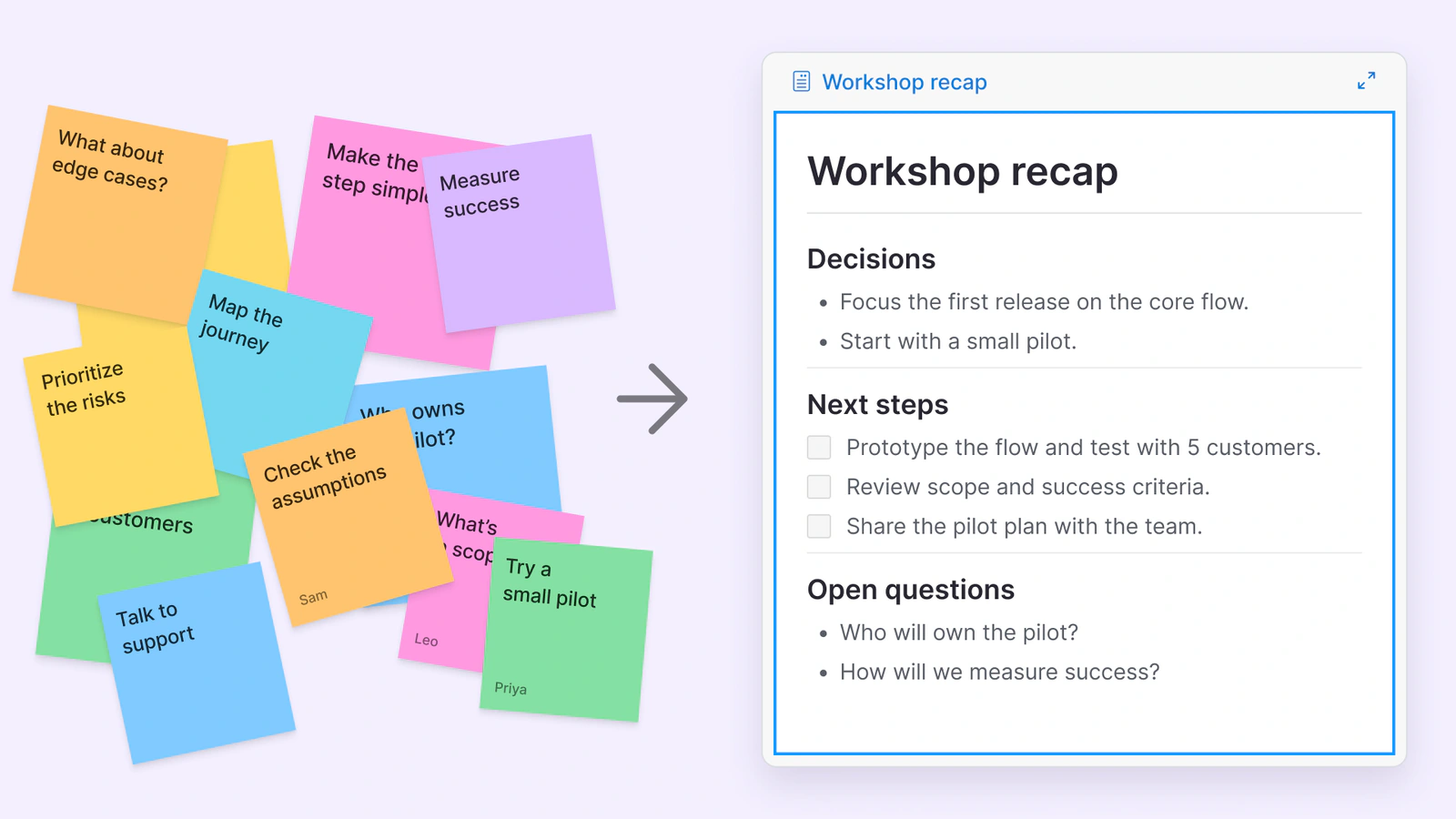
In FigJam, close the loop after a workshop
Open the Agents chat at the lower left of the board, or select relevant notes and choose Ask agent. Figma shows an example where sticky notes and comments become a Spec with decisions, next steps, and open questions. If a topic was debated but left unresolved, keep it under open questions when you review the draft. Confirm action owners and dates with the team before distributing it.
In Slides, approve the story before generating the deck
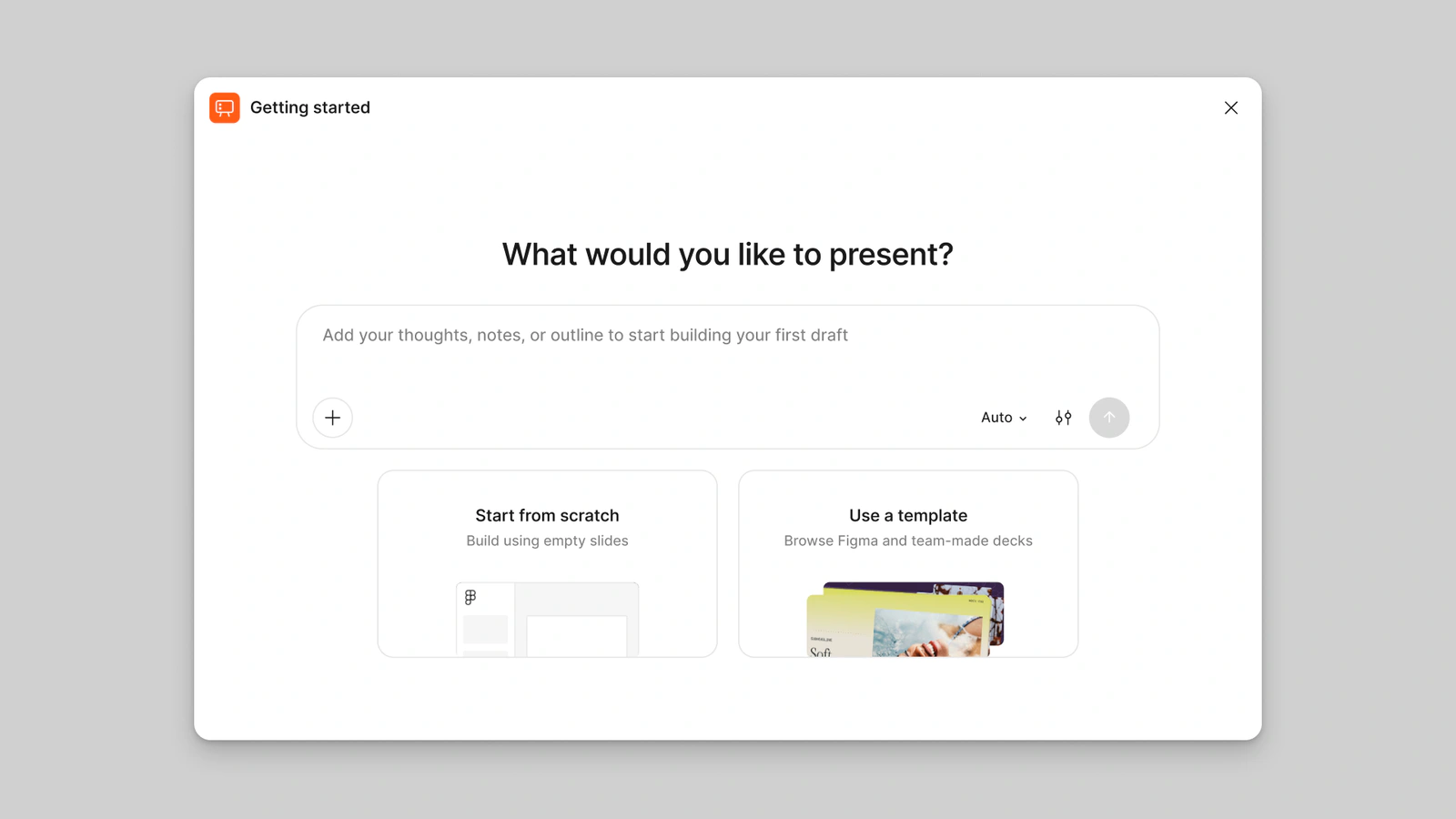
Start a Slides file and give the agent your reviewed brief, the audience, the presentation goal, and an approximate slide count. Both products support attachments and connectors for bringing in context. In Slides, the agent first proposes an outline for a new deck. Edit the headings or ask for changes, then choose Generate deck. Check slide claims against the brief and add presenter notes for any decision the audience needs to make.
Check file access and AI credits before a team trial
Figma’s help pages say people with access can ask questions about a board or presentation in an eligible workspace. Editing through the agent requires edit access. Credit use varies with the work requested and the context you supply. Start with one board and one short deck, then use AI balance in the file menu to check what went out of your allowance.