
SaaS product news · 4 min read
ChatGPT Space for Plus: sharing, access, and privacy settings
OpenAI began a global ChatGPT Space rollout to Plus users aged 18 and older on November 20, 2026. Invited viewers need a Plus, Pro, Business, or Enterprise account with Space access; Free users cannot open shared pages, and public links are unavailable. On personal accounts, an agent’s use of page content for model improvement follows the settings of the person using that agent.
What Space adds to ChatGPT
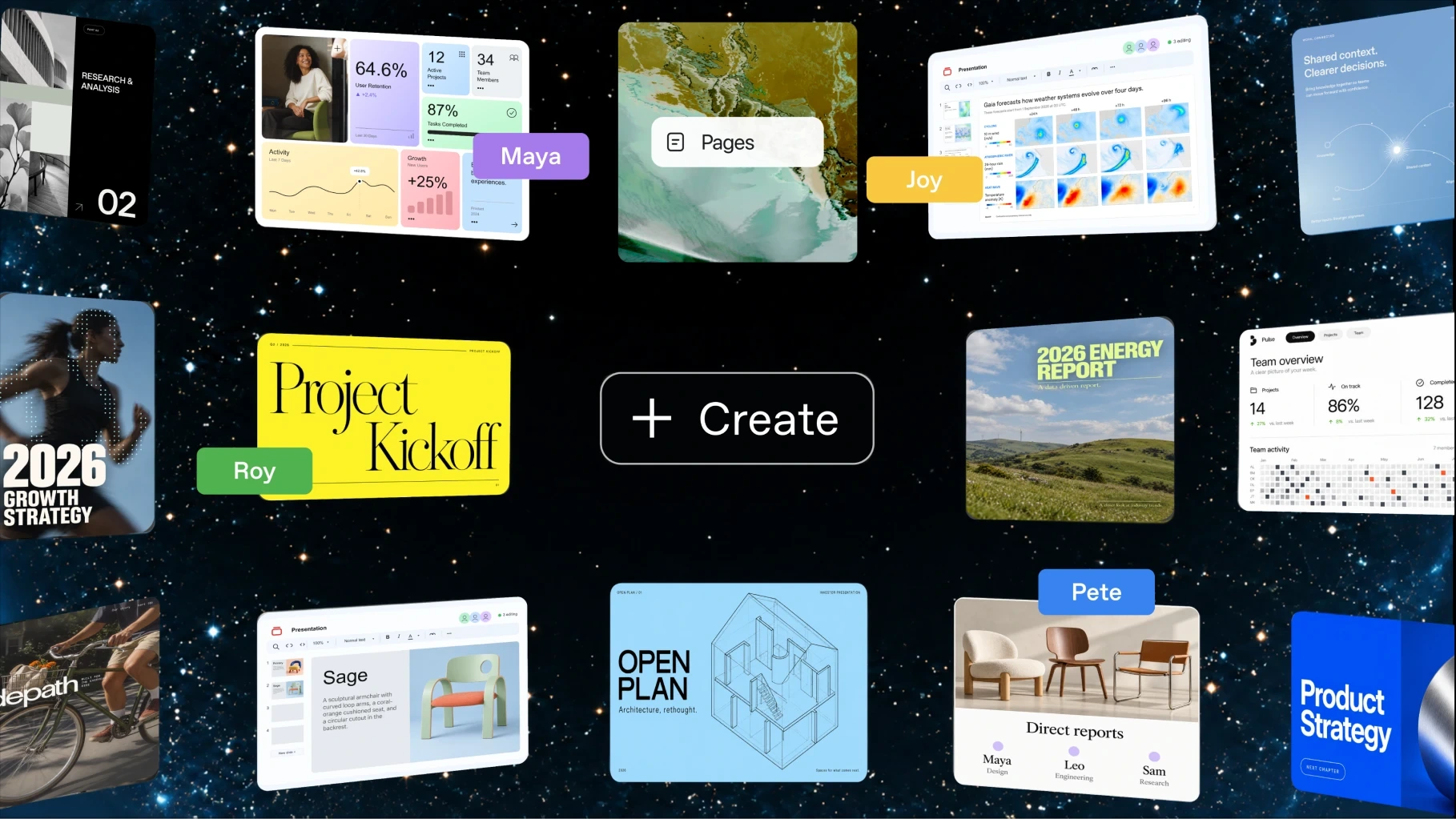
For accounts with access, Space replaces Library; Projects remain separate for project chats, files and instructions. A page is an editable document that collaborators can work on together. You can start one from a conversation, a template or directly in Space. OpenAI’s examples include an updating to-do list, a study guide with an interactive 3D model and a project plan that reflects connected-app information. These are vendor examples, not a guarantee that every page or connection updates in the same way.
A practical first use for a small team
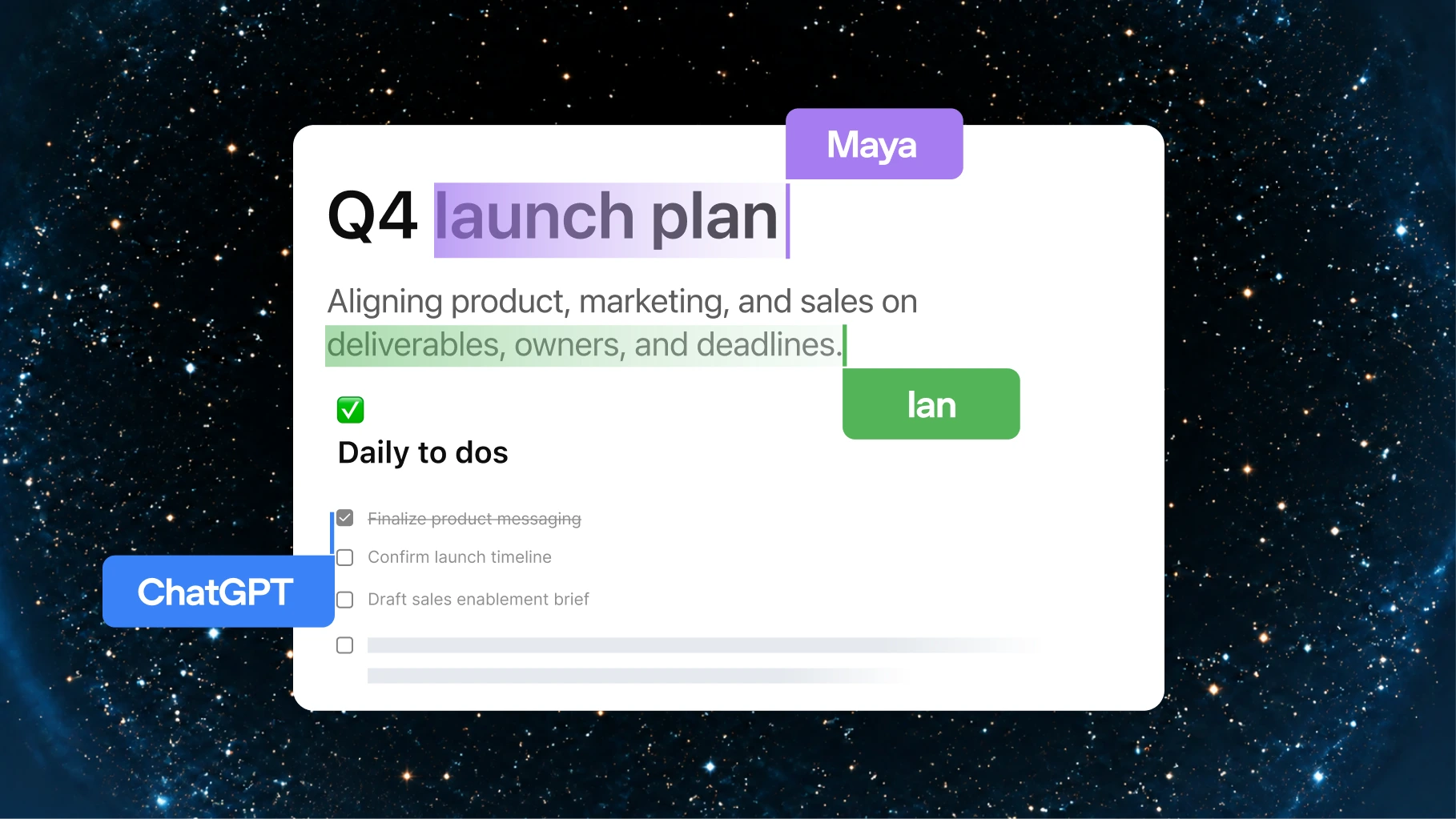
Try a recurring internal brief, meeting summary or team update. Start from a conversation or template, ask ChatGPT to organize the goals, decisions and next steps, then review the page. Invite teammates with view or edit access; people with edit access can work on it together in real time. This is a suggested workflow based on OpenAI’s documentation, not a measured productivity result.
Check access before sharing
A viewer needs permission and must be signed in to a Plus, Pro, Business or Enterprise account with Space access. Plus availability is still rolling out by account. Free users cannot open shared pages, and OpenAI says public links are not available. Organization settings can further limit sharing in managed workspaces. Space can therefore suit invited teammates with access, but it is not an open client portal or public document link.
Review page contents, file permissions, and data settings
Sharing a page does not expose your private chats or Memory. However, anything written onto the page—including personal context used while drafting—is visible to people who can view it. Files uploaded into a page follow its permissions. A link to a file stored elsewhere keeps that service’s permissions, but copied text or summaries on the page are visible. Review both the page and its files before inviting collaborators.
There is a separate data-control detail for personal accounts: when someone’s ChatGPT agent reads or writes shared-page content, that content can become part of the agent’s interaction. Whether that interaction may be used to improve models depends on that person’s “Improve the model for everyone” setting; the page owner’s setting does not control collaborators’ agents. OpenAI says it does not train on Business and Enterprise data by default.