Free
60 credits a month. 720p exports with a watermark and three-day storage.
Free
 ProductTally

AI video clipper and captions
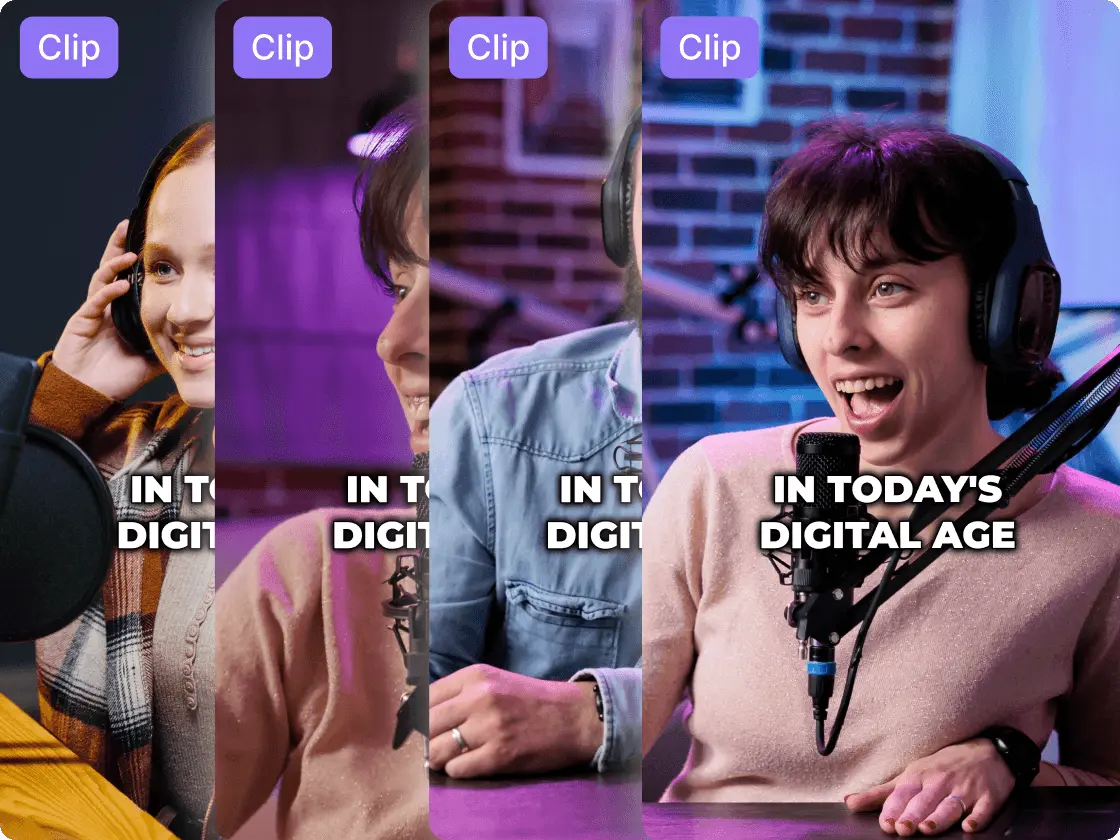
Turn a long interview, video podcast, or webinar into short vertical clips. Vizard suggests moments to cut and lets you refine the trim, framing, and captions before exporting.
ProductTally may earn a commission if you buy through these links.
ProductTally may earn a commission if you buy through these links.
For podcast producers, creators, and small marketing teams that already record longer videos and want several short edits from each recording.
For AI clipping, one credit covers one minute of input footage. The Free plan includes 60 monthly credits, 720p exports with a watermark, and three-day storage.
60 credits a month. 720p exports with a watermark and three-day storage.
Free
Base tier with 600 credits a month on monthly billing. Includes 4K export without a watermark.
Base tier with 600 credits a month on monthly billing. Adds shared projects and a brand kit. Extra seats are charged separately.
Official base-tier prices on the check date. Annual subscriptions are billed upfront and display 7,200 credits per year. The vendor displays the $ symbol. Confirm the billing currency and local price at checkout. · Nov 18, 2026
The vendor displays $. Confirm billing currency at checkout.
ProductTally may earn a commission if you buy through these links.
Vizard · View official plans and pricingProductTally may earn a commission if you buy through these links.
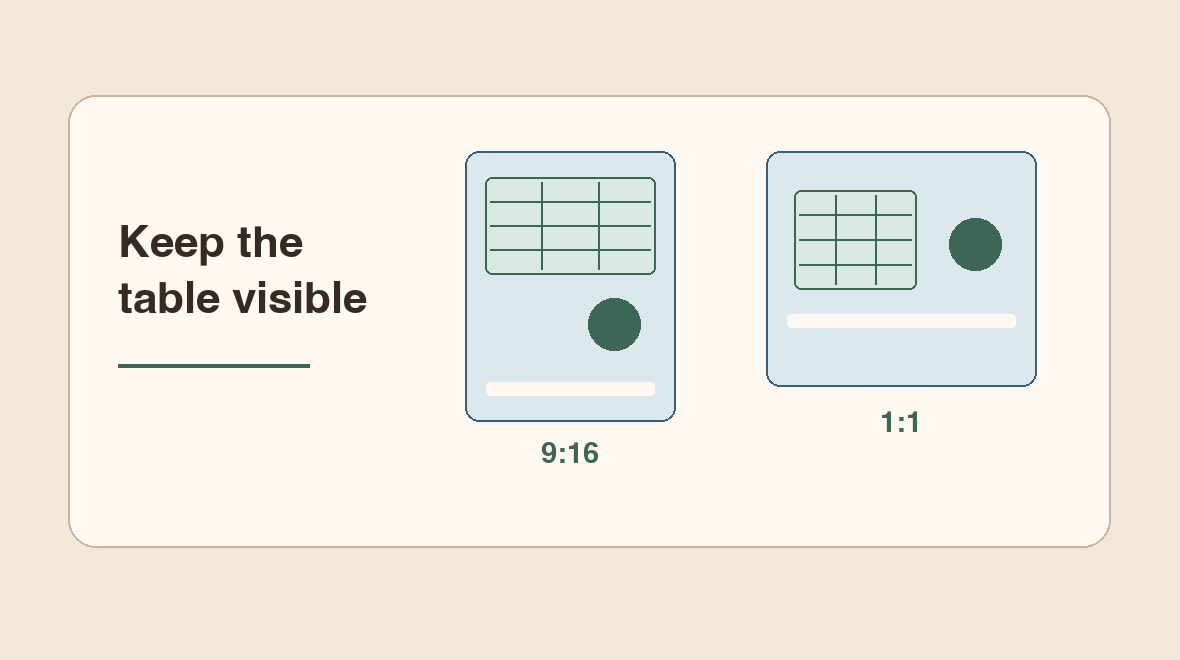
Set the output to 9:16 for Shorts or Reels. Check the crop and correct names in the captions before exporting.
ProductTally may earn a commission if you buy through these links.
Vizard AI Video ClipperProductTally may earn a commission if you buy through these links.
ProductTally may earn a commission if you buy through these links.
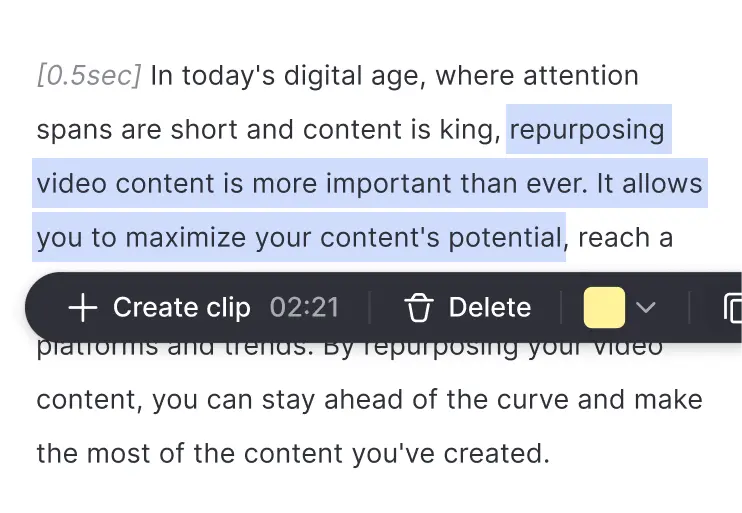
Vizard’s AI Video Clipper suggests short clips from a longer recording. You can also select a passage in the transcript and make a clip manually.
Vizard AI Video ClipperSet the output to 9:16 for Shorts or Reels. Check the crop and correct names in the captions before exporting.
Vizard AI Video ClipperFor AI clipping, one credit covers one minute of input footage. The Free plan includes 60 monthly credits, 720p exports with a watermark, and three-day storage.
View official plans and pricingRead about Vizard in the ProductTally blog.
Video · 3 min read
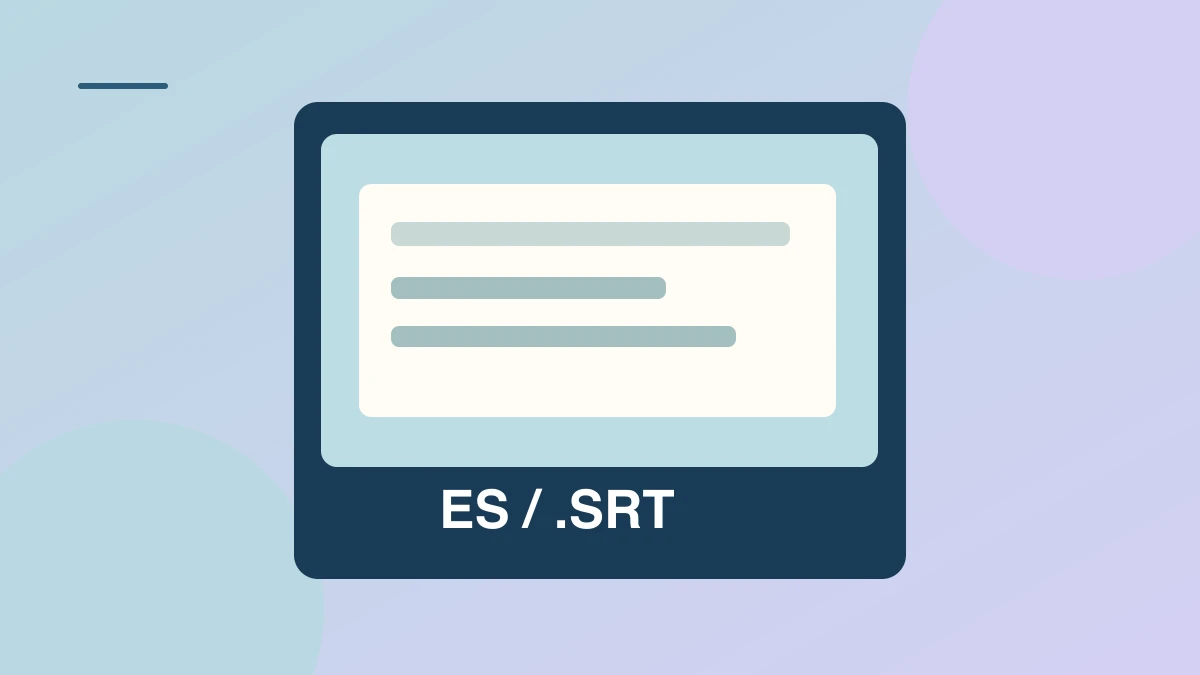
Turn an English tutorial into editable Spanish captions you can publish with the original clip.
Video · 3 min read
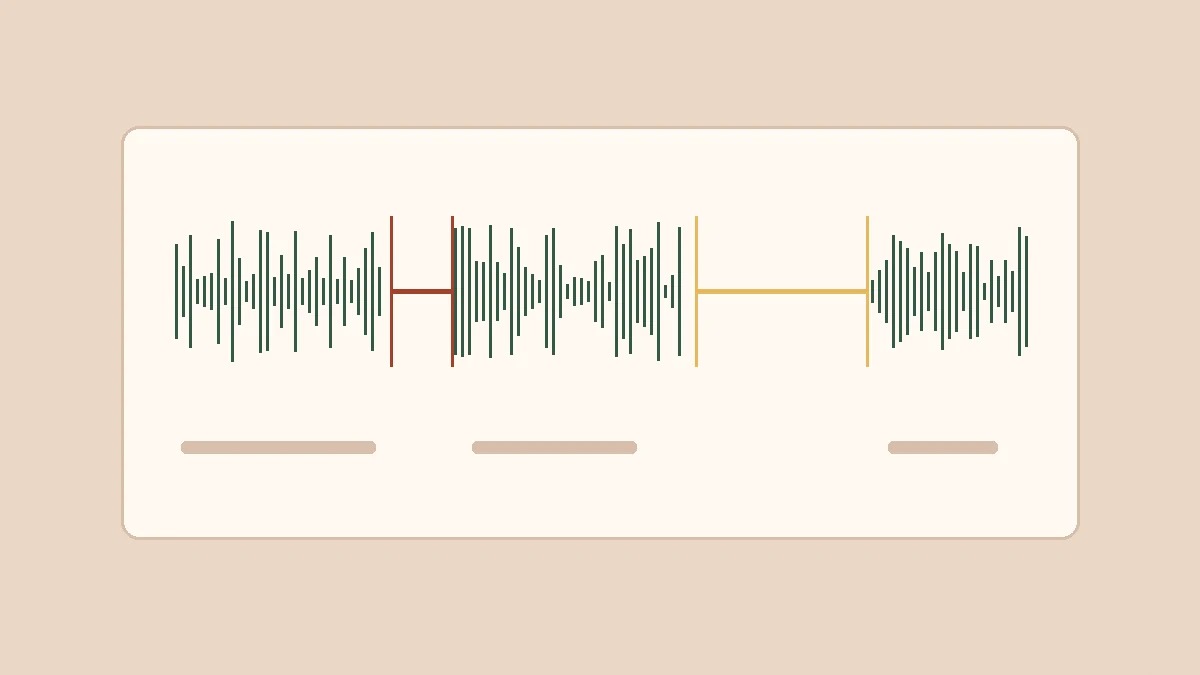
Use the transcript to find pauses, then decide which cuts make a tutorial easier to follow.
Video · 2 min read
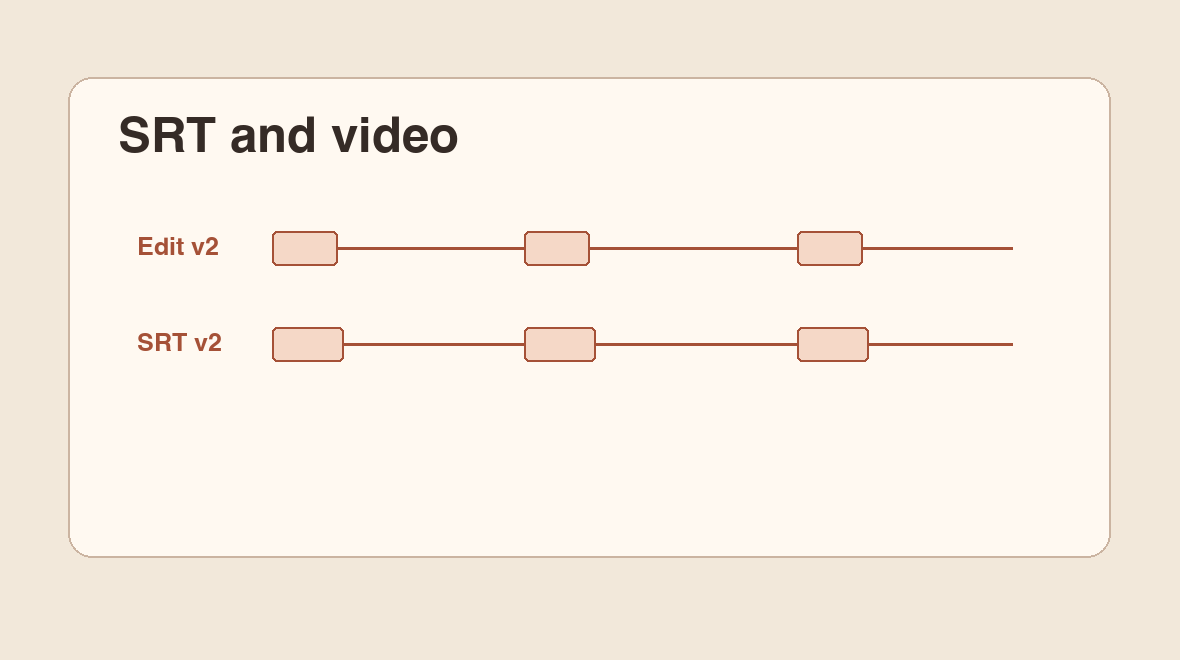
Bring captions into Vizard with their timestamps, and check that they still match the cut you plan to publish.
Video · 3 min read
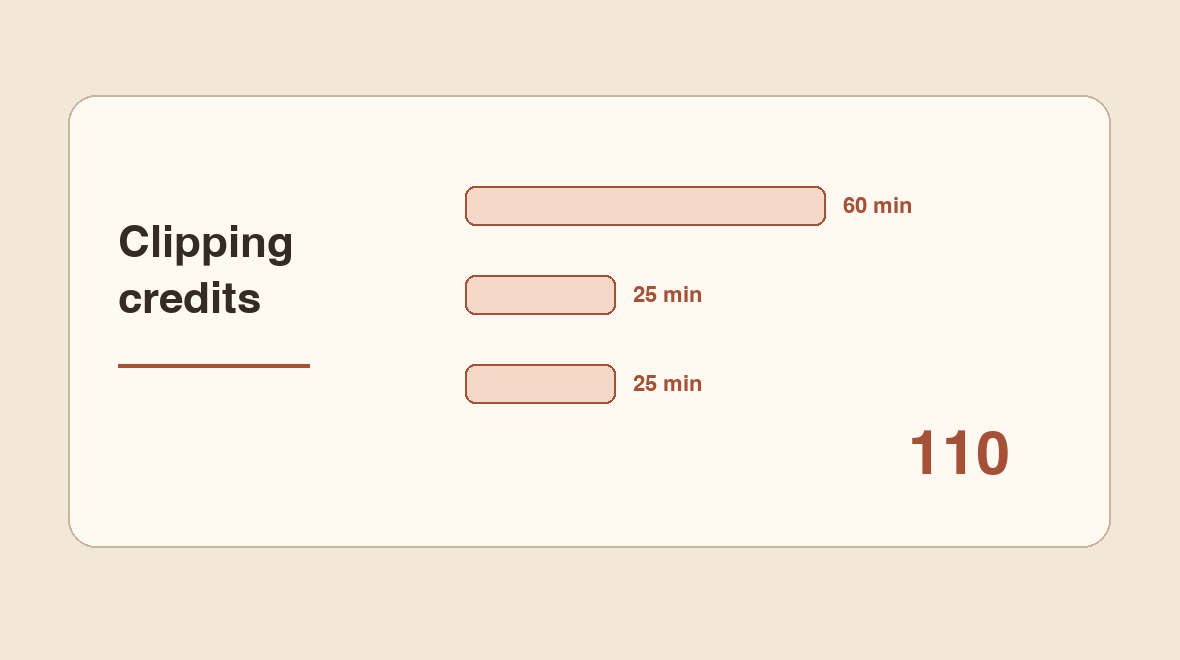
Budget a podcast upload by the length of the input, then choose export settings and check optional AI Edit charges separately.
Video · 3 min read