
Video · 3 min read
How many Vizard credits does an hour of podcast footage use?
Budget a podcast upload by the length of the input, then choose export settings and check optional AI Edit charges separately.
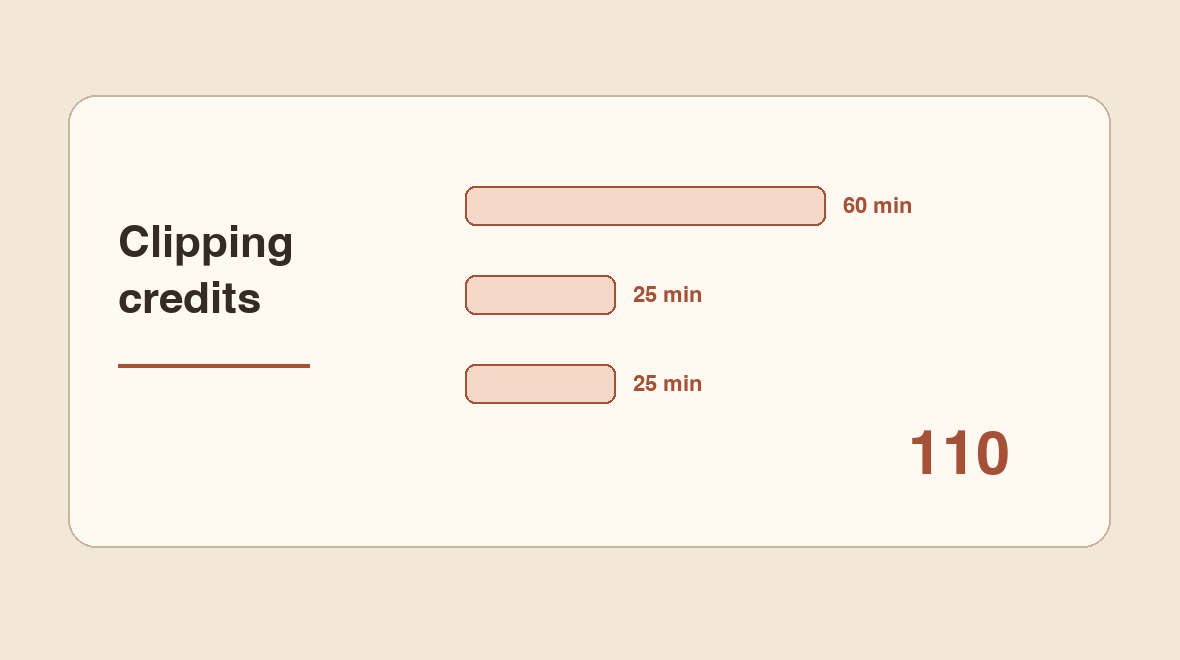
For ordinary AI clipping or transcription, Vizard’s official example assigns 60 credits to a new project containing 60 minutes of footage. It says that using both functions on the same project incurs that input charge once. The clip lengths help you plan your publishing queue. The source length is the number to use for this processing budget.
Count input minutes before promising a batch
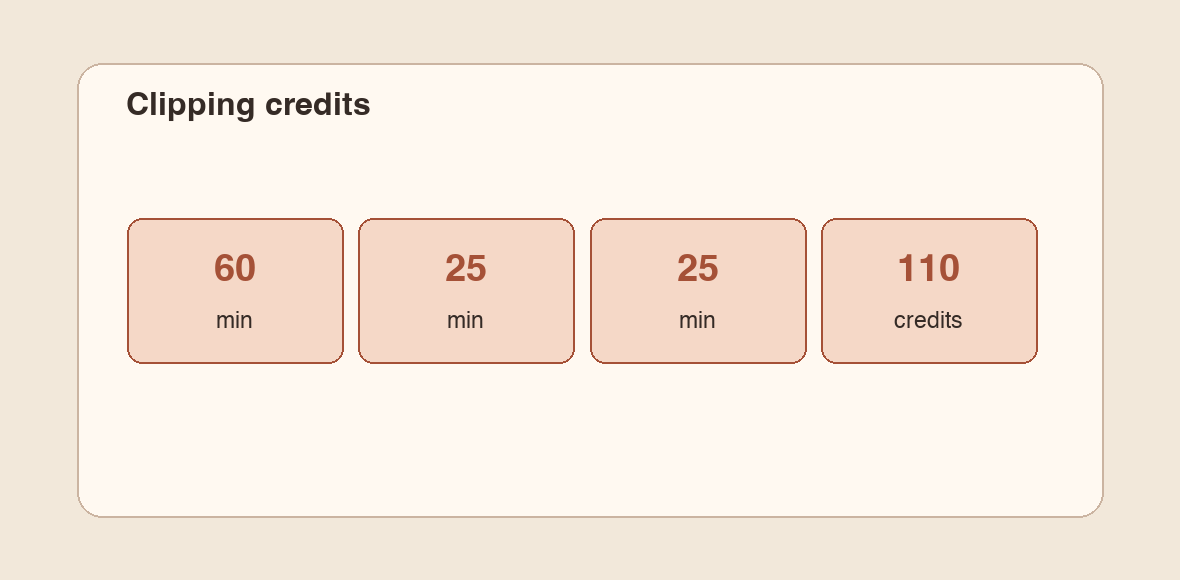
Suppose you have a 60-minute interview and two separate 25-minute recordings. On the documented per-minute rule, those three new clipping projects would need 110 credits. That is a planning example. If your team only has enough balance for one recording today, choose the episode with the closest publication date and keep the other two in the queue as separate projects.
Make room for the export you actually need
A credit balance answers whether there is enough processing capacity. The pricing page also lists export settings, watermarks and storage by plan. Before starting a client job, write down the intended delivery resolution, whether it needs a watermark-free file, and who will retrieve the output. Save the exported file somewhere your team controls when you need it after the project’s storage window.
Read the separate estimate when using AI Edit
Vizard also provides an estimate for AI Edit before submission. Keep that amount on a separate line in your budget. For an episode with several clips, log which one needs extra editing and check the displayed estimate for that clip. This gives you a budget based on both the original recordings and the specific edits you plan to request.
Visit official website
ProductTally may earn a commission if you buy through these links.
Vizard · Visit official website
Related guides
Official references
ProductTally may earn a commission if you buy through these links.