
Video · 3 min read
Translate English video captions into Spanish with Vizard and export an SRT
Turn an English tutorial into editable Spanish captions you can publish with the original clip.
Vizard documents Spanish and other caption translation options, with separate SRT or TXT downloads. If you plan to keep the original English audio, use the translated SRT as a subtitle track in the publishing platform that accepts it.
Get the original words right first
Take a screen-recorded tutorial for new customers. Import the clip, generate captions from the English speech and check the text where the presenter names buttons, brand terms and numbers. If the English track misheard a field name, the Spanish translator has no way to infer the label from the screen reliably.
Choose Spanish in the video translation workflow and revise the generated text as needed. Keep button labels in the language shown in the recording, adding the Spanish meaning when a viewer needs it. This helps a viewer follow a screen recorded in English.
Let the picture do part of the explaining
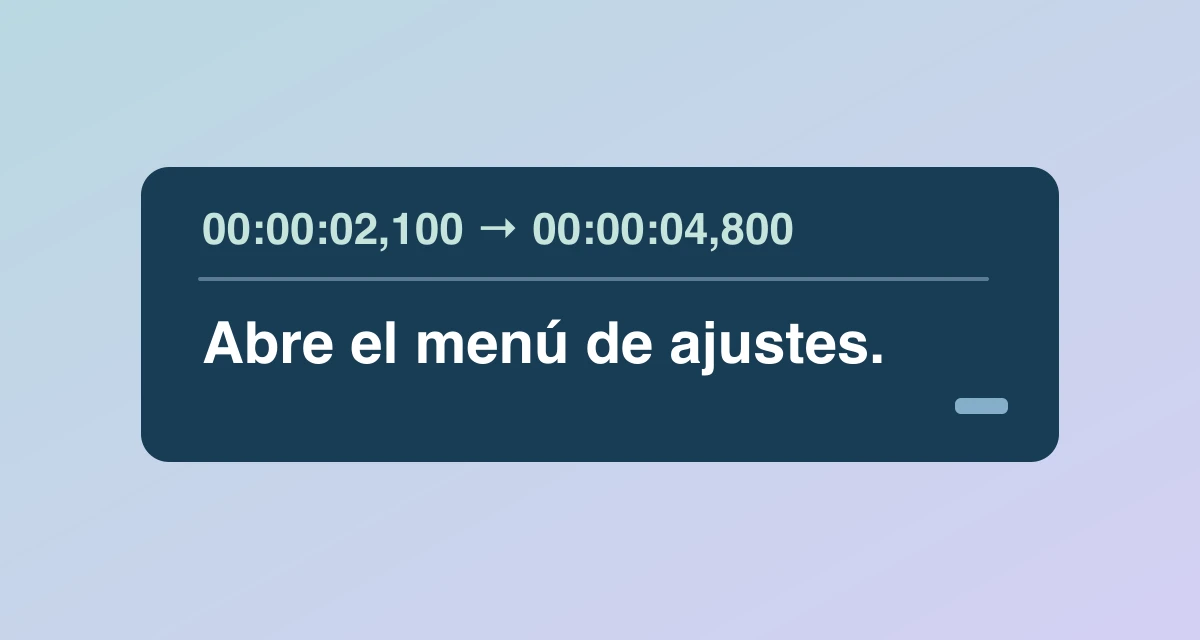
For a line such as “open Settings and choose Export,” the illustrative Spanish caption could be “Abre Settings y elige Export.” Keep the interface labels in English if that’s what appears on screen. If the buttons are already legible, you can use a shorter caption and give the viewer time to look at them.
Ship the subtitle file with the exact edit it belongs to
Download the separate SRT for an editor or platform that accepts a timed caption file. The TXT option is useful when all you want is readable transcript text. Play the export with the video, check a late timestamp and keep the subtitle version named to match the video edit. A later cut can shift every caption that follows it.
ProductTally may earn a commission if you buy through these links.
Related guides
Official references
ProductTally may earn a commission if you buy through these links.