
SaaS product news · 4 min read
Google Docs adds numbered captions and cross-references
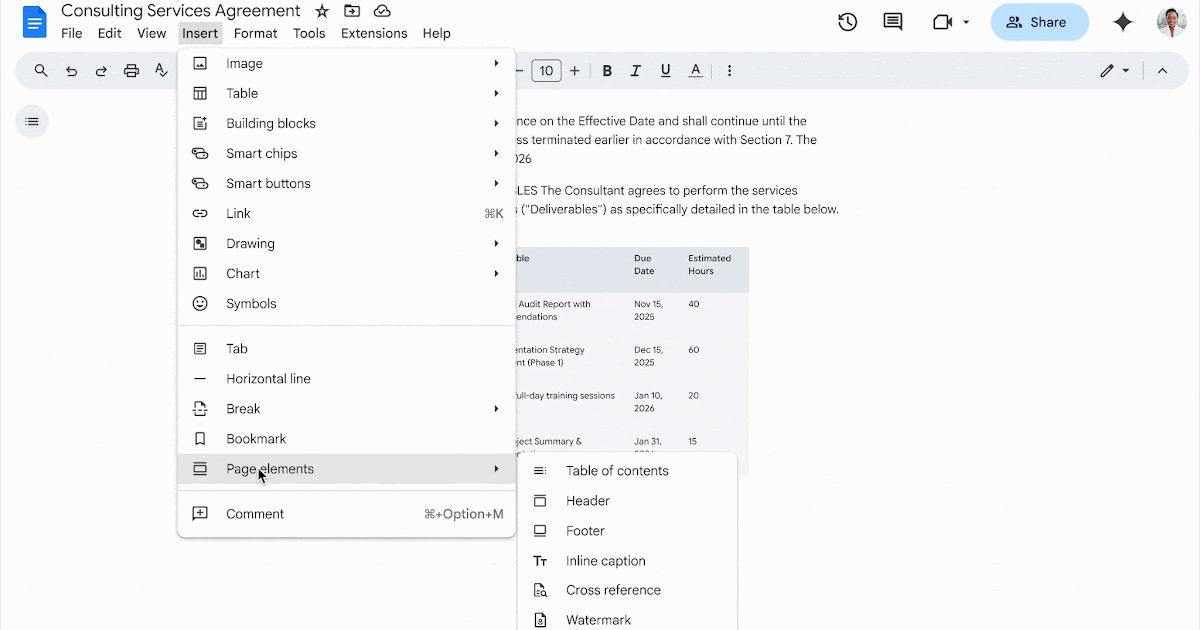
To number figures or tables in Google Docs, select the item and choose Insert → Page elements → Inline caption. Add a cross-reference to link to it from your text, or a table of captions to gather the links in one list. Google announced these tools on November 18, 2026, for Workspace and personal Google accounts. Use Pages format if the list needs page numbers.
Three tools for documents with visuals
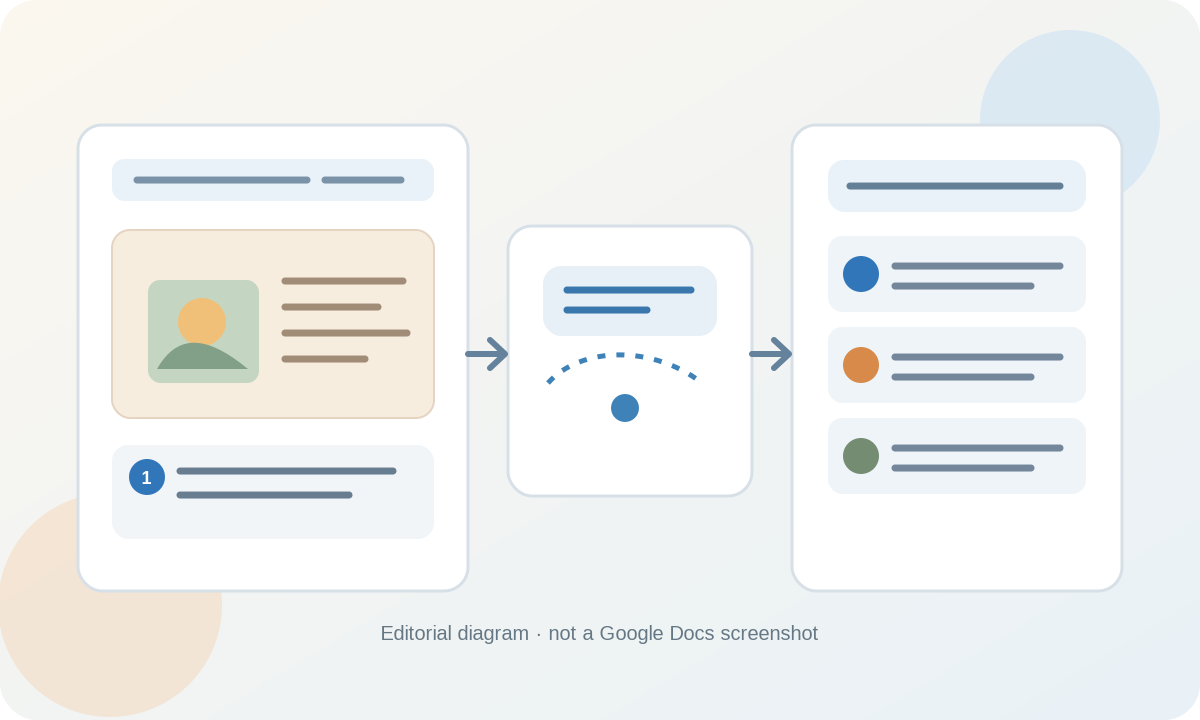
Inline captions add labels such as Figure or Table and can number them in sequence as items are added, moved or removed. Cross-references link a sentence to a caption. A table of captions collects items by label and gives readers a clickable way to navigate a longer document. Google lists figures, charts, tables, images and equations as supported caption subjects.
| Feature | Use it to | What readers get |
|---|---|---|
| Inline caption | Label and number a visual | A caption associated with the selected item |
| Cross-reference | Refer to an existing caption | Linked text that points to the caption |
| Table of captions | Collect captions by label | A navigable list of captioned items |
Add captions, references and a caption list
- Select a figure, chart, table, image or equation, then choose Insert > Page elements > Inline caption.
- Enter the caption, choose a label such as Figure, Table or Equation—or add a custom label—and select a numbering style.
- After adding at least one caption, place the cursor where the reference belongs and choose Insert > Page elements > Cross reference.
- To create a list, place the cursor at the destination and choose Insert > Page elements > Table of captions; select the caption label type.
The Help Center describes separate refresh commands for an individual cross-reference, all cross-references and a table of captions after edits.
Keep numbering and navigation dependable
Automatic numbering reduces manual renumbering when a report changes, but references and caption lists still need a check after edits. Google Help says you can refresh an individual cross-reference or refresh all of them. It also provides an update command for the table of captions. In Pageless format, page numbers and dot or dash separators are hidden from that table; switch to Pages format if page numbers matter to the document.
Who benefits and what to verify
The tools fit longer reports, research papers, proposals or technical documents where readers need to find a named chart or equation and where numbering changes during editing. Google says the features work with Word .docx import and export and that formatting stays intact. If a document relies on complex Word styling, test a copy through the intended import-and-export workflow before changing the only source file.
Google says the feature is available now on Rapid and Scheduled Release domains and to Workspace customers, Workspace Individual subscribers and personal Google accounts. The Help Center now documents the workflow. Availability statements do not guarantee that a specific managed account has the menu enabled; confirm in the account that will own the document.