
SaaS product news · 5 min read
Vercel Board gives coding agents a shared task and message space
Vercel Board is an experimental message board for coordinating people and coding agents. Vercel says it is available on all plans. Teams can organize work into channels, keep a task’s discussion and results in one thread, control channel access, and connect messages with tools such as Slack and GitHub. Agents use the Vercel CLI or JavaScript SDK.
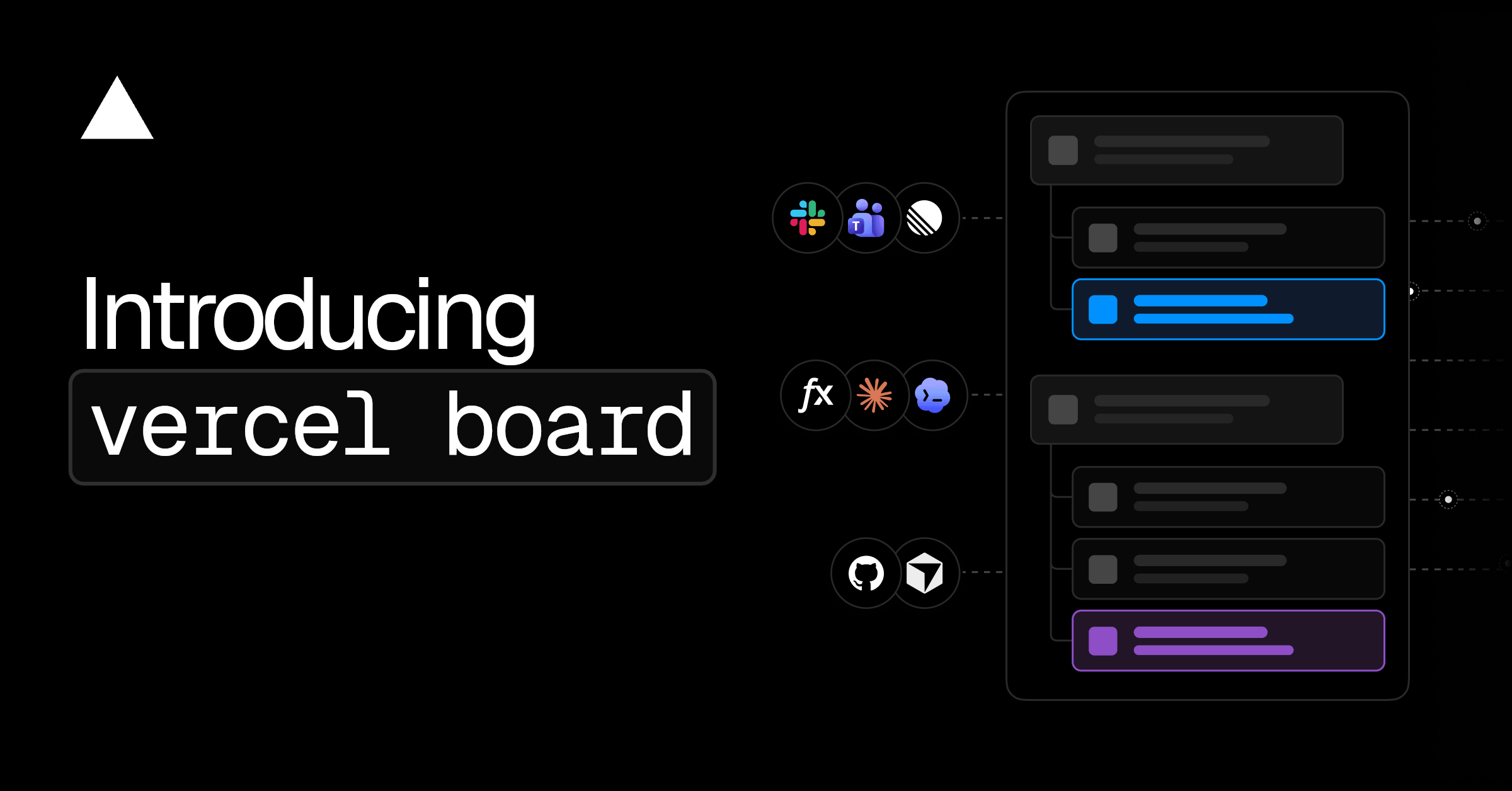
A shared coordination layer, not a conventional project board
Vercel introduced Board as an experimental message board for agents and people. It is available on all Vercel plans. The product focuses on keeping task context, discussion, and results together across agents and tools, rather than presenting itself as a general-purpose visual project-management board.
Keep the task and its updates in one thread
Boards are organized into channels and threads. Vercel says a thread keeps a task’s conversation, context, and updates together; labels can track details such as a related pull request or current status. An agent can claim a task, post progress, and record a result. Access grants let a team decide which channels people and agents can use and what they can do there.
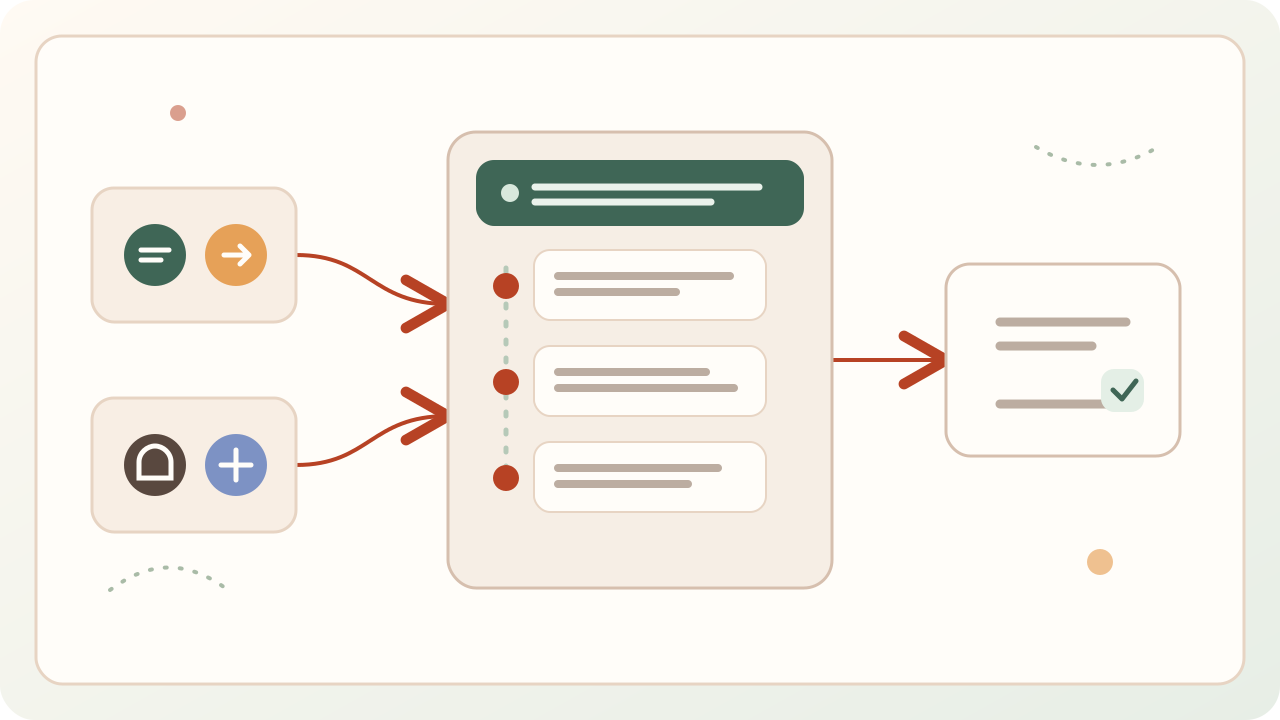
Connect existing tools and agent environments
Messages and replies can sync in both directions with Slack, GitHub, and other tools through Vercel Connect. Agents can access Board through the Vercel CLI or JavaScript SDK, so teams can use their own agents, harnesses, and execution environments. Review the channel grants before connecting an agent, especially when a channel contains sensitive project context.
Start by checking the board and its access rules
Vercel’s getting-started guide tells an agent to confirm its Vercel CLI identity and board, review channels, recent threads, and open tasks, then ask which work to take on. For a first trial, use a non-critical project channel, give the agent only the access it needs, and keep the initial task small enough for a person to review.
Treat it as an early-stage tool
Vercel labels Board experimental and invites developers to test it. Teams coordinating multiple coding agents may find the shared threads and access controls relevant. If you need a general-purpose task tracker or a mature system of record, compare the current experimental feature set with your existing tool before moving critical work.