
Workflow automation · 3 min read
n8n data pinning: reuse a sample in the editor and keep production live
Develop the next node with a fictional form submission and know what data the active workflow will use.
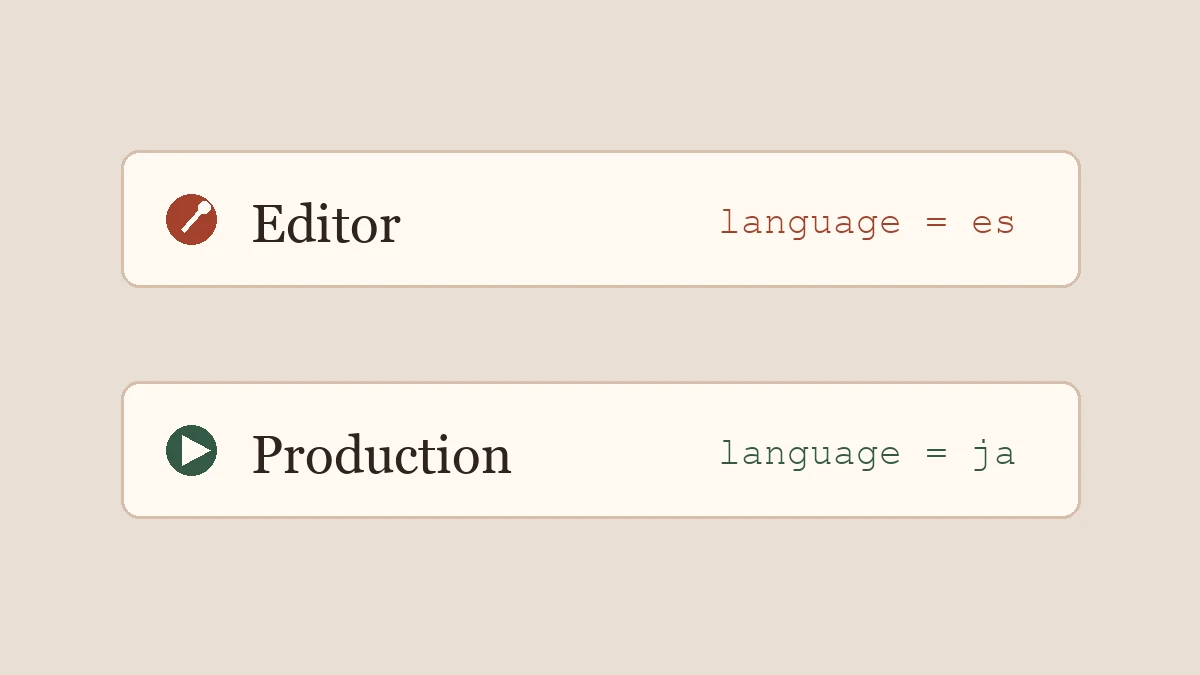
Pin data in n8n when you want an editor run to reuse the same node output. Production executions ignore pinned data and fetch the current inputs. A synthetic form submission gives a teammate a predictable example without copying a real customer record.
Pick a sample that explains your workflow
Imagine a studio’s inquiry form sends a project type, a language and a requested date. The next node routes requests into an editorial queue. Build one sample with projectType set to newsletter, language set to es and a fictional date. That is enough for an editor to explain why the submission belongs in the Spanish newsletter queue.
Follow the n8n documentation to pin an eligible node’s output. With data pinned, downstream runs in the editor can reuse that sample. Use it to work on the routing or message text without repeatedly waiting for a form submission.
Write down which part of the workflow you are working on
If the task is to change the routing, the known sample is useful. If the task is to see whether the form changed the name of a field, unpin the data and use fresh input. Otherwise the saved field name can make it look as though the current form still sends the original format.
A useful handoff identifies the pinned node, fields that are intentionally present, and one variant worth trying, such as a missing language. Keep credentials, contact information and customer notes out of any example saved with a shared workflow.
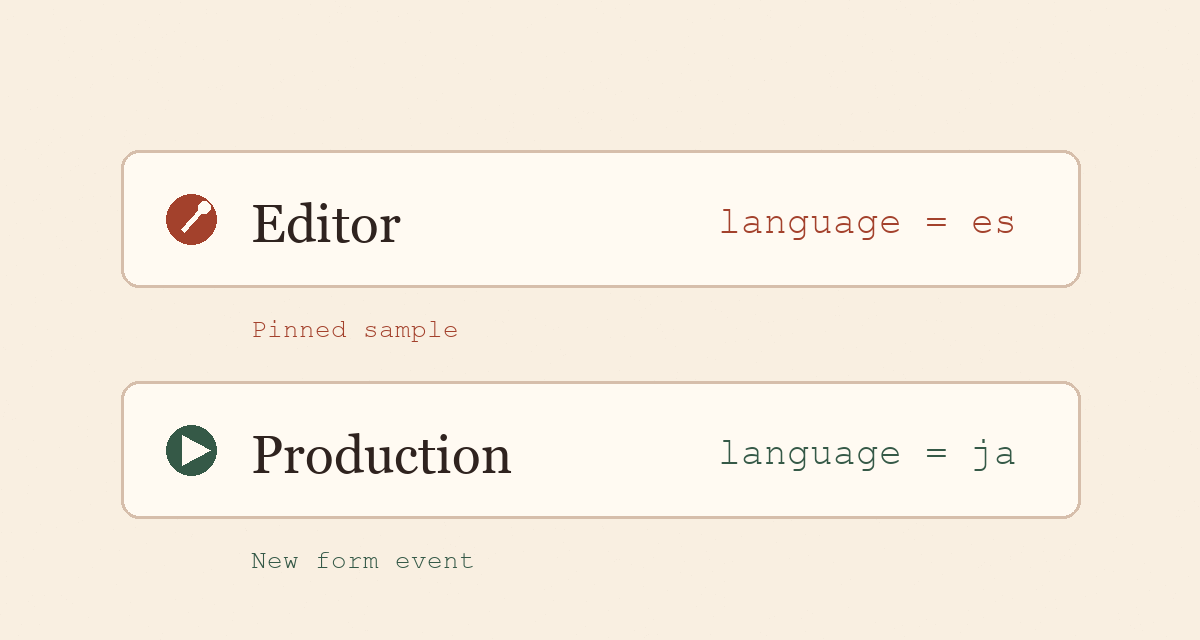
What will an actual live submission use?
When the activated workflow receives a submission, the production run uses the event’s real input. The pinned copy is for the editor. Before releasing a change, identify the queue or destination an actual run will reach, especially if the downstream action sends a notification or writes to a shared system.