
Workflow automation · 3 min read
Batch requests in n8n with Loop Over Items and Wait
Import a spreadsheet into a business app at the pace its API supports.
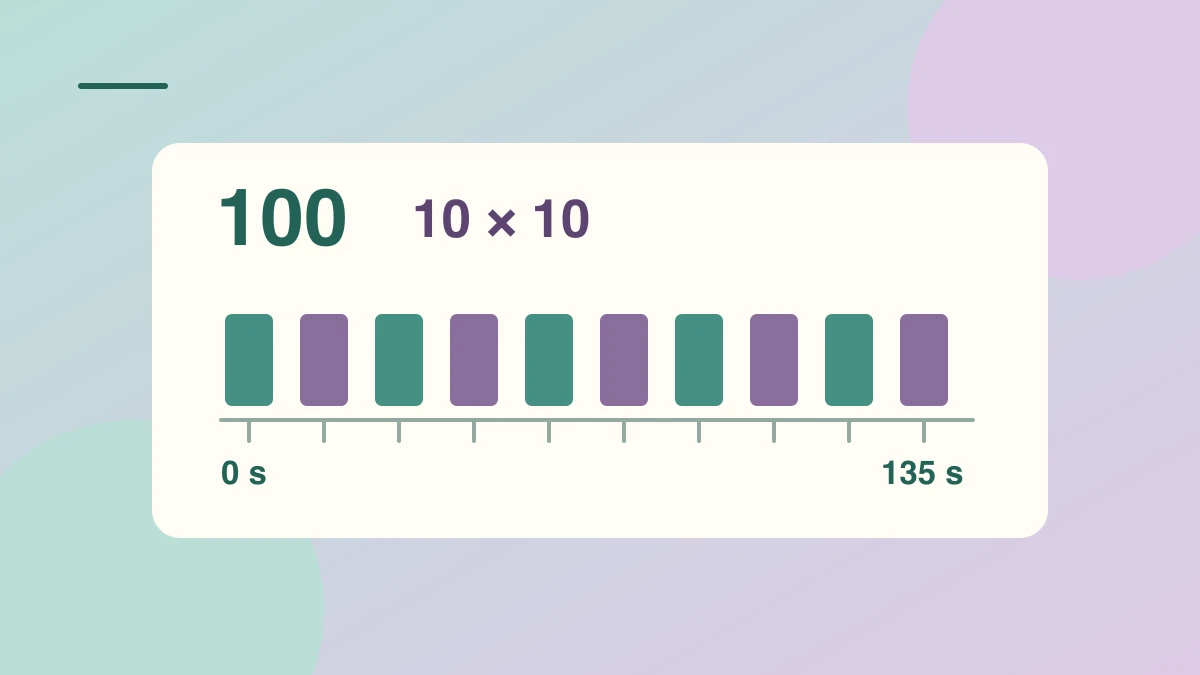
Use Loop Over Items and Wait in n8n to pace batches when the receiving API sets a request limit. Retry On Fail handles shorter interruptions. Start with the API’s own limit and the number of requests one input row creates.
Count requests, not rows
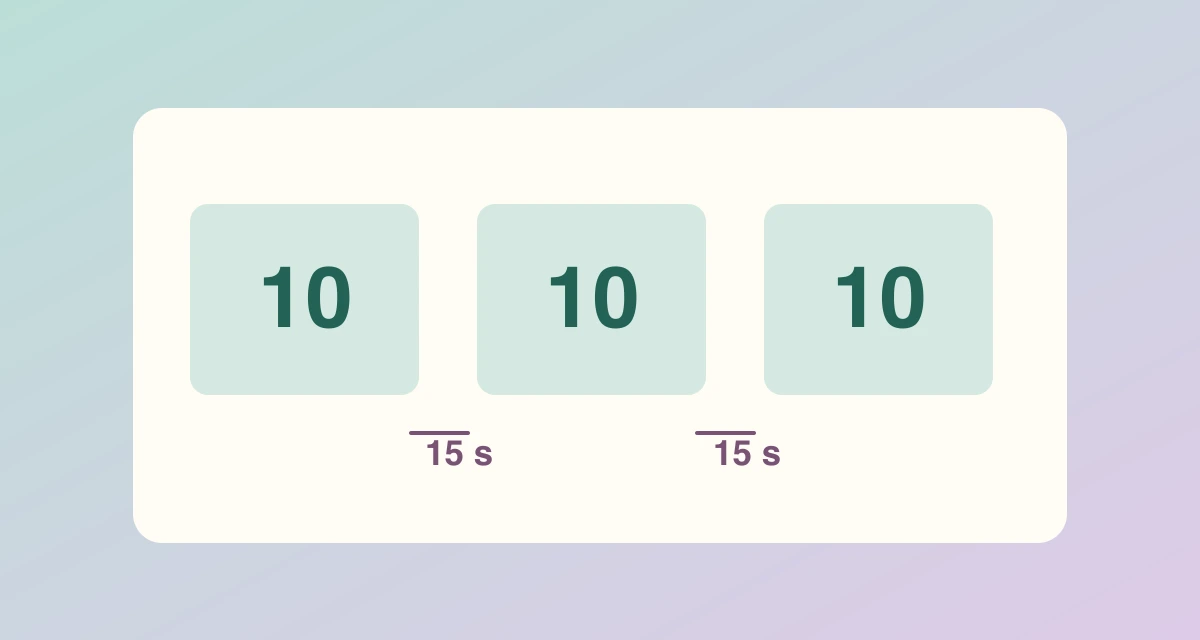
Say a team wants to import 100 approved product records into its own catalog. Suppose each record requires one write and the API allows 60 writes per minute. Ten records per batch with a 15-second pause between batches keeps the illustrative pace around 40 writes per minute, before accounting for other runs. If one row requires a lookup and a write that share a quota, the same settings send more requests.
Read the receiving API’s documentation for its exact rules. Some services count requests per credential or over a rolling window. Leave headroom for scheduled flows that share the credential. A response of 429 is a signal to check the limit and how requests are distributed.
Decide what happens when the import stops halfway
Connect a Loop Over Items batch to the request step and return through Wait. Use Retry On Fail for a brief interruption where repeating the operation is safe. For creates, choose an upsert or a stable record key when the destination supports it so a rerun can update an existing record without creating another copy.
Store one outcome per record and rerun only unresolved entries. The next import should start from the catalog’s current state, especially when a request timed out after the destination may have accepted it.