
Workflow automation · 4 min read
When should two n8n workflows share an address check?
Define a reusable address check, map fields from the parent and return a result the caller can act on.
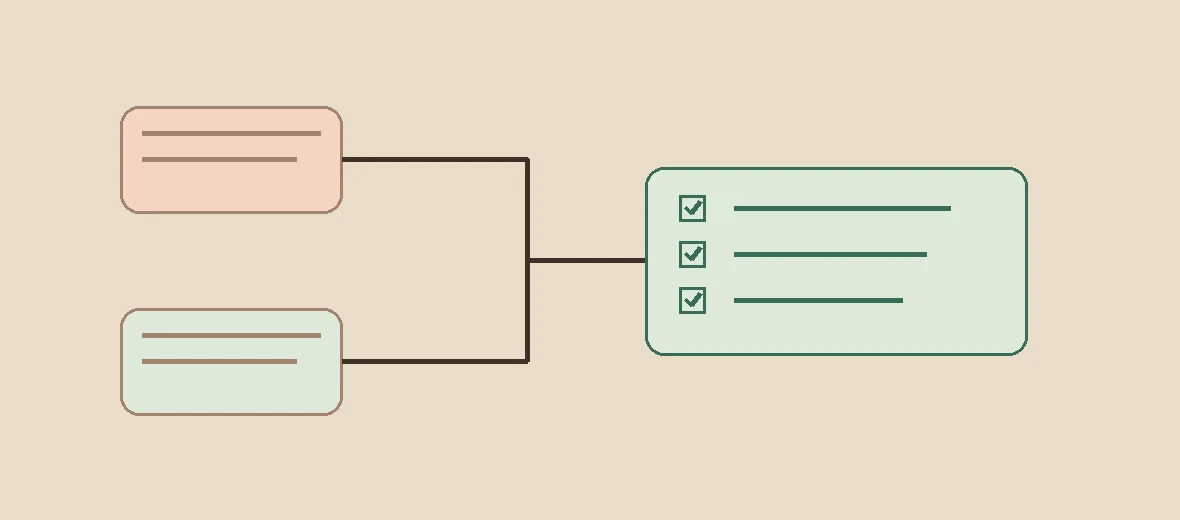
When a website form and a support tool both need to check the same required address fields, extract that check into an n8n sub-workflow. Let each parent decide whether to continue, request a correction or write an order. If there is still only one caller, keeping the check where it runs is usually easier to follow.
Agree on what the result means
Pass requestId, countryCode, city and line1. Trim the values and return requestId, status and missingFields. Field presence alone gives no assurance that a carrier can deliver there. Keep unrelated order details in the parent.
| Example input | Expected output |
|---|---|
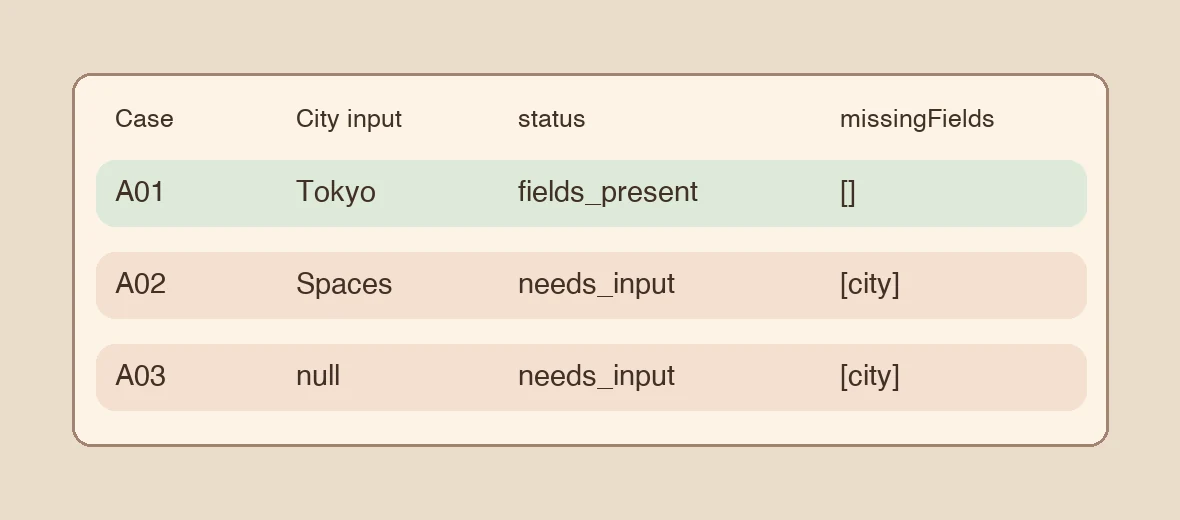
| A01, JP, Tokyo, first address line present | A01, `fields_present`, empty list |
| A02, JP, city contains spaces only, first address line present | A02, `needs_input`, list containing `city |
Define those inputs in Execute Sub-workflow Trigger. In the parent, choose the saved workflow in Execute Sub-workflow and map the four values. Turn on Wait for Sub-Workflow Completion when the parent needs the result. n8n returns data from the child's last node. Run both examples and confirm that each branch returns the same field names.
Separate a missing field from an execution error
An empty city can prompt a correction in the form or create a follow-up for support. A node failure or missing permission needs an execution error the team can investigate. Keep those outcomes distinct. If a third caller needs deliverability, add a separate check with an appropriate address source.
Include a null field in the rehearsal as well as a field containing only spaces. The parent can pass null for an unmapped input. In both cases the child should return the missing field with the same result keys. An absent requestId is an input error because the parent cannot match the result to its original request.