
Workflow automation · 2 min read
Build one n8n error workflow your team can act on
Send a concise alert even when an execution link is missing, and let responders decide whether a retry is safe.
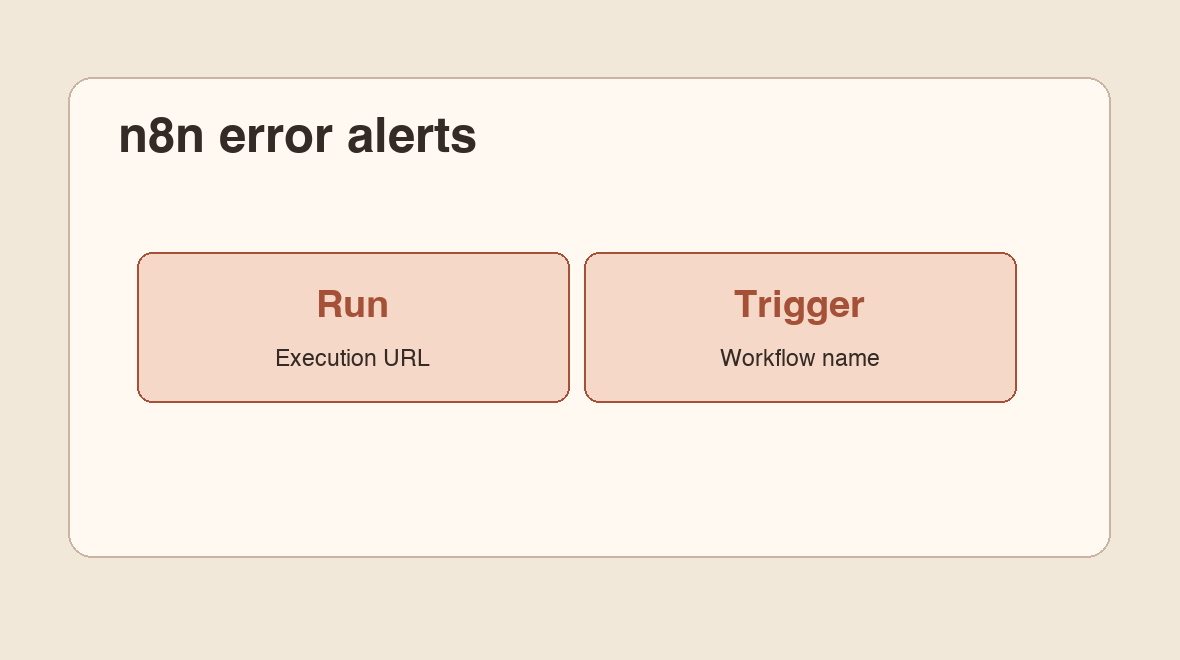
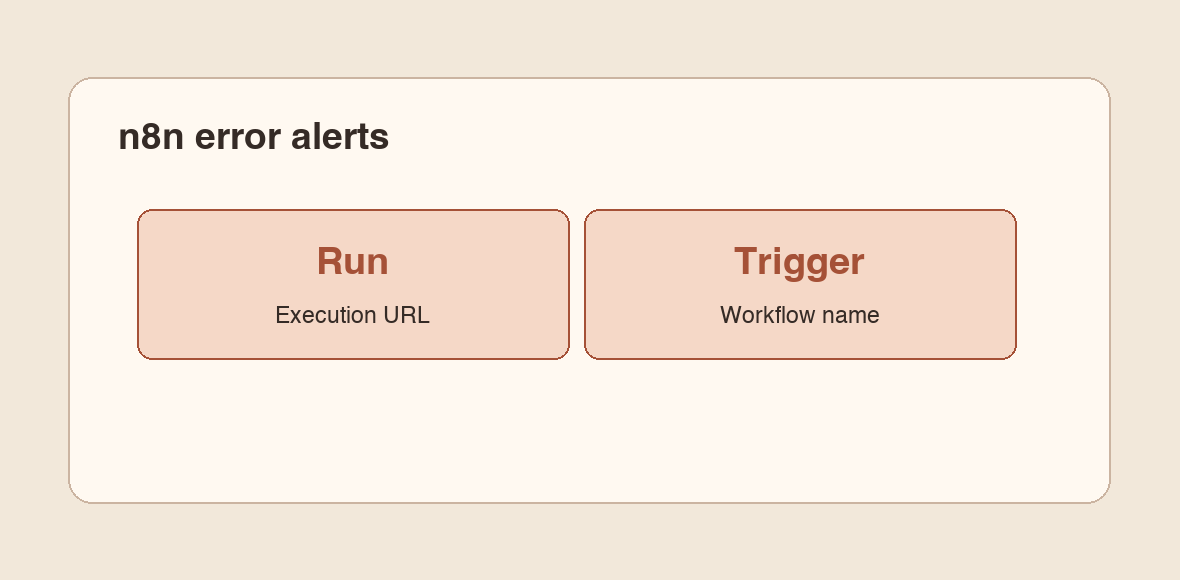
Start the shared workflow with Error Trigger. Then select it as Error Workflow in the settings of each production workflow you want it to cover. n8n’s official payload examples distinguish a run that started and stopped from an error in the main workflow’s trigger. Include the workflow name and a short summary in both messages. Add an execution link only when the payload contains one.
Include the context that changes what to do
For example, if a scheduled invoice reminder fails after starting, the alert can point the operator to the saved execution. If it never starts and the trigger reports an error, give the operator the workflow name and ask them to check the trigger configuration first. Keep customer records and credentials out of the notification. Recipients should use the authorized workspace to see any deeper context.
Decide when to retry
Give replies a clear owner and an explicit next step. A stalled report may be safe to rerun once its source recovers. An interrupted email or payment workflow needs a check for any action already completed before a retry. Configure alerts to support that decision, leaving the fix or retry to the person responsible.