
E-commerce · 3 min read
MerchantReturnPolicy: mark up a store-wide rule and a product exception
Show Google your standard policy under Organization and attach an exception to the product’s Offer.
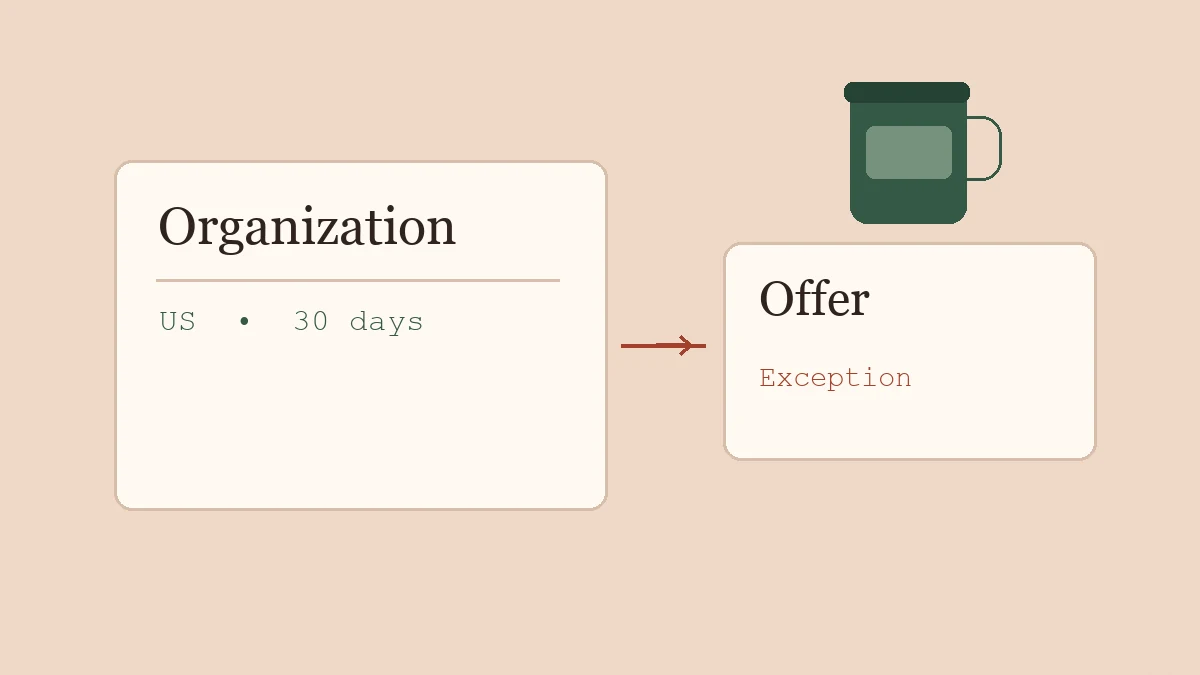
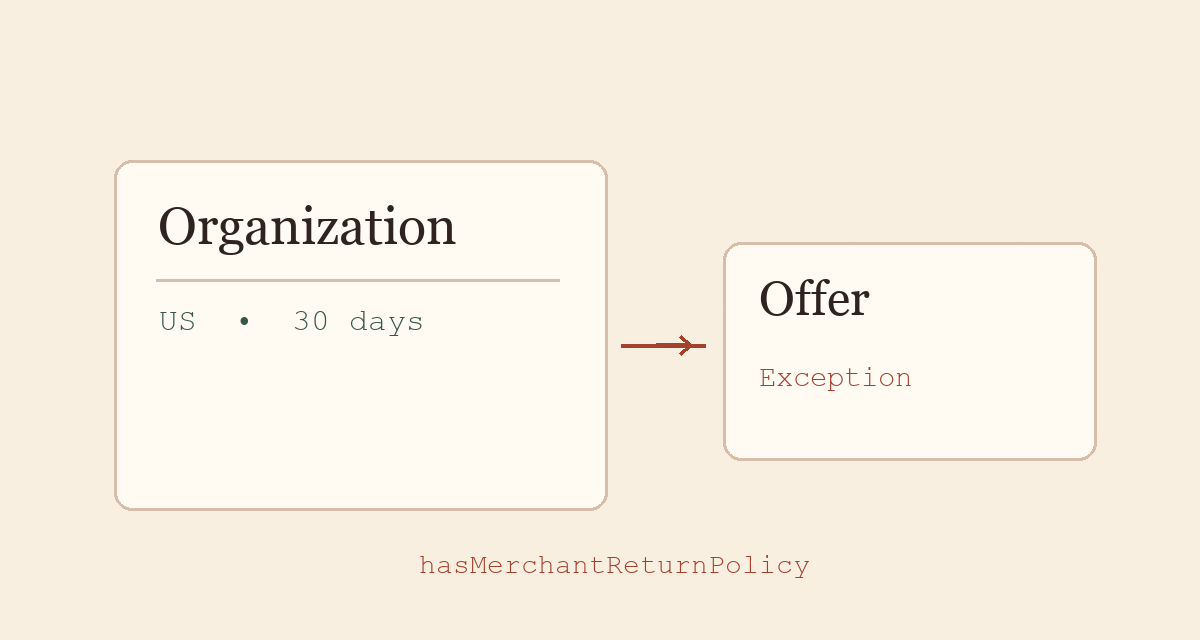
Put the store-wide MerchantReturnPolicy under Organization using hasMerchantReturnPolicy. Use an Offer-level policy for a specific product exception. Keep both aligned with the rules a buyer actually sees for their country.
Start with the default that already exists in your store
Consider a homewares shop that accepts ordinary returns for 30 days in the US. Most products use that rule. A mug printed with the buyer’s own name has a different policy, and its product page explains the difference. The store’s structured data should match those two written policies.
In the Organization record, use hasMerchantReturnPolicy for the default. Google’s documentation describes properties such as applicableCountry and returnPolicyCategory. A finite return window also needs the applicable number of days. Choose the supported values that describe the existing policy.
Attach the exception to the offer that has it
Keep the organization policy as the default. For the customized mug, set hasMerchantReturnPolicy on its Offer. If a page shows offers with different conditions, connect the exception to the offer it describes. Google’s product-level documentation has a smaller set of supported properties; use that list for the override.
| Buyer sees | Attach the policy to |
|---|---|
| Standard 30-day US window | Organization |
| Different terms for the customized mug | Offer for the customized mug |
Review the exception like a buyer
Open a normal product and the customized item in the target market. Read their visible return terms, then inspect the structured data for each. Check the country, window, fees and method that the relevant markup supports. Review the output with Google’s tools before deploying across the catalog. Valid markup helps Google interpret the policy; display remains subject to Google’s eligibility and selection.