
E-commerce · 3 min read
How to show a Black Friday promo code on Google Shopping
Set an order minimum, select eligible products, and show shoppers the same offer at checkout.
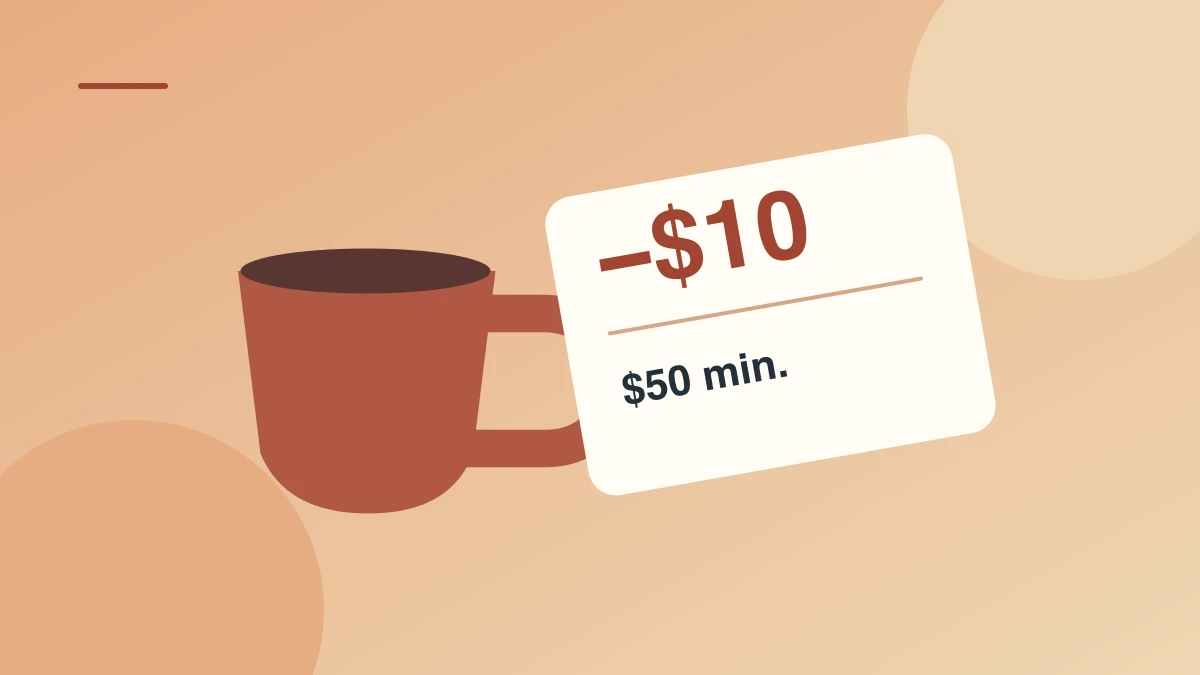
Use Merchant Center Promotions when shoppers redeem a code at checkout. Describe the saving and the minimum spend in the offer. Apply the promotion only to eligible products, and confirm that the cart honors the terms Google reviews.
Start with a sentence you could put on the product page
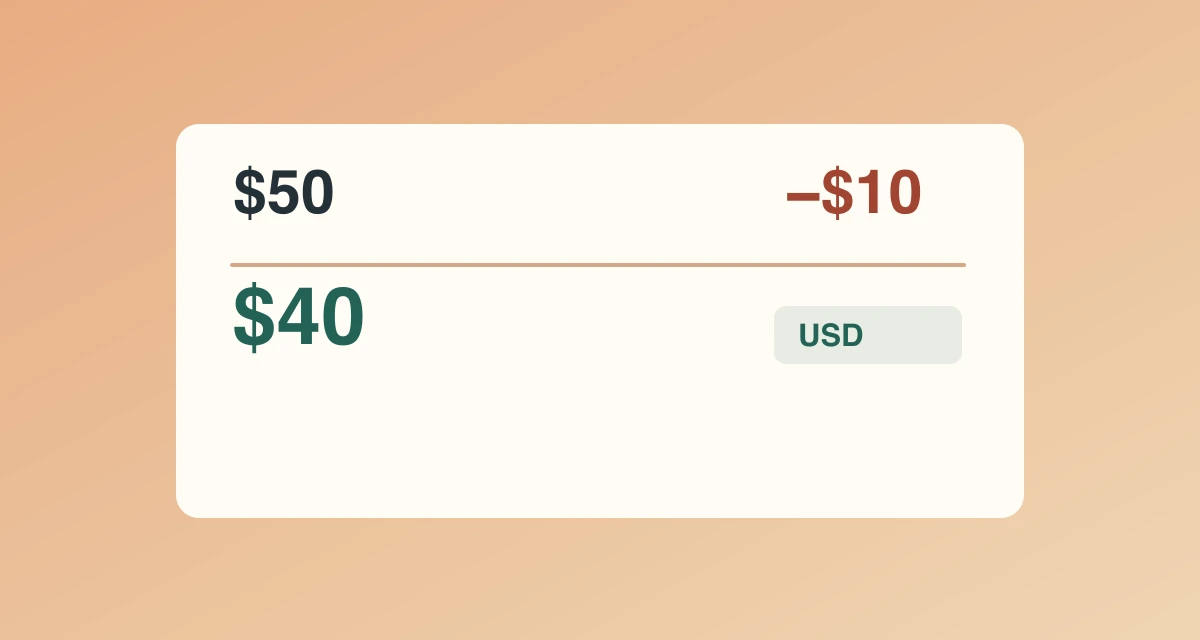
Imagine you sell travel mugs in the US and want to take $10 off eligible mugs when the order reaches $50. Write that sentence before you touch the feed. If only two colors qualify, name the collection or select the eligible items. A shopper who lands on a third color should not see a promise their cart cannot honor.
On your site, make it clear which cart amounts count toward the minimum. For your own review, use a cart just under the threshold and one that meets it. Check the discount line as well as the order total, especially when the cart includes ineligible items.
Set up the offer for the market that can redeem it
Open the Promotions add-on on an eligible Merchant Center account. Create the offer for the same country and language as the product, enter the store’s code exactly, and set the applicable dates. If you connect selected items in your product data, the promotion ID on those items must match the ID you created. A store-wide promotion is a different scope.
Read the review status before you send the campaign
The person writing your newsletter and the person managing Merchant Center should work from the same offer. Put the offer window, eligible items, and exact code in the campaign brief. If the storefront includes several markets, open the item from the Merchant Center destination in the market you chose.
Google recommends submitting a promotion at least 24 hours before it starts. Open the review status if the offer is returned. If the code works on one domain or currency but not the one Google reviews, fix the cart path before asking for a new review.