
E-commerce · 3 min read
How to set a preorder availability date in Google Merchant Center
Set availability and availability_date for one preorder SKU, then match the expected dispatch date on the product page.
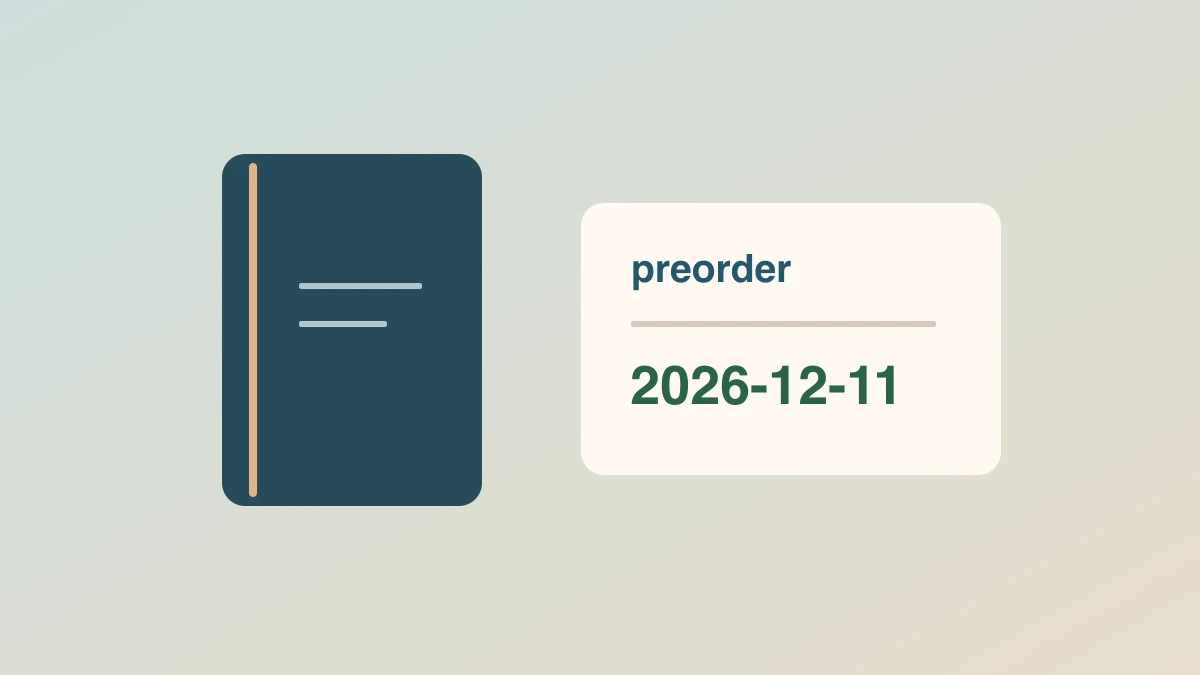
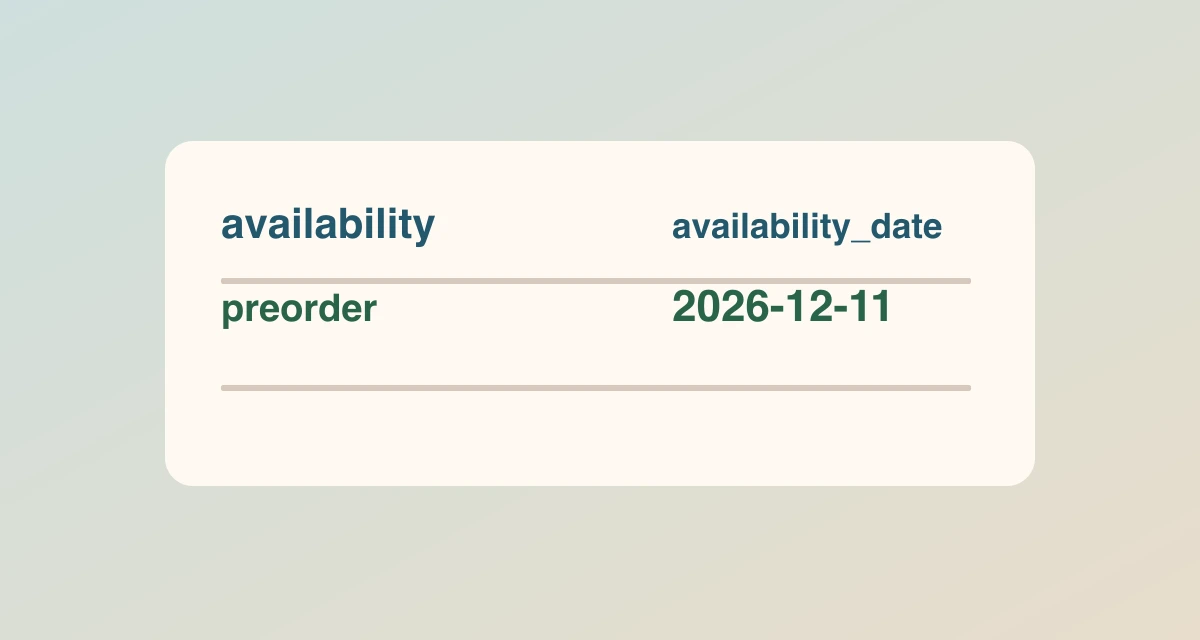
When your shop accepts orders for an unreleased item, submit preorder in Merchant Center and use availability_date for the date it can ship. If you’re taking orders for an existing item whose stock ran out, submit backorder with an availability date. Put the expected date where a shopper can see it on the product page.
Give the date to the version that needs it
Imagine a new navy desk planner available to order now, with dispatch expected December 11. A different planner on the same page is ready to ship. Find the navy planner in the feed by its existing SKU or item ID. Set that row to preorder, supply the expected dispatch date and take shoppers to the correct variant. Next to its purchase button, “Preorder now. Expected to ship December 11” explains what the buyer is agreeing to.
Google accepts an ISO 8601 value in the feed. For example, 2026-12-11T09:00-0500 represents December 11 at 9 a.m. UTC−05:00. The product page can show a date in words. If the schedule only supports an estimated month, Google allows an estimate on the page and recommends supplying one estimated date in the feed. Update that field as soon as the expected date is confirmed.
Leave room for the trip from warehouse to buyer
If the planner can ship December 11, an arrival date still depends on the delivery address and service. Tell shoppers when the item leaves your warehouse and give a separate delivery estimate where you have one. This matters most when the store’s regular holiday banner promises an earlier arrival. You can leave that offer on in-stock items and give the preorder its own date.
When the supplier moves the date, update the feed and storefront from the same revised schedule. Open the link Merchant Center receives and check the landing variant, stated availability and date together.