
E-commerce · 3 min read
Google Shopping Black Friday sale prices: from the feed to checkout
Use sale_price and sale_price_effective_date to schedule a promotion for the right variant and market.
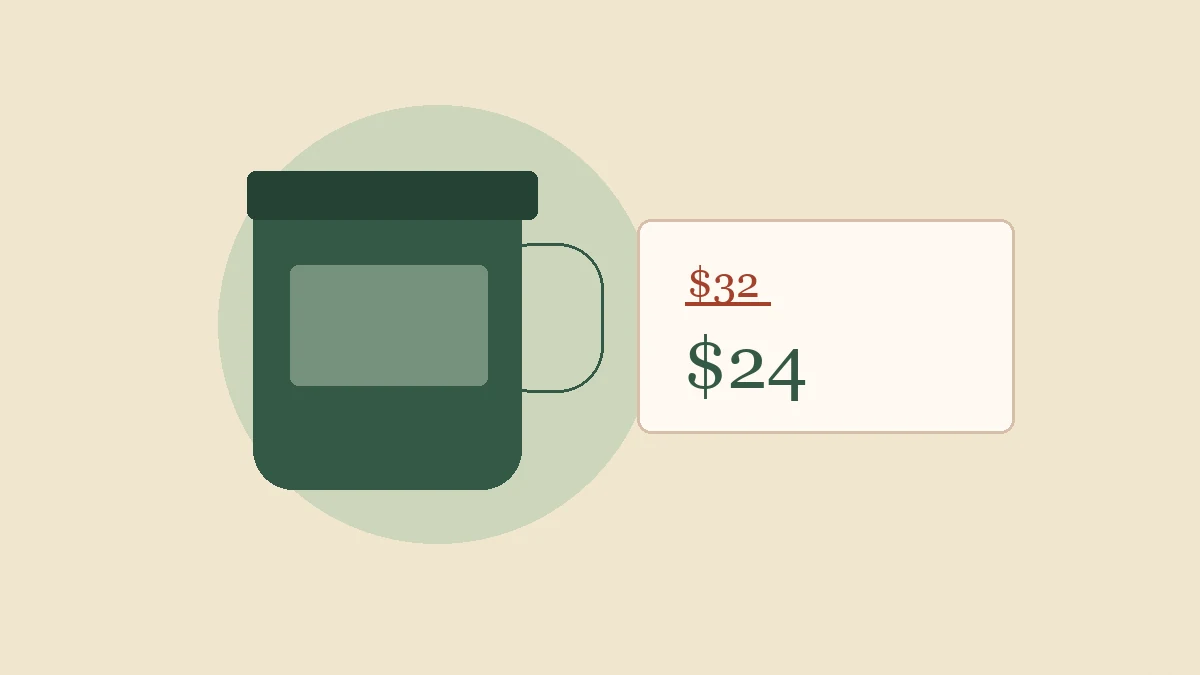
Keep the regular price in price, send the discounted amount in sale_price, and pass the start and end in sale_price_effective_date. The product page and checkout should offer that active price for the same variant and market. Start with one item before updating the whole catalog.
Write the feed for one real variant
In this example, the green travel mug is normally $32 and costs $24 during the promotion. Keep 32 USD in price and send 24 USD in sale_price for the green mug’s existing item ID. Leave variants that are outside the offer on their own prices. A feed row refers to a product variant, so open the destination for that row, not just the parent listing.
Set a start and end that match the store
Google accepts a date-time interval separated by a slash. The example 2026-11-27T00:00-0500/2026-11-30T23:59-0500 represents a window in US Eastern Standard Time. When you omit the interval, Google can apply the sale price as soon as the submitted data takes effect. For another market, convert the times to match that store’s checkout settings.
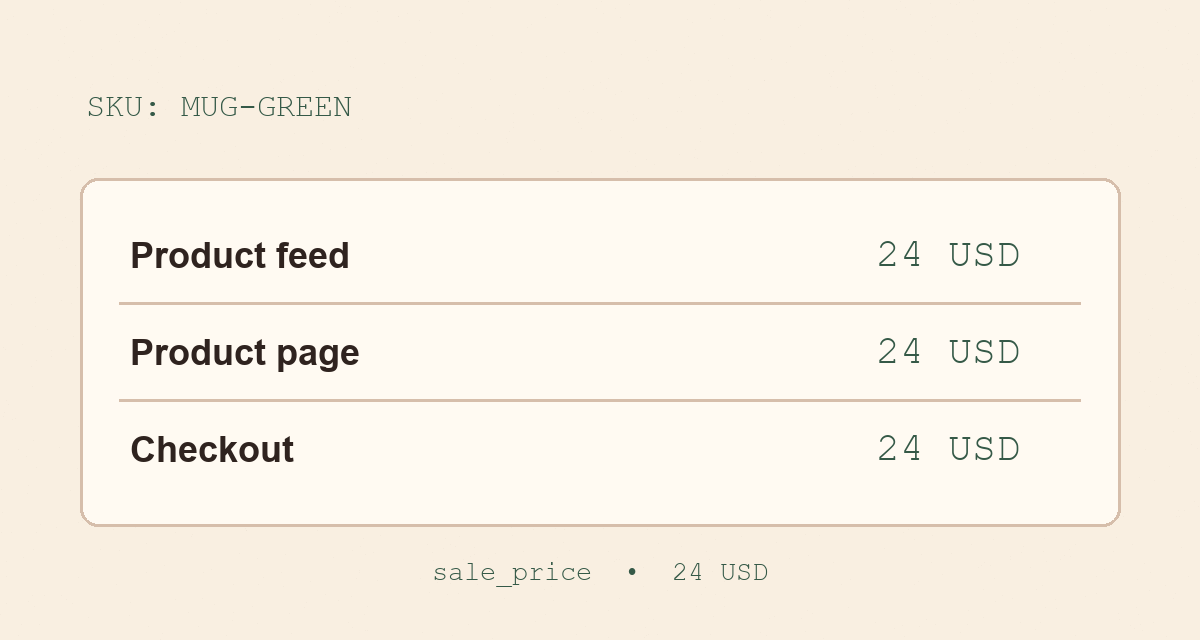
Follow the link the buyer will actually open
Open the green mug from its submitted destination. Check that the selected variant and currency are right, then add it to the cart and confirm the item price before submitting a payment. If the storefront has a market selector, repeat that path in the intended market. After the window closes, confirm that the page and purchase flow return to the regular price.
Splitting this review by item and market makes the fix much easier to assign. A wrong variant suggests a destination problem. A correct product page with a different cart price sends the store owner back to the checkout offer rules. Google sets separate requirements for showing a sale annotation, so judge this setup by price consistency first.