
E-commerce · 3 min read
Google Merchant Center delivery estimates for holiday orders
Set the cutoff, handling days and carrier days before promising a holiday arrival.
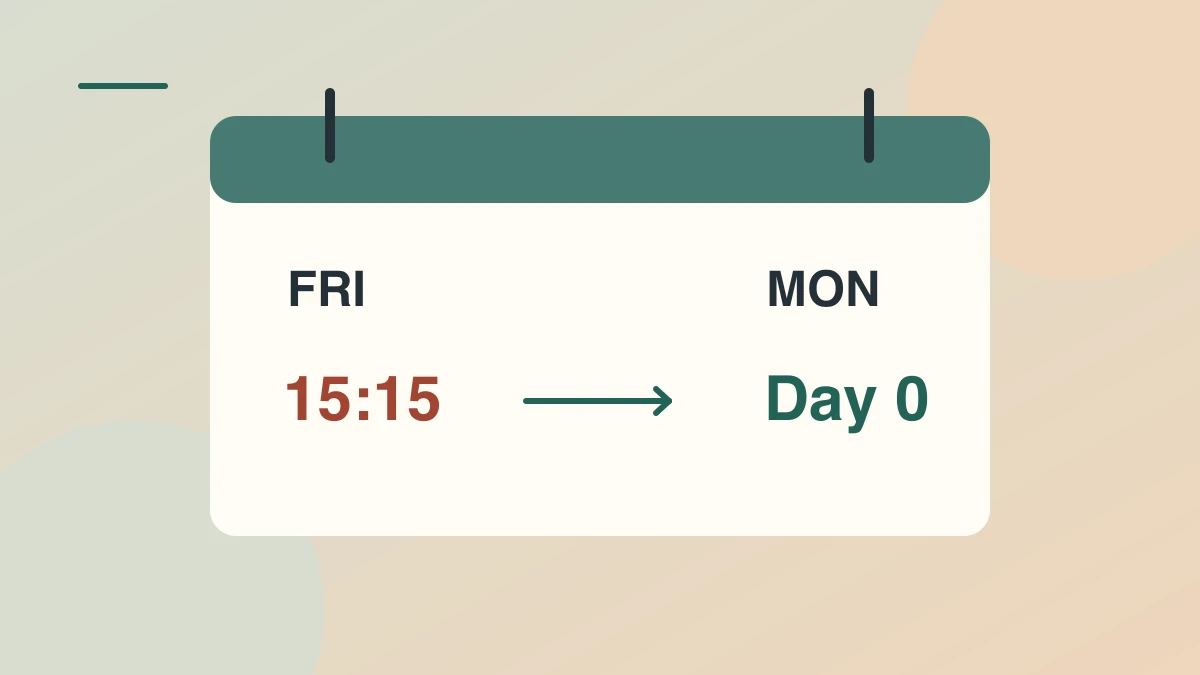
A Merchant Center delivery estimate starts with the order cutoff in the selected time zone. After the cutoff, processing starts on the next business day. The estimate also depends on your handling time, transit time and the working days configured for each.
The Friday afternoon order is the one to plan for
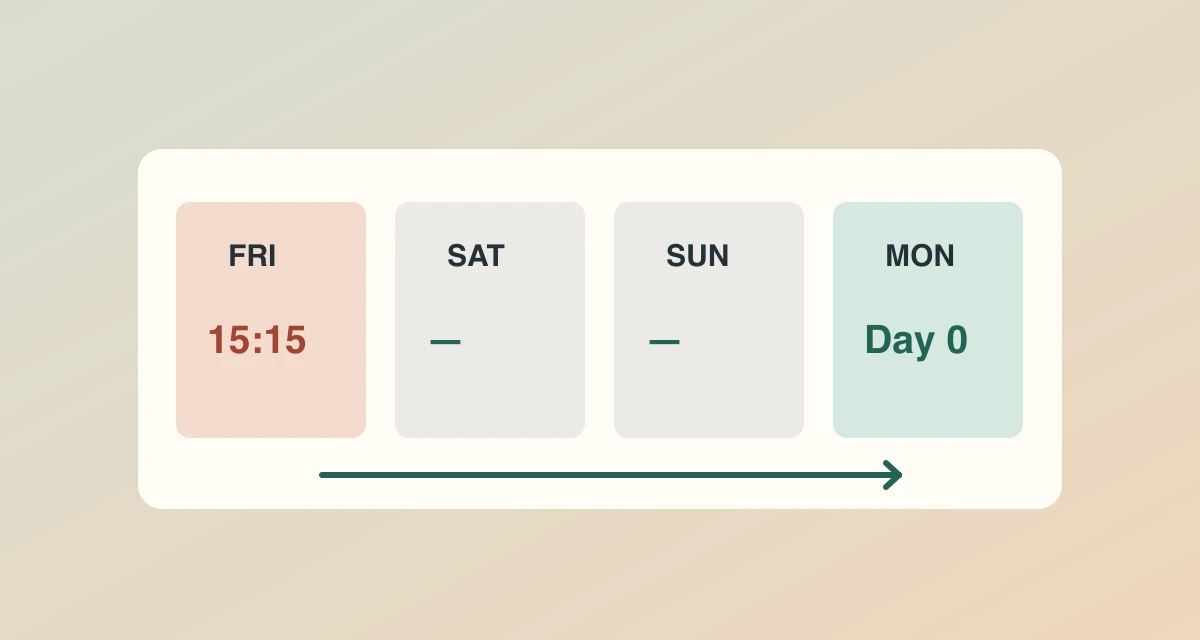
Picture a small shop that processes orders Monday through Friday and stops same-day processing at 3 p.m. Eastern. A Friday order at 3:15 p.m. starts on the next handling day. In this illustration that is Monday, assuming no applicable holiday. A carrier that delivers on Saturday does not turn Saturday into a warehouse workday.
Google’s documentation calls the start of handling day zero. For before-cutoff orders, day zero is the order day. After the cutoff it moves to the next business day. That is why a product can show a later estimate even if the quoted carrier speed has stayed the same.
Use the schedule that applies to the item
Enter the warehouse cutoff and its time zone, then set the handling and transit ranges and their workdays. If a made-to-order mug takes longer to prepare than a stocked mug, give the made-to-order item the documented item-level handling range instead of making every product inherit the same speed.
Before sending a holiday delivery email, choose one postal code and one item. Walk the calendar for orders on both sides of the cutoff. Use the latest expected date for your customer-facing wording and state the market. A carrier’s express label alone does not describe when your shop can hand over the package.
Why the storefront can show a different date
Google’s example shows a delivery range in Merchant Center, then shows the shopper the later estimate. Use the slower end of your handling and transit ranges when you write seasonal copy. If the storefront calculates shipping by postcode, compare the same product, address, service and placement time before changing either system.