Basic
One chat widget; starts at one team member.
- Monthly billing
- From USD 15per member / month
- Monthly equivalent, billed yearly
- USD 12per member / month
 ProductTally

Live chat and shared support inbox
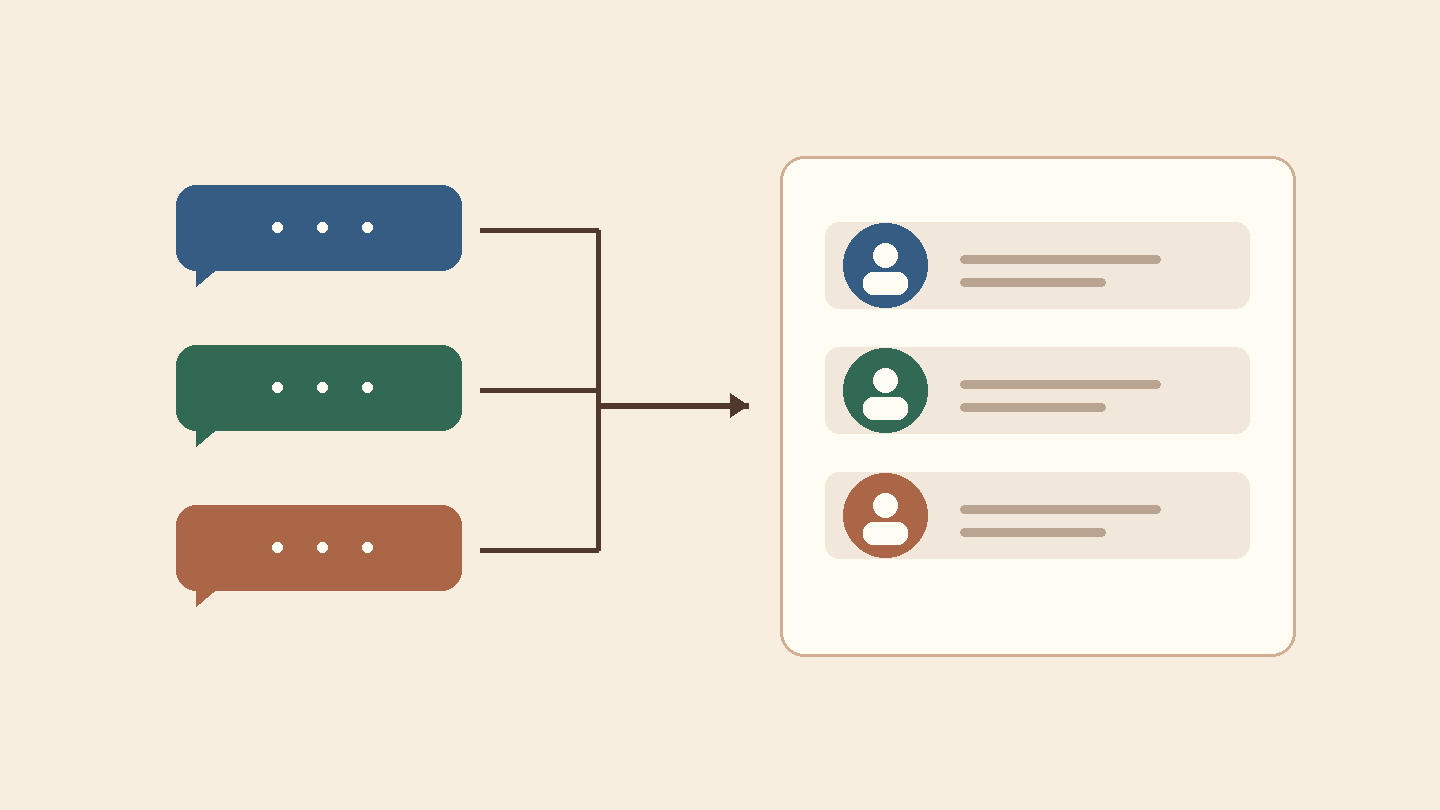
Put website chats and supported messaging channels into one team inbox. Give each conversation an owner so customers get a clear reply when shifts change.
ProductTally may earn a commission if you buy through these links.
ProductTally may earn a commission if you buy through these links.
For a small support team sharing website chat and another messaging channel. Start with one widget and two responders, then check how they hand off a ticket.
Basic and Pro charge per team member. Email volume and AI usage can affect the total.
One chat widget; starts at one team member.
Adds WhatsApp, chatbot flows, and AI Agents; starts at one team member.
Unlimited team members and 50,000 emails per month.
USD base prices. Annual rates are monthly equivalents paid yearly. Basic and Pro totals depend on team size and email volume. AI overages cost extra. · Nov 17, 2026
ProductTally may earn a commission if you buy through these links.
HelpCrunch · View official plans and pricingProductTally may earn a commission if you buy through these links.
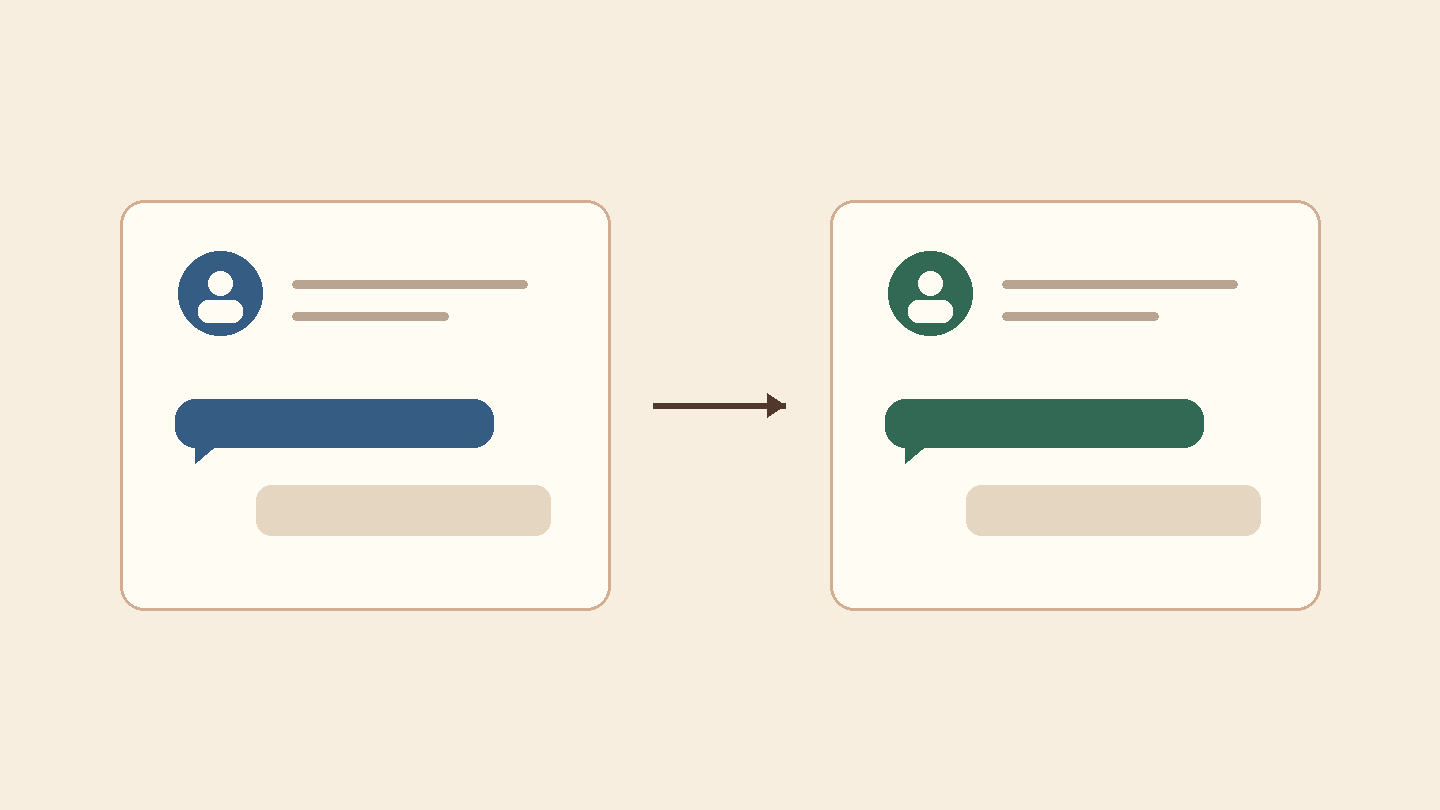
Have the teammate reply as the new owner, then check that the customer sees only the public reply.
ProductTally may earn a commission if you buy through these links.
HelpCrunch shared inbox and assignmentsProductTally may earn a commission if you buy through these links.
ProductTally may earn a commission if you buy through these links.
HelpCrunch lets teammates assign customer conversations and leave private notes in a shared inbox.
HelpCrunch shared inbox and assignmentsHave the teammate reply as the new owner, then check that the customer sees only the public reply.
HelpCrunch shared inbox and assignmentsBasic and Pro charge per team member. Email volume and AI usage can affect the total.
View official plans and pricingRead about HelpCrunch in the ProductTally blog.
Customer support · 3 min read
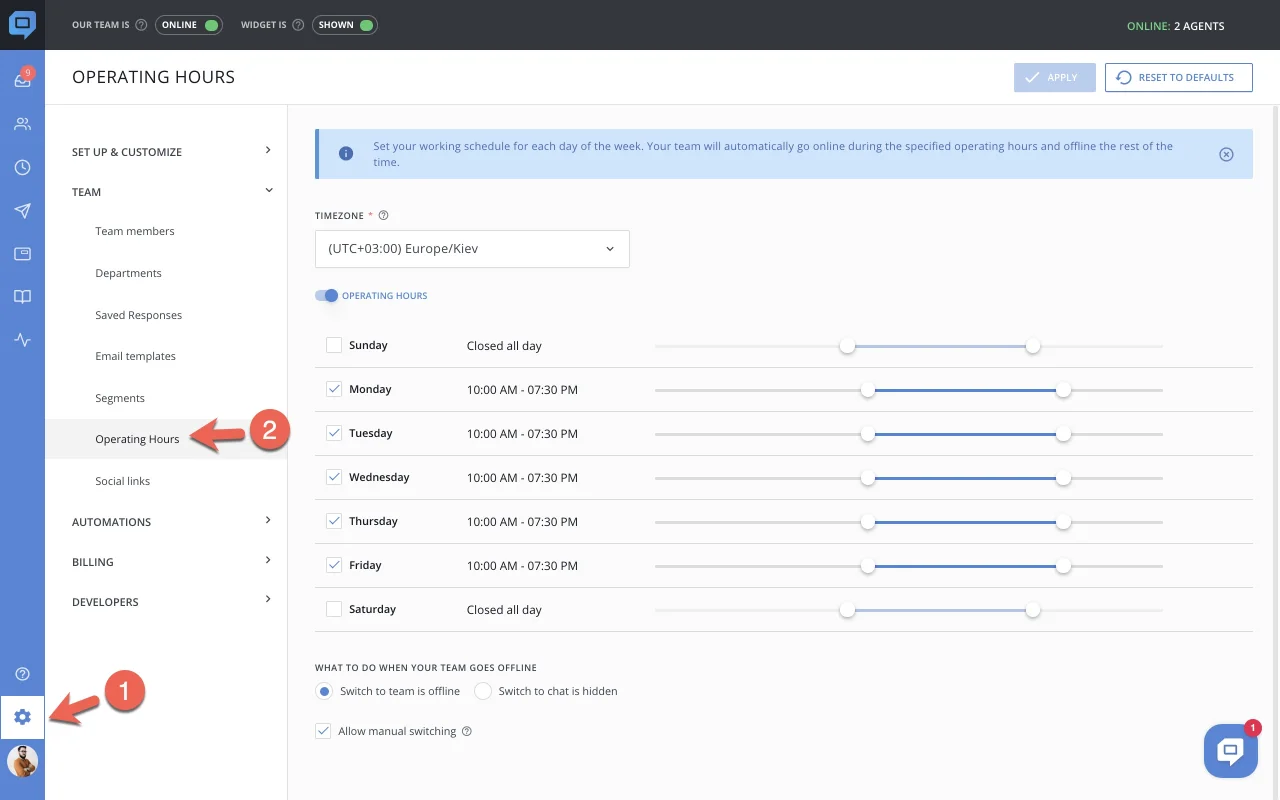
Set HelpCrunch operating hours and write an offline message your team can follow through on. Start with one page and one visitor question.

Web & forms · 3 min read

Web & forms · 4 min read
Switch the existing conversation to email and check that the customer reply returns to the same ticket.
Web & forms · 4 min read
Decide whether to fix a pricing page, write a knowledge base article or keep an issue with human support.