
Web & forms · 4 min read
The visitor left the chat. How do you follow up on the same HelpCrunch ticket?
Switch the existing conversation to email and check that the customer reply returns to the same ticket.
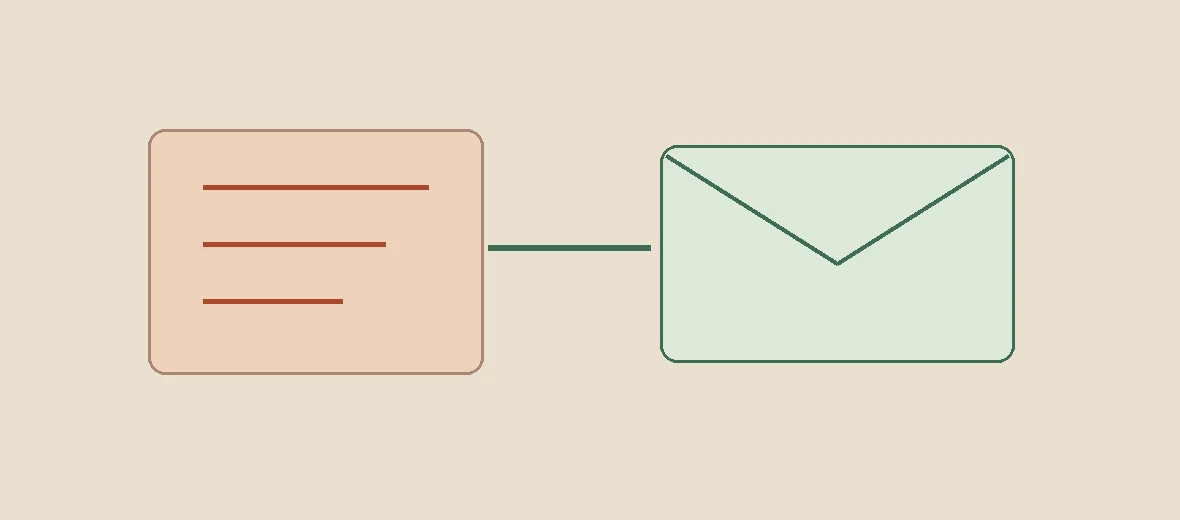
If a visitor goes offline before you can finish, use the Email channel in the existing HelpCrunch conversation after confirming the recipient. HelpCrunch documents that a reply to that follow-up returns to the same conversation.
Make the email useful without the chat window
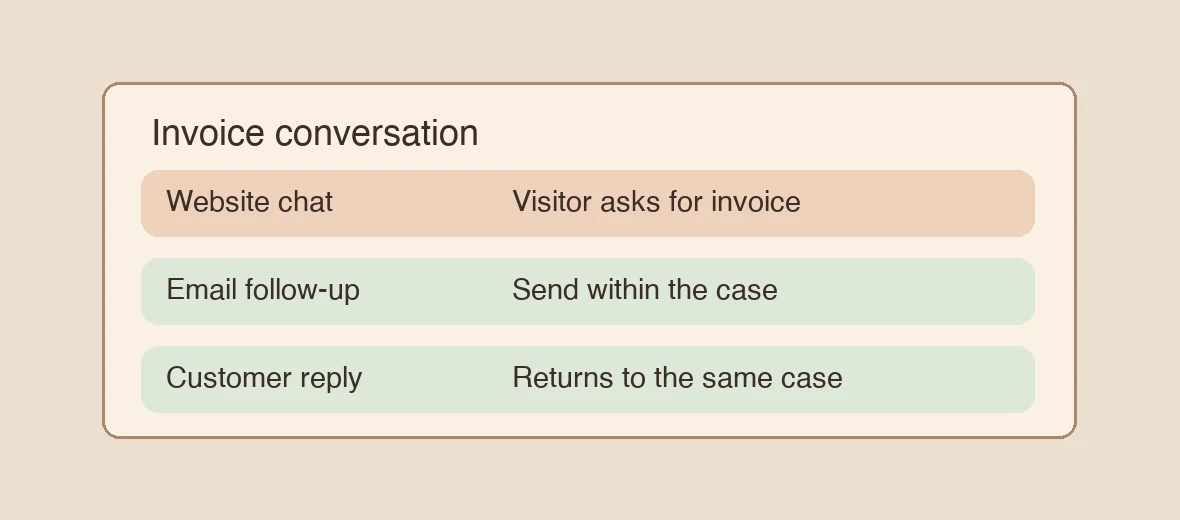
Suppose someone asked for a company invoice and closed the page. Confirm that the address belongs to the customer and that they can receive the document. Reply from the existing conversation with the next step and enough context to recognize the case. Use a safe reference to the invoice and leave account details out of a test message.
Check which conversation receives the reply
In a controlled test, open two widget sessions and send different questions. Let one visitor go offline. Send a follow-up to your own test mailbox from that conversation, reply from the mailbox, and check that the response appears on the matching case. An independently composed email or a different sender needs an identity and history check before you disclose or attach a record.
Visit official website
ProductTally may earn a commission if you buy through these links.
HelpCrunch · Visit official website
Related guides
Official references
ProductTally may earn a commission if you buy through these links.