Individuals
One user with unlimited booking links and calendar connections.
Free
 ProductTally

Online appointment scheduling
Cal.com is an online scheduling tool that lets you share booking links so clients can choose an available time in their own time zone.
ProductTally may earn a commission if you buy through these links.

ProductTally may earn a commission if you buy through these links.
Cal.com fits consultants and small teams booking calls across time zones. Preview the same booking link in both zones. Compare the team plans if several people need shared availability.
The free Individuals plan is for one user. Check the team plans for shared availability or routing.
One user with unlimited booking links and calendar connections.
Free
Shared availability and round-robin scheduling.
Adds subteams and organization-level controls.
Custom annual pricing.
Contact sales
Paid prices shown are per user per month with annual billing. · Nov 11, 2026
ProductTally may earn a commission if you buy through these links.
Cal.com · View official plans and pricingProductTally may earn a commission if you buy through these links.
Open the same link in two time zones and confirm a selected slot represents the same instant in both views.
ProductTally may earn a commission if you buy through these links.
Cal.com’s availability setupProductTally may earn a commission if you buy through these links.
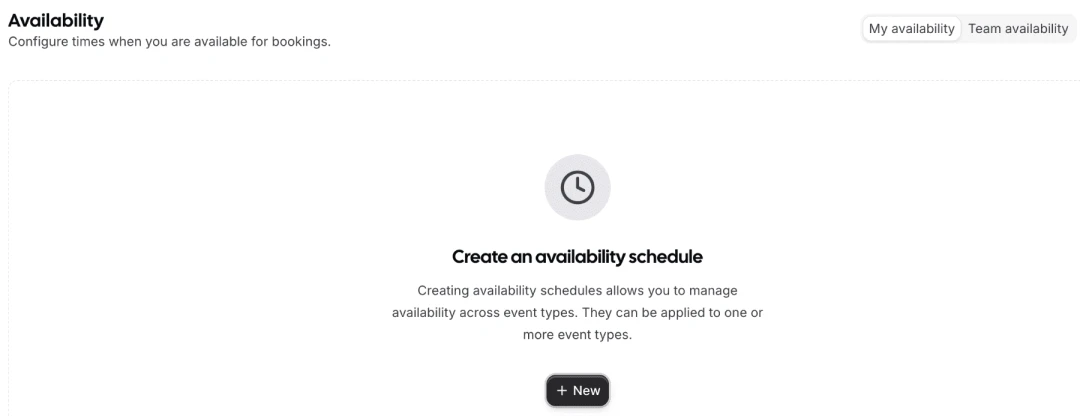
ProductTally may earn a commission if you buy through these links.
Cal.com lists unlimited booking links and calendar connections on its free, single-user Individuals plan.
Official plans and pricingOpen the same link in two time zones and confirm a selected slot represents the same instant in both views.
Cal.com’s availability setupThe free Individuals plan is for one user. Check the team plans for shared availability or routing.
View official plans and pricingRead about Cal.com in the ProductTally blog.
Productivity · 2 min read
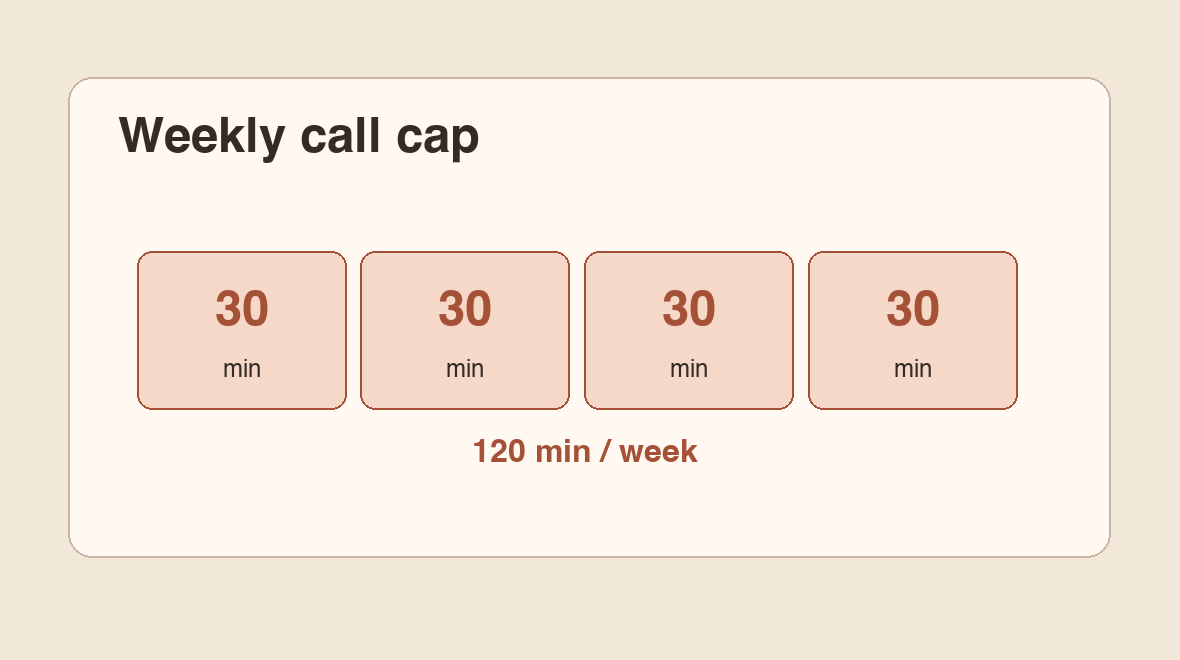
Use a cap for the whole event type while keeping visitors’ choice of available times.

Productivity · 3 min read
Set a buffer, minimum notice and a daily limit in Cal.com. See what each rule changes on a client booking page.

Productivity · 4 min read
Verify the booking status, the updated invitation in both time zones, and any old calendar copies after a change.

Productivity · 4 min read
Calculate a shared appointment window and verify both hosts get the same invitation in Cal.com.

Productivity · 4 min read
Configure conflict calendars separately from booking destinations and test both booking links.