
Productivity · 2 min read
Limit free consultations per week in Cal.com
Use a cap for the whole event type while keeping visitors’ choice of available times.
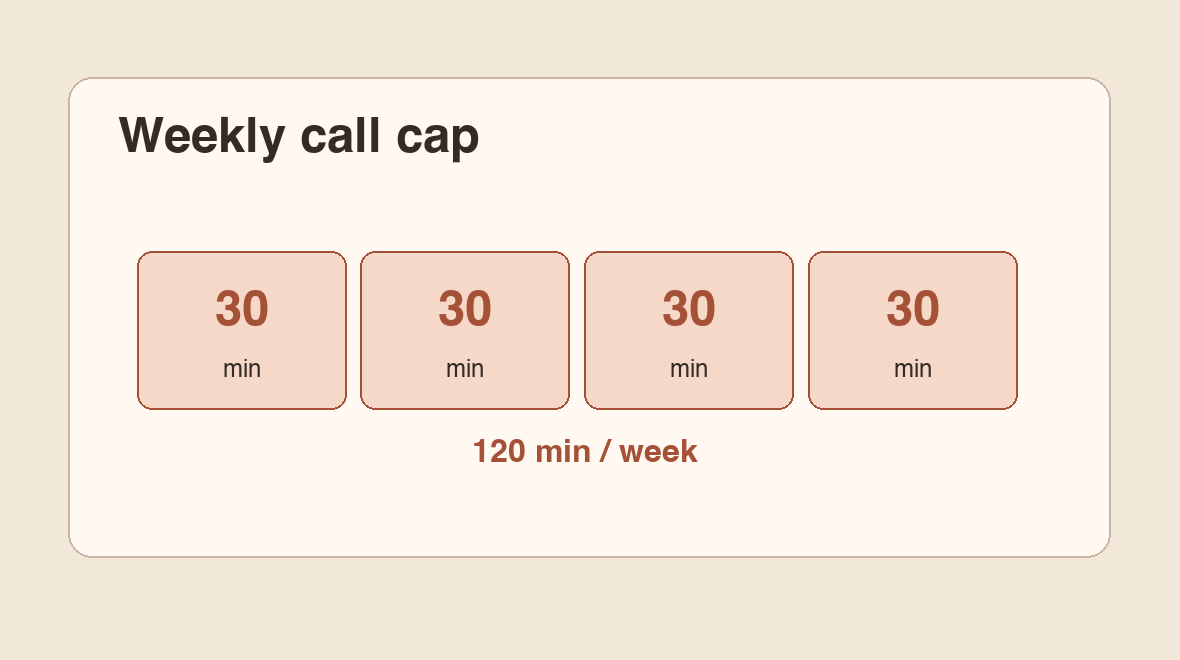
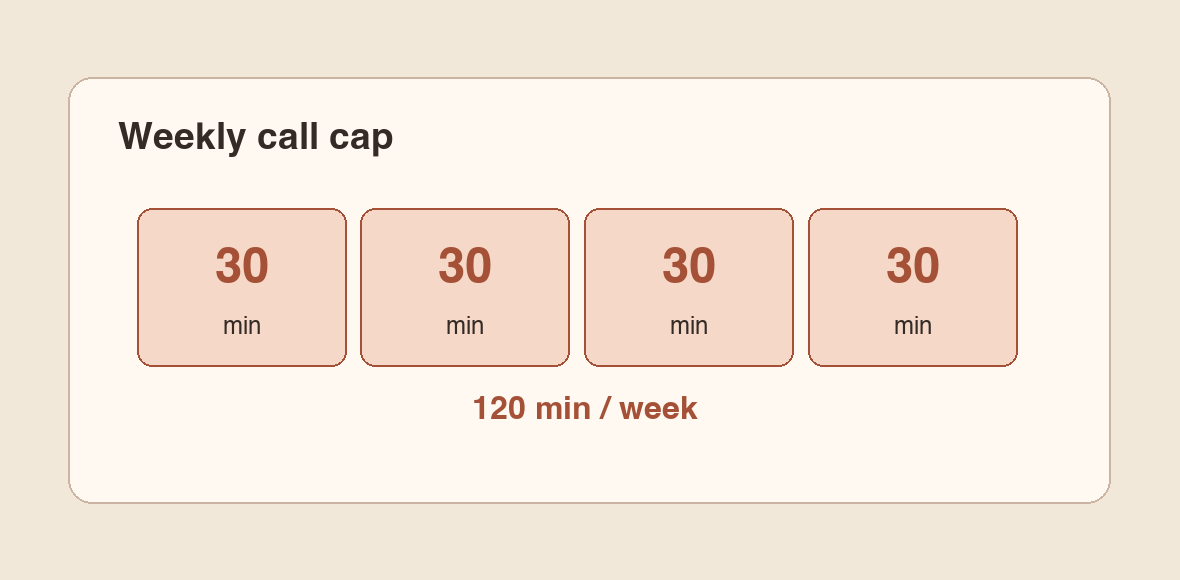
Cal.com’s official FAQ uses free consultations as an example of a frequency limit. Open the consultation event type, find Limit booking frequency under Limits, and choose how many bookings you can handle per week. For example, four half-hour calls reserve up to two hours of client time. Keep preparation and follow-up outside that two-hour estimate.
Choose a weekly count or a duration
A count cap fits meetings of a standard length. Use a duration limit when the weekly budget is expressed in minutes and the event type offers varying lengths. If an office-hour window accepts new clients on Tuesday and Thursday, keep both days available in the schedule. A weekly count cap limits the total bookings without locking every visitor to the first slot of a day.
Check other booking links
Review other links drawing from the same calendar. The cap belongs to this event type and will not set a shared budget for unrelated links. Give free and paid appointments distinct names, decide whether you need a daily limit too, and open the public booking link after saving to check what guests will see.
Visit official website
ProductTally may earn a commission if you buy through these links.
Cal.com · Visit official website
Related guides
Official references
ProductTally may earn a commission if you buy through these links.