
Video · 4 min read
Which StreamYard file should you use to edit an interview?
Choose the mixed replay, separate video, or individual WAV files for a two-person interview. Check settings before the session and verify the uploads afterward.
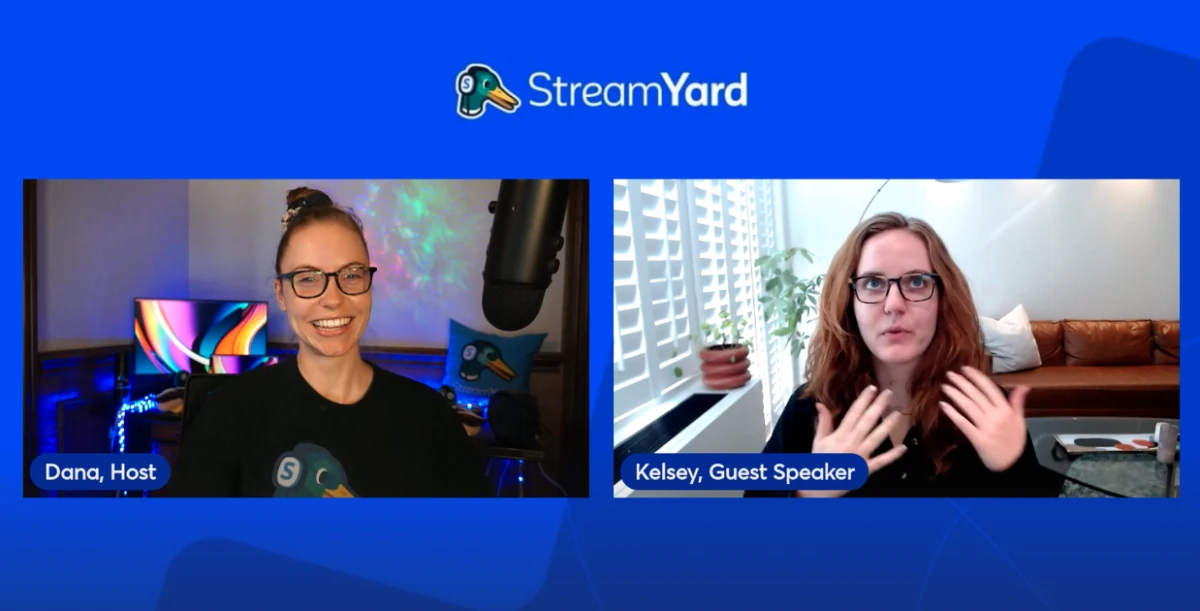
Use the mixed recording when you need a replay that preserves the host’s live layout and cuts. Enable StreamYard’s Local Recording before the session if you want individual audio and video for editing. It gives you each participant separately. If it was off when you started, you cannot recover those independent tracks from the replay afterward.
Work backward from the three files you want to deliver
Imagine an interview that needs a complete replay, a short clip of the guest, and an audio-only excerpt. Keep the mixed version for the replay. To reframe the guest’s clip, work from the guest’s separate video. For the audio excerpt, adjust the speakers independently before exporting a new mix. If the editor needs to recreate a logo or caption overlay, supply the assets separately. StreamYard says the individual recordings omit branding added in the studio. Individual audio downloads are WAV files, and each participant’s video also includes their audio.
| Deliverable | File to keep first |
|---|---|
| Full replay with live cuts | Mixed recording |
| Short clip of the guest | Guest video and the audio needed for the edit |
| Audio excerpt with balanced voices | Separate WAV files for host and guest |
In the editing timeline, watch for the same speaker’s sound in both the video and the separately imported WAV. Pick one as the main source or mute the duplicate before listening back.
Rehearse before going live and wait for the uploads afterward
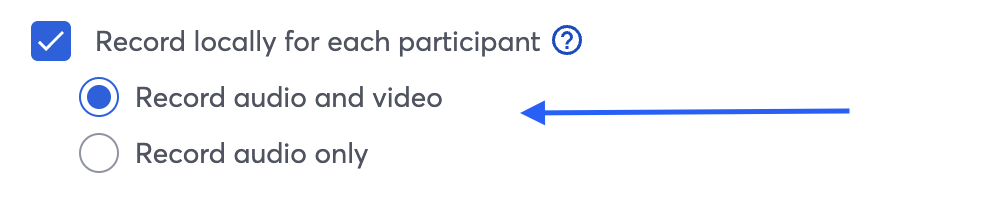
In Settings → Recording, enable Record locally for each participant before starting. Choose Record audio and video when the editor needs a separate guest video.
Check the Local Recording setting in the studio, ask each person to say a sentence, and try a screen share. After the session, give the individual recordings time to upload and ask participants to keep the recording page open. Label downloaded files by speaker and session. Open both recordings and check the beginning and end. If an upload is incomplete, keep the available files and follow StreamYard’s recovery instructions before promising the missing track.
If a guest closed the studio before uploading, StreamYard says they can return to the upload page within 30 days on the original device and browser. A closed private window cannot recover the temporary recording data.
StreamYard currently documents a two-hour monthly local-recording allowance on its Free plan for recording-only sessions. It does not include local recording during a live stream. Check the current paid plan before committing to a live edit with individual files.
Visit official website
ProductTally may earn a commission if you buy through these links.
StreamYard · Visit official website
Related guides
Official references
ProductTally may earn a commission if you buy through these links.