
Video · 4 min read
A guest drops off StreamYard. How do you keep the show going?
Cover the live gap and check local recording recovery on the original device and browser.
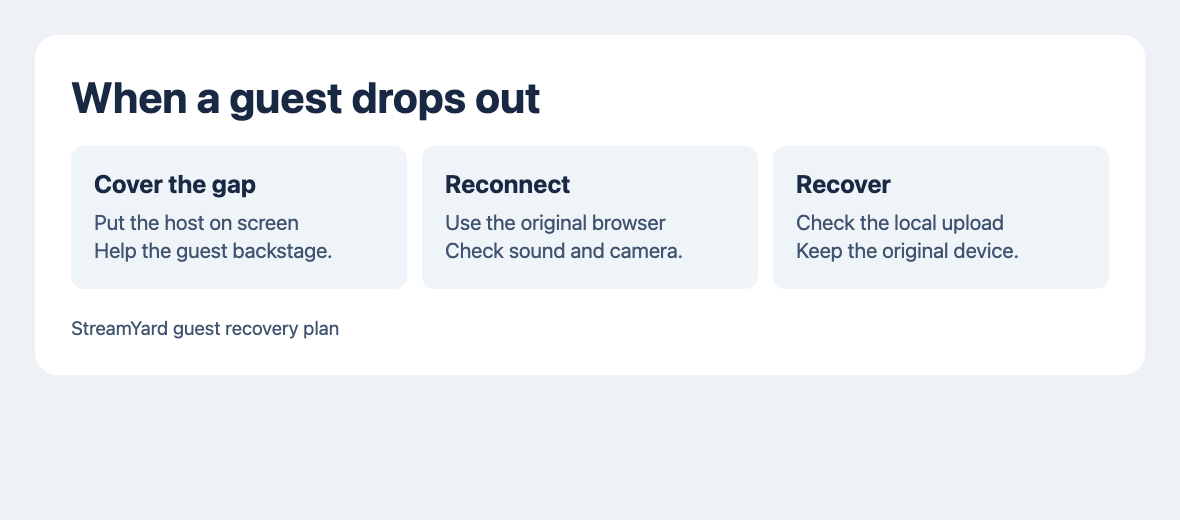
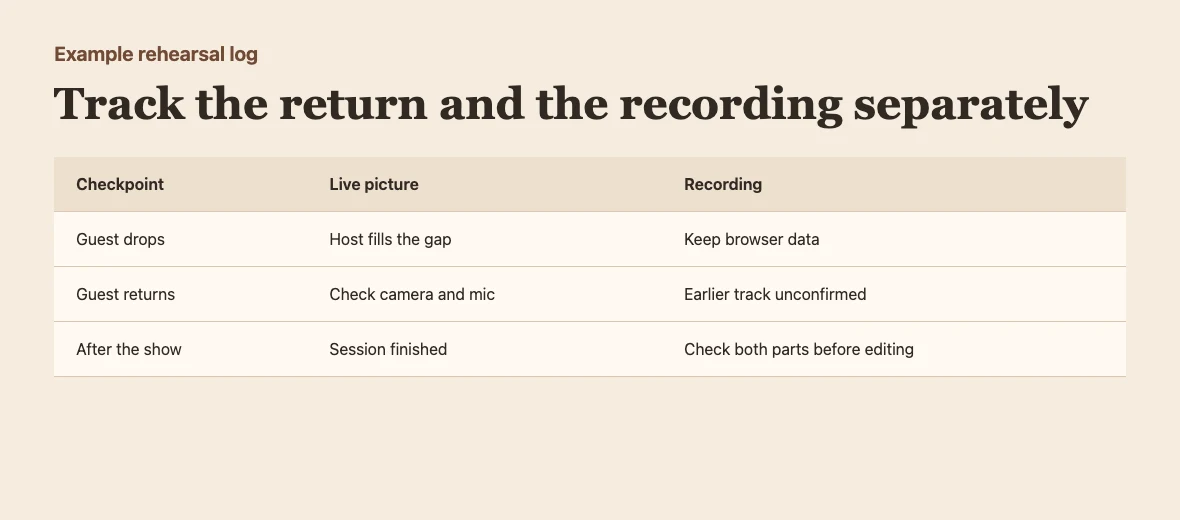
Put the host or a prepared card on screen while a teammate helps the guest reconnect. Use a test destination that supports nonpublic rehearsals. Once the guest reopens the invite and returns backstage, check audio and video before bringing them back. A successful live return does not confirm that the earlier track uploaded.
Keep hosting while the guest reconnects
On a test session, let the host cover the gap. The guest should reopen the original invite in the same device and browser if practical. Confirm the guest’s audio and video backstage before returning them to the screen.
Keep the original device and browser
If you enabled local recording, check each track after the show. Do not clear browser data during upload. StreamYard documents a recovery page that can resume an upload within 30 days on the original device and browser. If an incognito session closed before upload finished, another session cannot recover its data.
Compare the full replay, the uploaded guest track and the part after reconnection. Note the exact gap. A rehearsal without an actual disconnect checks the roles and sequence only. Decide who covers the audience, who helps the guest and who verifies the files.
Visit official website
ProductTally may earn a commission if you buy through these links.
StreamYard · Visit official website
Related guides
Official references
ProductTally may earn a commission if you buy through these links.