
Video · 4 min read
When does CapCut’s 9:16 Auto Reframe need a manual edit?
Calculate what fits in a 9:16 crop and choose tracking, a two-person layout or a fixed crop.
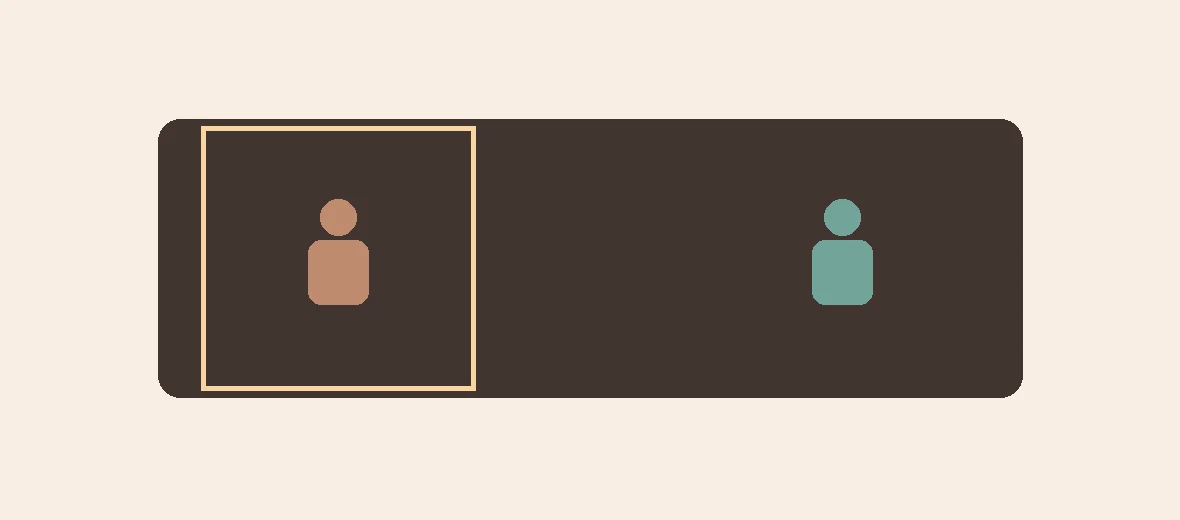
Decide what the shot needs to preserve: one speaker, two people or a detail they are pointing at. CapCut Desktop documents options such as aspect ratio and tracking speed. Use Auto Reframe as a first pass, then watch the faces, gestures and captions in the vertical result.
Find out what fits the vertical crop
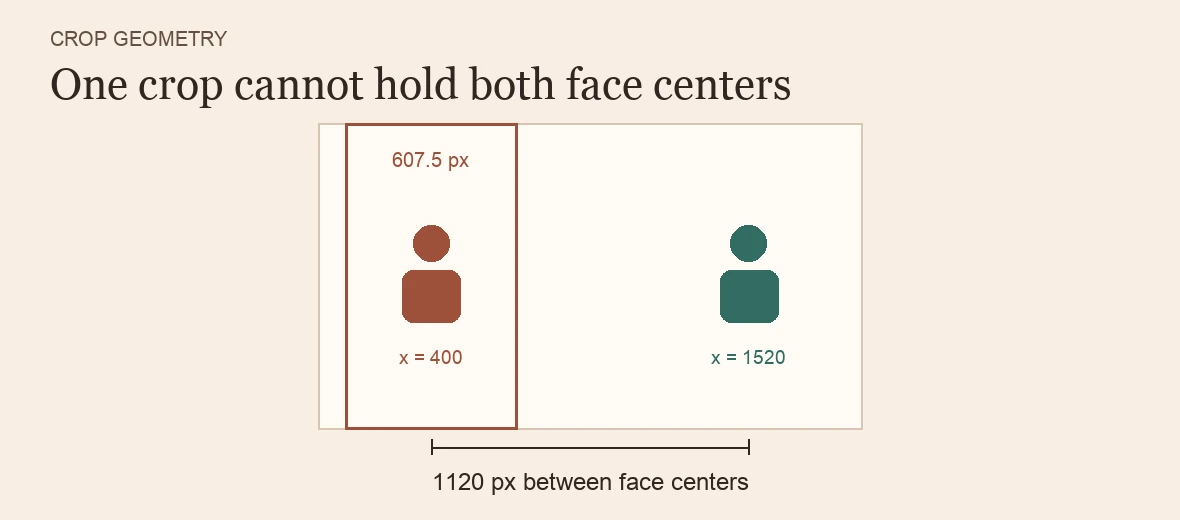
Illustrative positions in a 1920 × 1080 frame. A full-height 9:16 crop is 607.5 px wide and the two face centers are 1120 px apart.
| Shot | First option to compare |
|---|---|
| One person answers at length | Track the speaker and watch for unnecessary jumps. |
| Both react or pass an object | Try split screen or a wider view within the vertical canvas. |
| Someone points to a prop or chart | Try a fixed crop that keeps the object, gesture and caption visible. |
Review speaker changes on a phone
Check a second before and after each speaker change and preview the final dimensions on a phone. Manually reposition or layer the shots where needed. This is a geometry example; check feature availability and the rendered result in your client.
CapCut lists Auto Reframe for specific regions. Check availability in your client and plan before relying on it.