Free
Basic editing and a project timeline.
Free
 ProductTally

Online video editing and subtitles
CapCut Web is a browser video editor for trimming clips, arranging footage and editing captions on a timeline.

CapCut Web fits quick browser edits when you need to trim clips and correct subtitles. Export a short sample before editing the whole video, since caption generation and download can have different plan requirements.
Open Video Editor, create a project, then choose Upload → Upload file. Drag the clip from Media onto the timeline. Use a short clip you own with clear speech.
Basic editing and a project timeline.
Free
Paid subscription. Check your account for the local price and billing interval.
Check regional price
Check regional price · Nov 11, 2026
CapCut · View official plans and pricingUse a short test export to see whether the account downloads the captioned file or prompts for Pro.
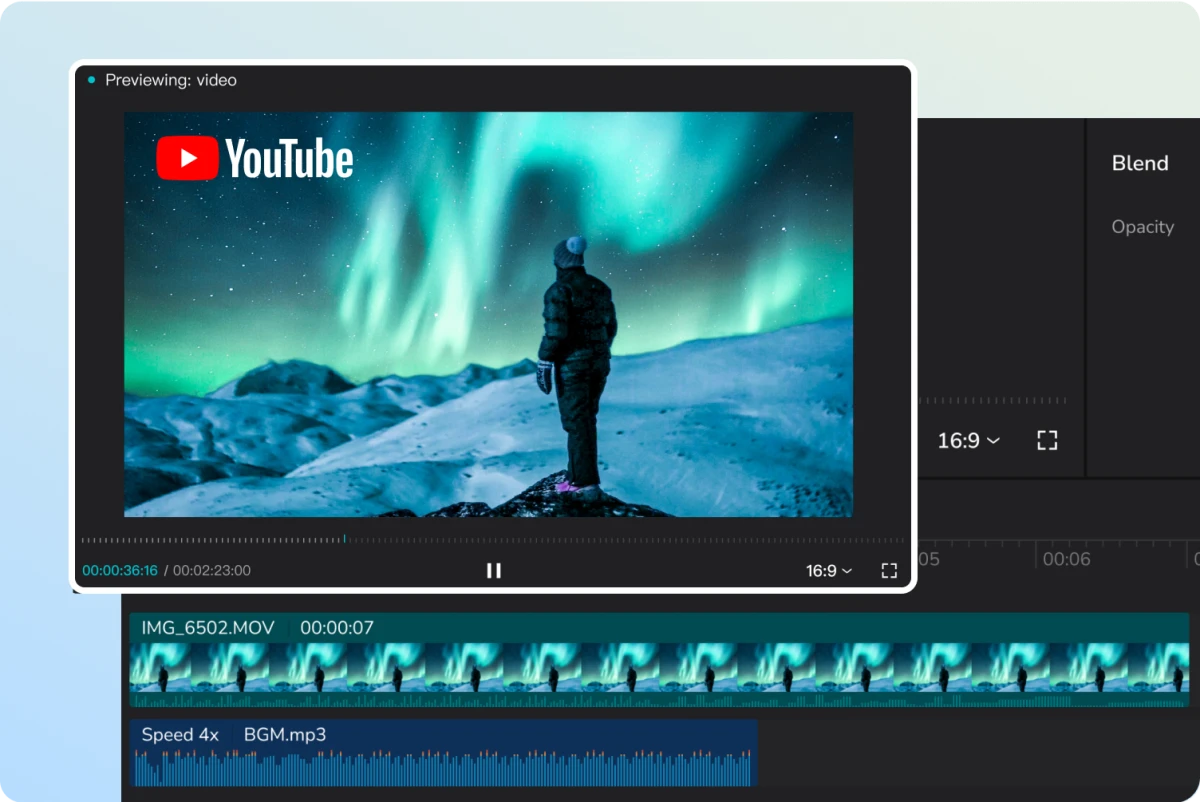
In our web test, a free account generated editable captions. Downloading the video with those captions required Pro.
CapCut · Generate and correct captionsUse a short test export to see whether the account downloads the captioned file or prompts for Pro.
CapCut · Online video editing and subtitlesOpen Video Editor, create a project, then choose Upload → Upload file. Drag the clip from Media onto the timeline. Use a short clip you own with clear speech.
CapCut · Online video editing and subtitlesRead about CapCut in the ProductTally blog.

Video · 4 min read
Calculate what fits in a 9:16 crop and choose tracking, a two-person layout or a fixed crop.

Video · 4 min read
Keep the existing timing and replace only shots that need wider source footage or new subtitles.