Free
Sign in to translate eligible Word files. Translated files are read-only.
Free
 ProductTally

Document translation
DeepL Translator translates text and files such as Word documents, PDFs and presentations so you can review a translated draft against the original.
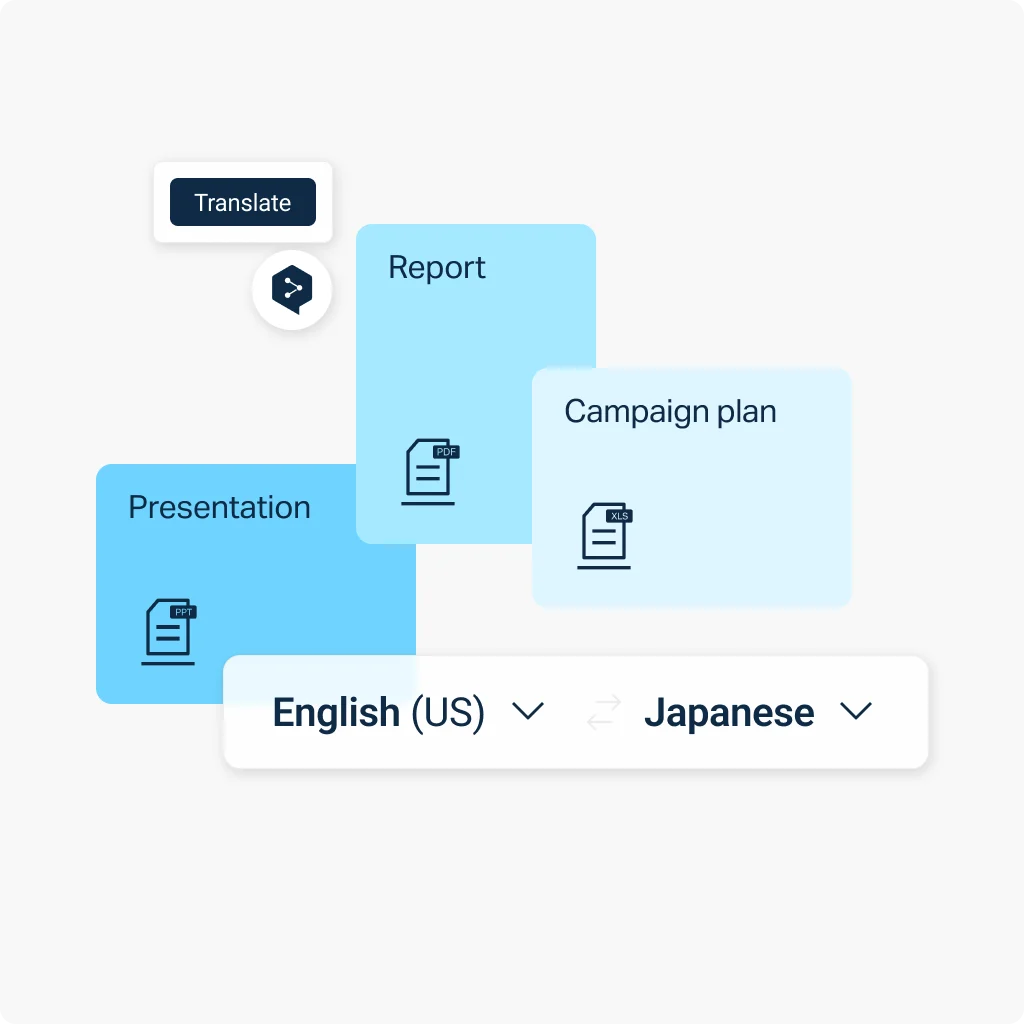
DeepL fits when a team needs a Word translation draft it can review against the source. Check terms, table structure and links. If someone needs to edit the translated file, check the plan before you start.
Check formatting and terminology in the exported file. Editable downloads depend on the plan.
Sign in to translate eligible Word files. Translated files are read-only.
Free
Single-user plan with three file translations per month and one glossary.
Per-user plan. DeepL lists 20 file translations per month and five glossaries.
Per-user plan. DeepL lists 100 file translations per month.
Custom file translation limits and enterprise terms.
Contact sales
Germany reference prices in EUR. Paid amounts shown are monthly equivalents billed annually. Check local prices. · Nov 11, 2026
DeepL Translator · View official plans and pricingConfirm that links still point to the right places and that a repeated term stays consistent in the heading and table.
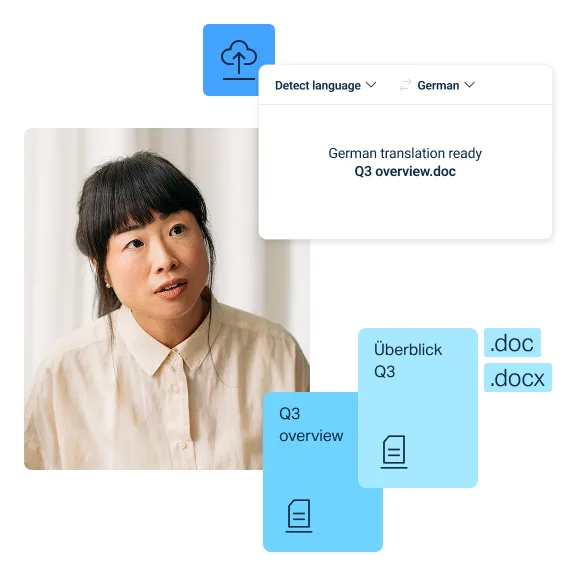
DeepL says translated files from a free account are not editable. Check page breaks, links and terms before publishing.
DeepL Help · File formats and limitsConfirm that links still point to the right places and that a repeated term stays consistent in the heading and table.
DeepL Word document translationCheck formatting and terminology in the exported file. Editable downloads depend on the plan.
DeepL Help · Translate a fileIn its Free-plan DOCX test, GoTaskAI found that the translated file kept the original headings, lists, table and a working link.
Read the originalSumitomo Corporation described using document translation to share material across offices and glossaries to manage terminology. The case covers a company-wide deployment.
Read the originalRead about DeepL Translator in the ProductTally blog.
Writing & research · 3 min read
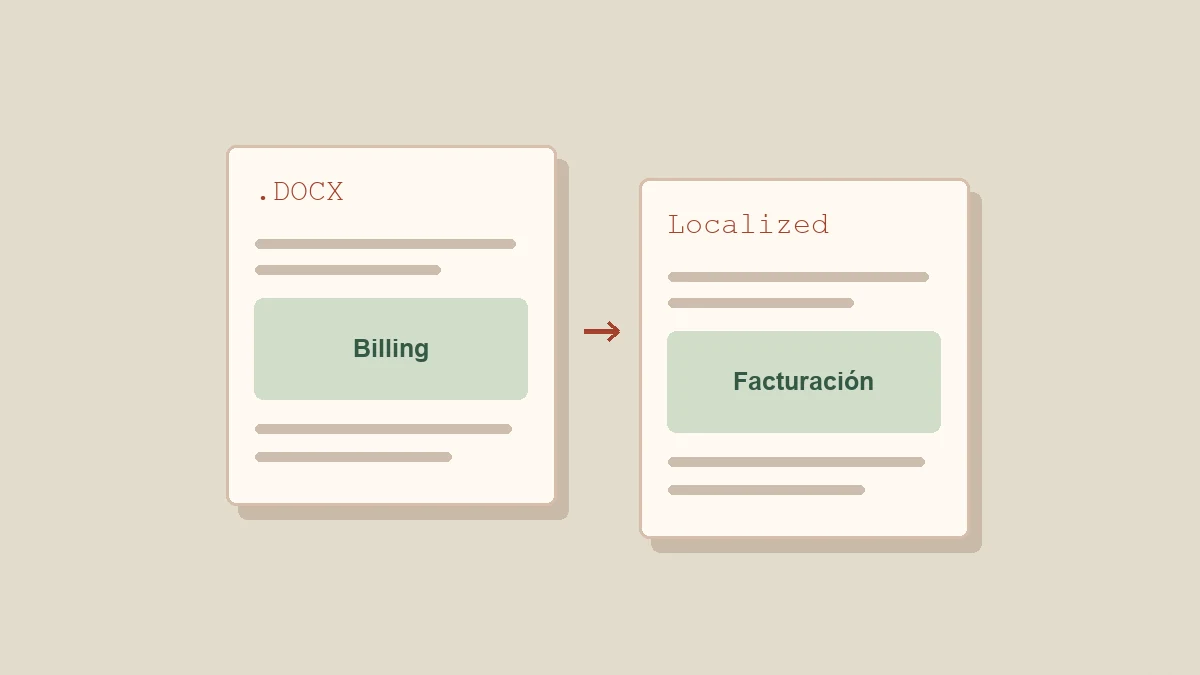
Translate the editable document, then handle arrows, labels and menu names embedded in screenshots.
Writing & research · 4 min read
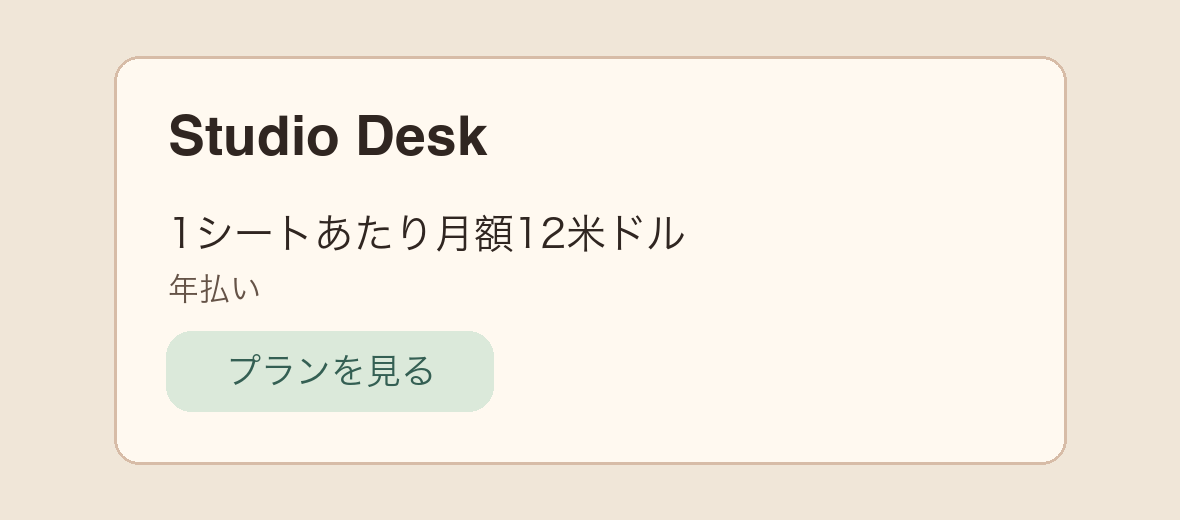
Keep brand and seat terminology consistent and verify the Japanese price, currency and billing cycle separately.
Writing & research · 4 min read
Check refund status, promised dates and the next action in three Japanese customer support examples.