
Writing & research · 3 min read
Translate a Word manual with screenshots using DeepL Translator
Translate the editable document, then handle arrows, labels and menu names embedded in screenshots.
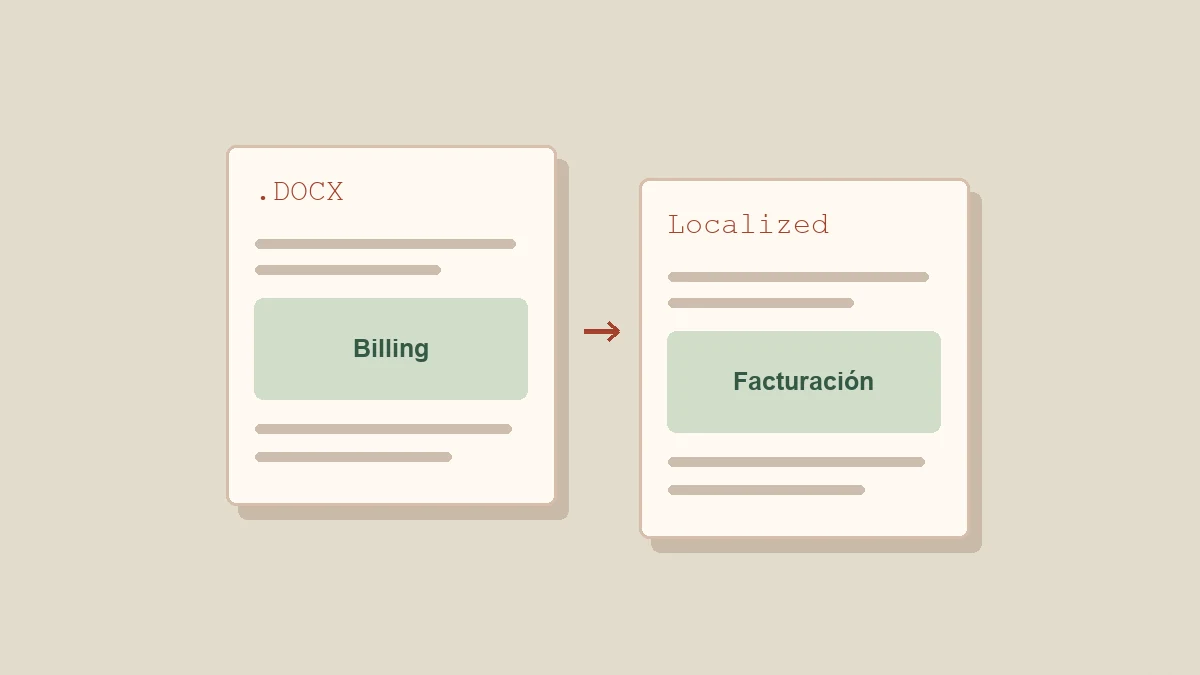
Translate the original Word file in DeepL for the editable text. Words baked into a screenshot in a Word document need a separate step. For a help manual, capture the interface in the target language when available and place translated instructions outside the image.
Start with the editable file the team actually maintains
Say you have a one-page guide that shows new clients where to download an invoice. Keep the .docx with its headings, numbered steps and caption. Translate that file rather than starting from a PDF export. Put the translation beside the original so another reviewer can match steps.
Open the translated file and check its page breaks, table cells and caption placement. DeepL documents file formats and account-specific limits. For a large manual, confirm the applicable file limit and editability before promising a Word deliverable.
Handle the screenshot like a separate asset
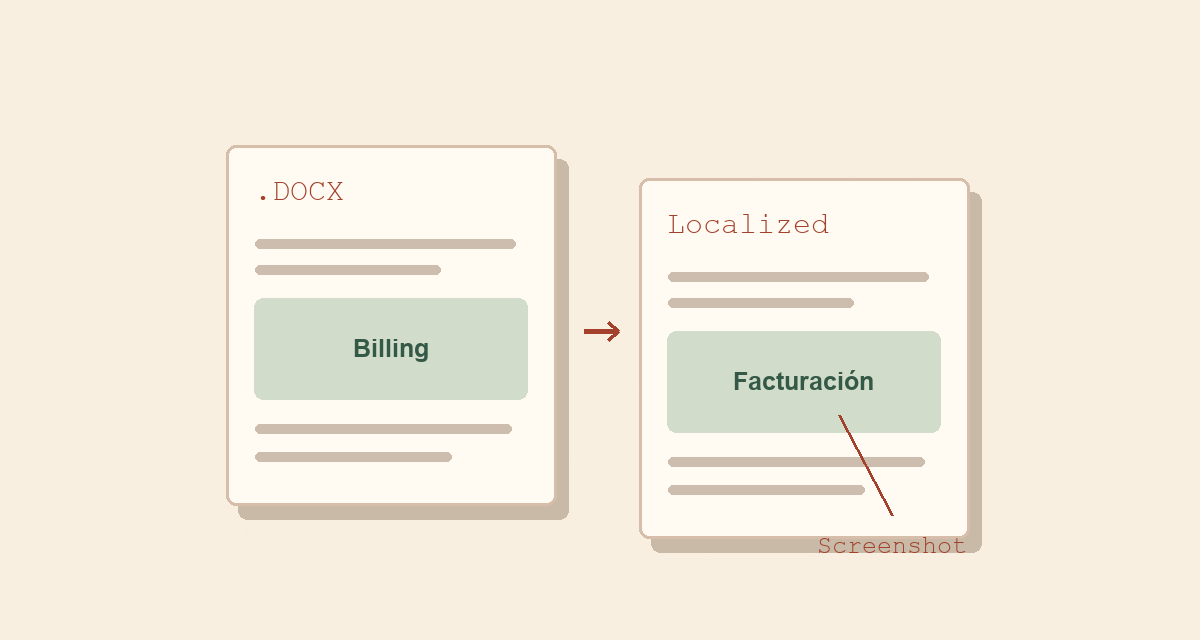
An arrow drawn directly on the image and a tab name captured in the browser are pixels in Word. DeepL’s file translation documentation says that text inside images in Word files will not translate in place. If the application has a localized interface, replace the screenshot with the current target-language screen and point to the same control. If it only has an English interface, preserve the real label and explain it in the caption.
For a Spanish-language guide whose application UI is still English, a useful instruction is “En Billing, selecciona Download invoice.” It tells readers both what the step does and what words to look for without changing the screen.
Read once with the caption and once with the screen
Ask the reviewer to follow the instruction using the same app language as the reader. Small mismatches often hide in step numbers, renamed labels and a screenshot that shows a different account role. When updating the manual later, keep the caption as editable text. The next translator can revise the explanation without rebuilding the image.