Writing & research · 4 min read
Keep product names and seat prices consistent with a DeepL Translator glossary
Keep brand and seat terminology consistent and verify the Japanese price, currency and billing cycle separately.
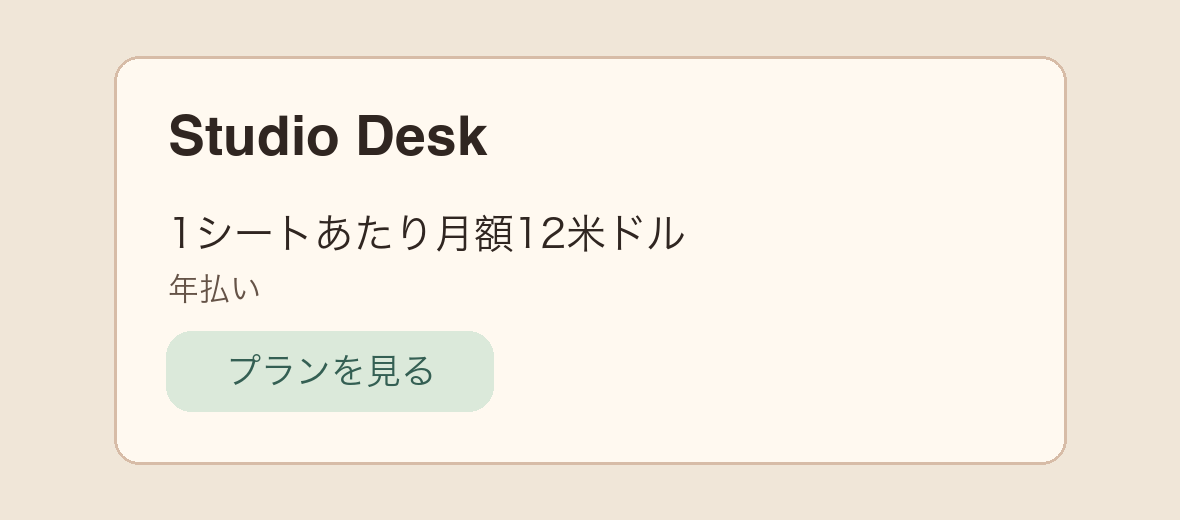
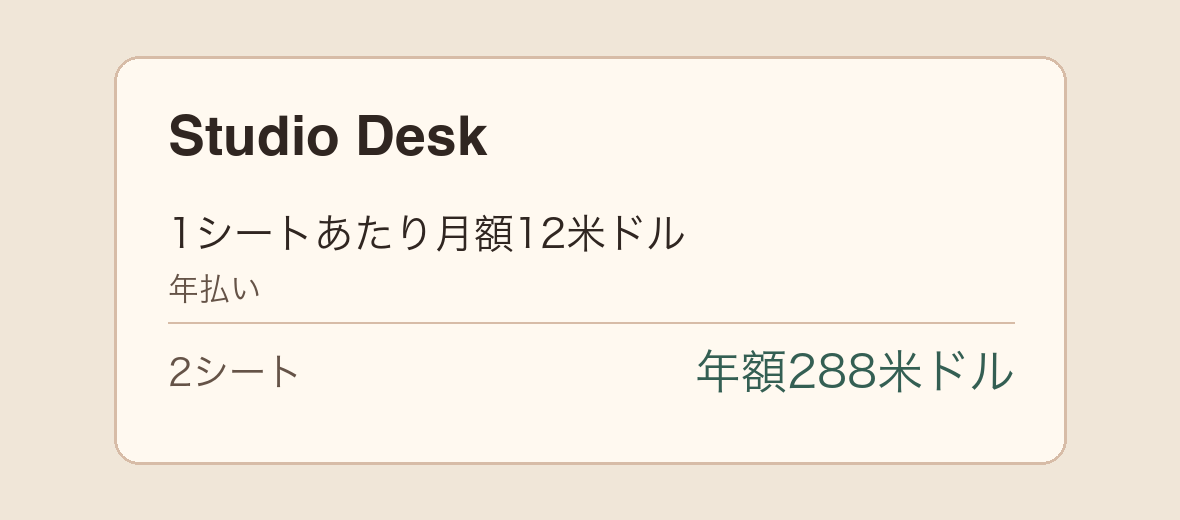
Use a DeepL glossary for recurring terms. Check rendered prices and full button labels separately. A Japanese price needs to preserve both the per-seat monthly rate and annual billing. Use your pricing data to verify numbers and purchase terms.
Decide which words belong in the glossary
Use this fictional English-to-Japanese pricing page to decide what to keep consistent.
| English input | Japanese target | Where to check |
|---|---|---|
| Studio Desk | Studio Desk | Heading, product card and receipt |
| seat | シート | Seat purchase and per-seat price |
| View plans | プランを見る | Button text and destination |
| US$12 per seat per month, billed annually | 1シートあたり月額12米ドル(年払い) | Amount, currency and billing cycle |
Check the full page and the checkout
Build a glossary for your language pair, then check the heading, price line and button in context, including on narrow screens. The table shows expected text for a fictional site. Confirm that your language pair and workflow are supported in the translator, document tool or API you use.
For a manual glossary in the web translator, open Glossaries, choose New glossary and select the language pair. Start with a single approved target for each source term, then translate a real price line and check the final page before applying the glossary to a batch.
For two seats, the annual base price is USD 288 in this example: 12 × 2 × 12 before tax, without discounts. Check placeholders before translation and the final values after rendering. Keep the approved text with each locale's pricing content so you can rerun the same check when a currency or plan changes.