
Web & forms · 4 min read
Choose a Udemy WordPress course for a staging-site redesign
Rehearse a homepage change on a staging copy, check form delivery and prepare a rollback that preserves live submissions.
Choose a Udemy WordPress course on staging if it shows how to make a copy of a live site, test a change in that copy and plan how the change will reach production. Consider an agency that is replacing a client’s homepage on Wednesday. The proposal form should still reach the right inbox, and submissions that arrive during the redesign need to stay intact.
The homepage redesign is ready. Where should the first form submission go?
Create a current backup and write down what you would need to restore: WordPress files, database, and access to the hosting account. Use your host’s staging workflow or a documented migration method. WordPress.com documents its own staging feature and lists eligibility there. A self-hosted installation can have different controls. On the staging copy, have the host or team restrict access. Use fictitious records for the exercise and point outgoing form mail to a designated test inbox.
Walk through the promise your homepage makes
Check the page on a phone-sized screen. Click the main button and make sure it reaches the intended form. Submit a fictional inquiry and verify both the confirmation shown in the browser and delivery to the test inbox. Check one navigation path from an existing page, such as the services page, so the redesign is easy to find. Write down the expected result before each check to make handoff easier.
Decide which changes go live and which data stays live
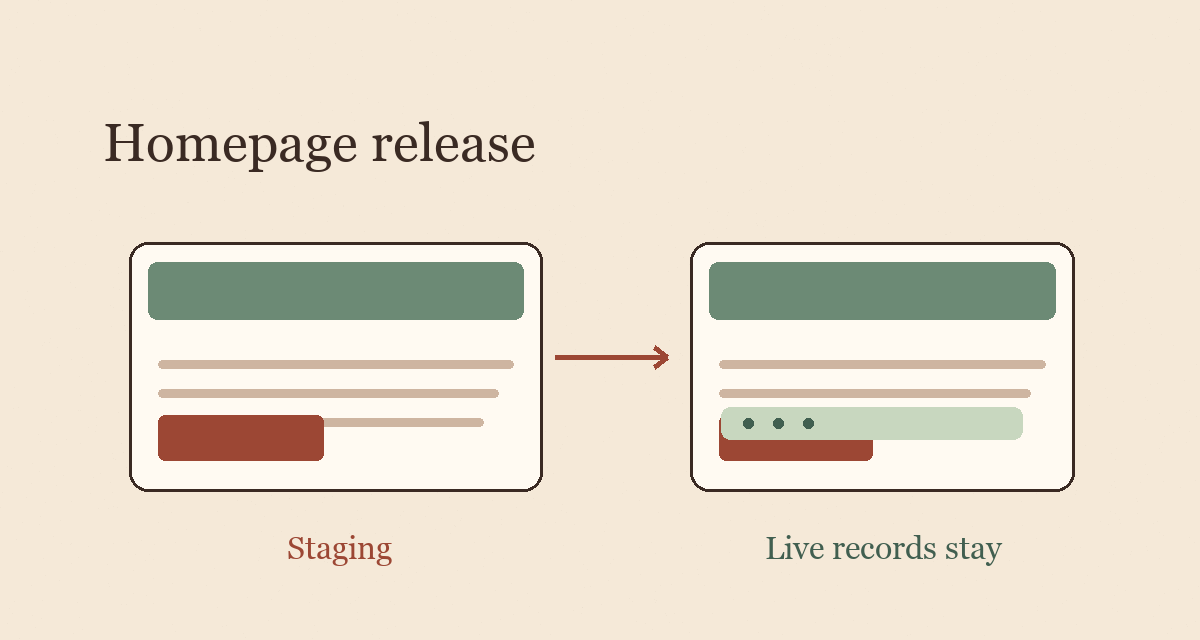
If you only changed the homepage layout, plan how to move those edits while preserving new submissions, orders and content in the production database. Staging and production can drift apart while you work. Replacing the complete database with an older copy may replace newer records. For this homepage example, agree on the smallest supported deployment method and on how to restore the previous page if the launch needs to be reversed.
Udemy’s *WordPress: Migration Mastery* includes a staging lesson based on moving a site to a subdomain on an NGINX server. Use its syllabus to learn which migration steps it covers. If your host offers a staging button, match the course’s backup and verification steps to your hosting panel.
ProductTally may earn a commission if you buy through these links.
Related guides
Official references
ProductTally may earn a commission if you buy through these links.