
Online learning · 4 min read
How to enroll ten company learners in a Teachable course
Set up ten employee accounts, enroll them in the right course and test the welcome message and progress report.
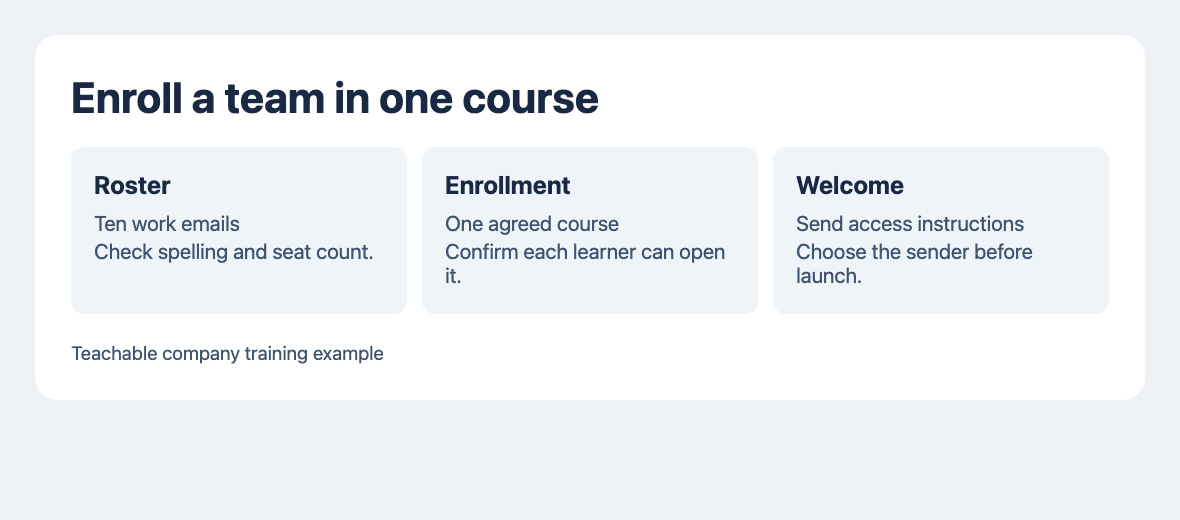
When an employer provides ten names, track the company’s purchase and the learners’ access separately. Teachable documents CSV import on Growth and higher. A school account and enrollment in one of its courses are separate, so check both for every learner.
From roster to the correct course
Confirm the course, seat count and email addresses with the buyer. Import the roster using the bulk user importer where your plan supports it. Then verify product enrollment or select the right users and course in Bulk actions. Teachable says manual bulk enrollments do not send an automatic notification. Let the employer know who will send login instructions.
Teachable Help Center · Add and Manage Students and Affiliates in Your School · Bulk user actions · Student Progress Reports
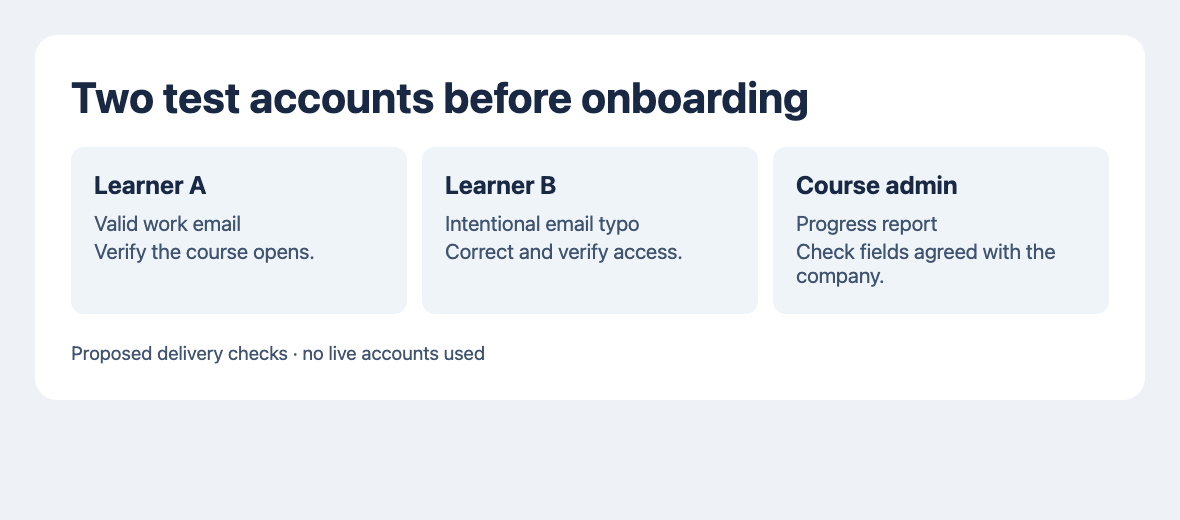
Sign off with two test learners
Enroll one learner normally and use a controlled test address with a deliberate typo for the other. Verify which course each can open, capture what the course and student progress reports show, and agree which progress fields the company should receive. Keep billing, roster updates and withdrawal decisions in separate records.
Visit official website
ProductTally may earn a commission if you buy through these links.
Teachable · Visit official website
Related guides
Official references
ProductTally may earn a commission if you buy through these links.