
E-commerce · 4 min read
Which orders does a design change on a live Printful product affect?
Separate edits to a live design from edits to drafts and submitted orders, and verify the affected variants.
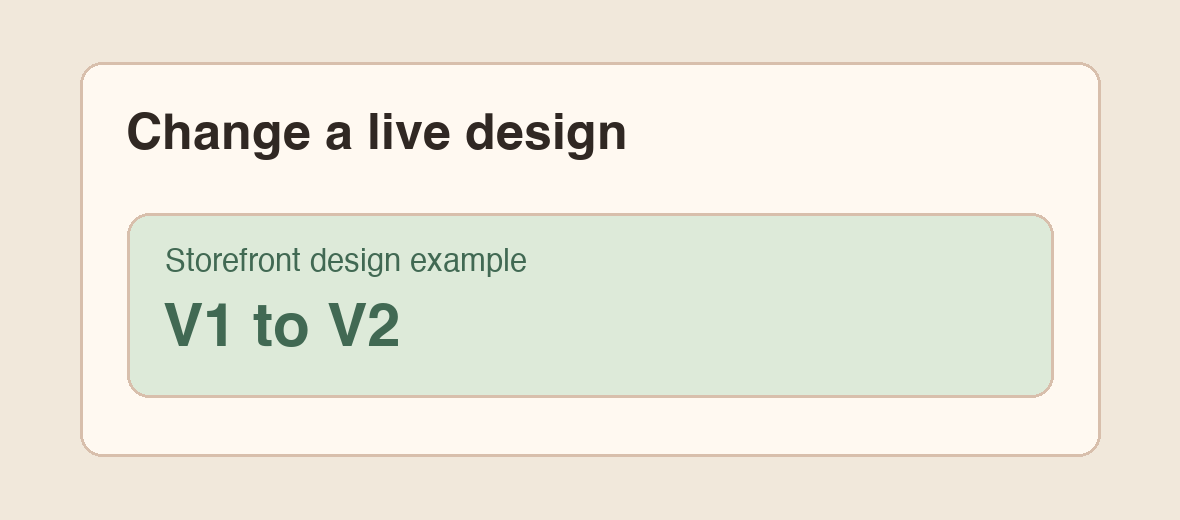
A listing edit will not replace artwork attached to an already-submitted order. Change the listing for future purchases. For an existing order, open its details and check which edits are still available.
Save a version and check each order state
Suppose an event year is missing a digit. Keep the original as v1, save the corrected art as v2 and record when you updated it and which color and size combinations changed. In the listing editor, preview light and dark variants and separate artwork files. Update the applicable mockups, then open the storefront as a buyer.
From My products → Published, open Edit for the listing. If Edit design is disabled because variants have different artwork, filter and select the variants that use the same file, then choose Change print file. Update a single variant from its expanded preview when it needs different artwork.
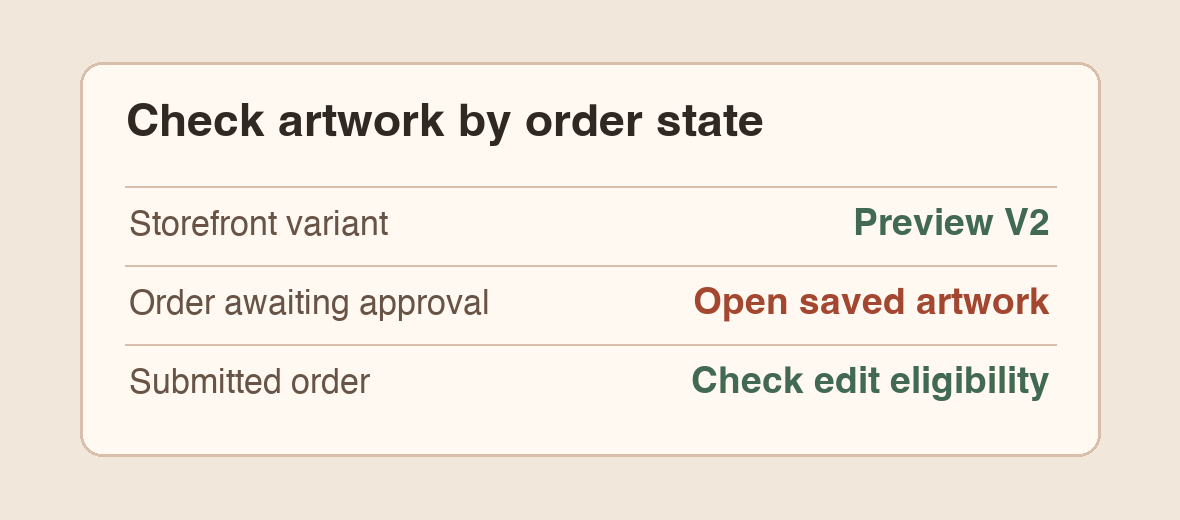
Check the listing and each order separately
| Order stage | What to check |
|---|---|
| No order yet | Verify the new file and storefront mockup for each changed variant. |
| Awaiting confirmation | Open the order or draft and inspect the artwork attached to that order. |
| Submitted before production | Look for Change order. Partner facility orders cannot be edited after submission. |
| In fulfillment | Use the actual order status and contact support about available options. |
If a design error puts the order on hold, upload the corrected artwork and reply to the hold notification. The edit alone does not release the hold.
Visit official website
ProductTally may earn a commission if you buy through these links.
Printful · Visit official website
Related guides
Official references
ProductTally may earn a commission if you buy through these links.