
E-commerce · 4 min read
How to report an off-center print to Printful
Capture the full garment, its print placement and the order’s production file before reporting a delivered misprint.
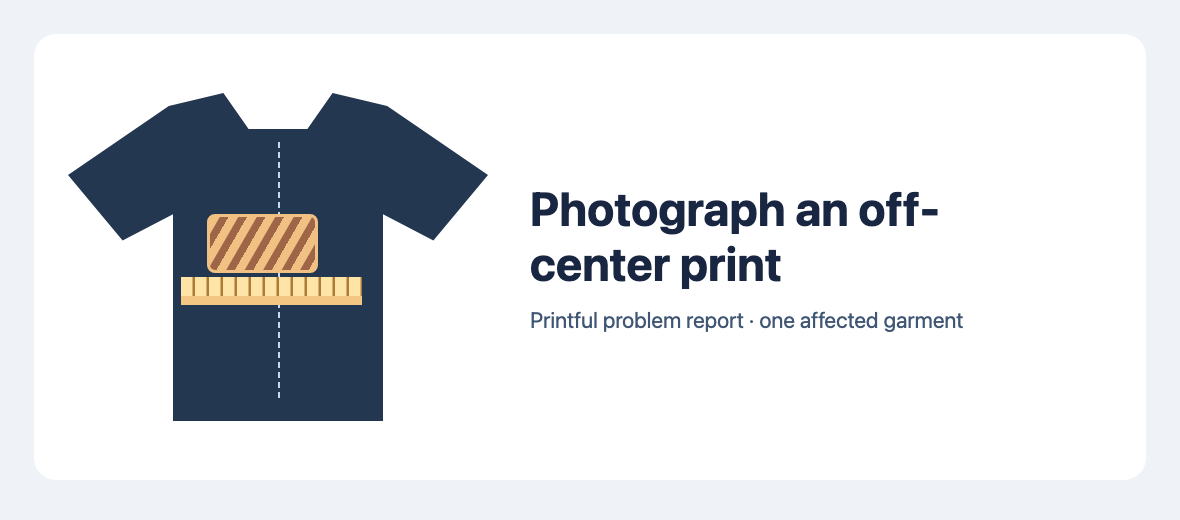
For a delivered Printful item with a suspected placement problem, match the affected item to its order and production artwork. Photograph the entire garment flat, with a ruler visible if possible. File the report within 30 days of delivery.
Make the placement visible
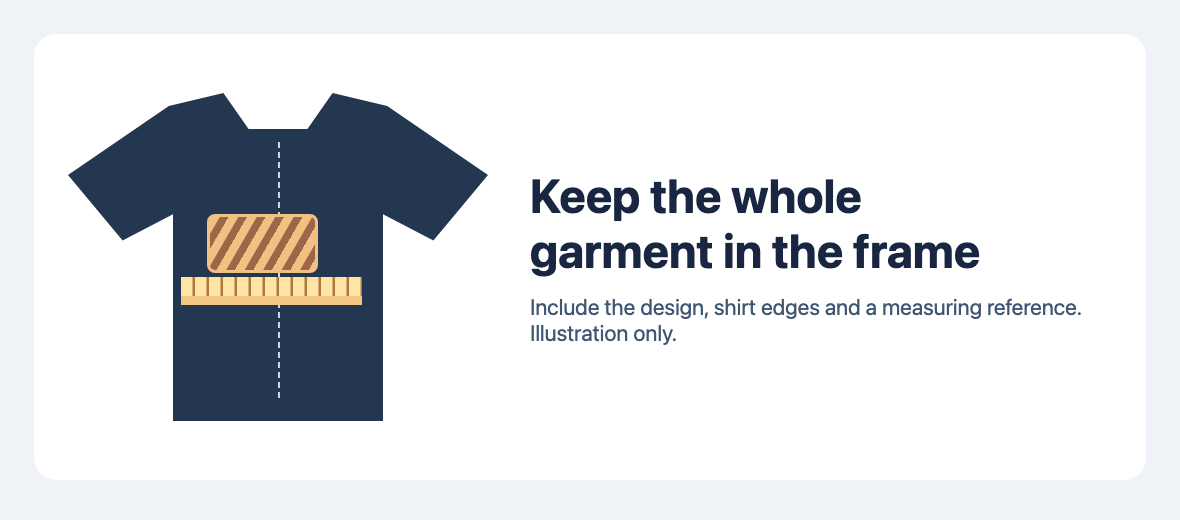
Suppose one black T-shirt arrives with its chest graphic shifted to the left. Lay the garment flat without stretching it and shoot straight down in good light. Keep the edges of the garment, the design and the ruler in the frame. Add a close-up if the issue also affects the print quality. Save the production file so you can check whether the offset was already in the artwork.
Submit the report from the affected order
In the Printful Dashboard, open Orders, find the affected item and select Report problem. For a delivered print defect, use the delivery date to track the 30-day window. Choose the relevant issue, describe what you expected and attach the photos. Keep the case number and let your customer know when to expect a follow-up. Printful reviews the report through the ticket.
Printful Help Center · How do I report a problem with my order? · What photos should I submit when reporting a problem with my order?
Visit official website
ProductTally may earn a commission if you buy through these links.
Printful · Visit official website
Related guides
Official references
ProductTally may earn a commission if you buy through these links.