
E-commerce · 4 min read
How to review an Etsy personalization order in Printful
Set up a name field, check the imported Printful draft, and catch spelling or layout problems before submitting an Etsy order.
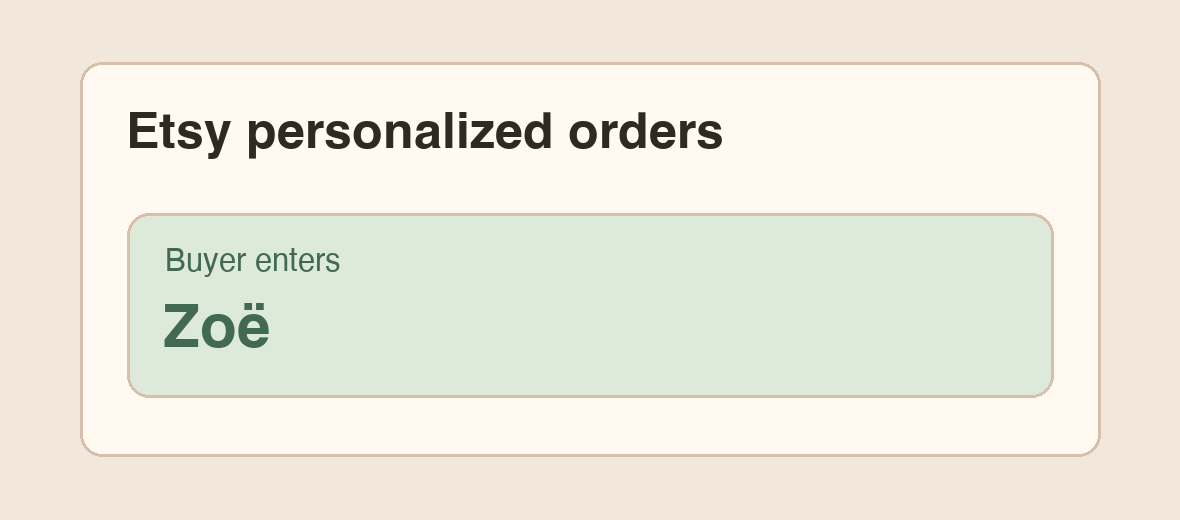
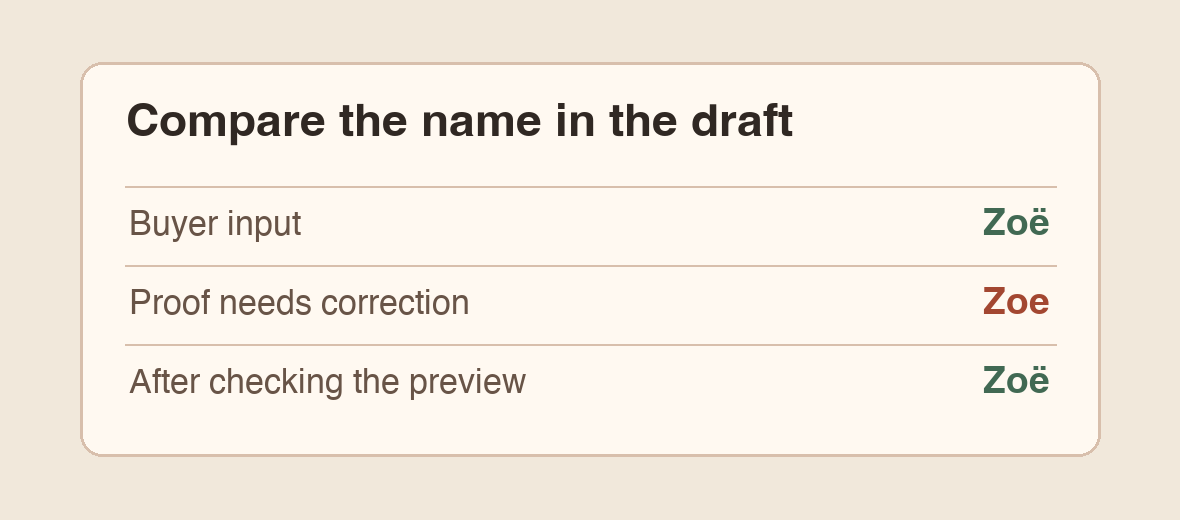
A customer types “Zoë,” but the proof says “Zoe.” If Printful fulfils your Etsy orders, import personalized orders as drafts, compare the buyer’s input with the design preview, and submit each order once the artwork matches. The draft gives you a place to stop when a letter or layout needs attention.
Ask for only the details this listing needs
Imagine selling a canvas tote with one custom name. Add a required name box and show where the name will go. “Up to 12 characters, including spaces” can work as a design rule for this particular tote. Before setting that limit, try narrow and wide letters, an accent, and a hyphen in the name area.
Etsy’s current guide puts the buyer field under Item options → Custom options. Printful’s Etsy instructions still call the listing section Personalisation. Look for the field where the buyer enters the name. Etsy supports options and uploads as well. This example uses one text field, so check the integration separately if your listing uses more elaborate inputs.
Stop at the draft until the preview checks out
In Printful, select the correct Etsy storefront. In Settings → Store settings → Orders, save the option to import personalized orders as drafts. Open the order awaiting personalization, choose the personalization action, and edit the design for that item. The documented workflow ends with completing the checkout for the order after review. Check the setting for each storefront you manage.
| What you see in the proof for this example | What to do before submitting |
|---|---|
| “Zoë” looks right and the item matches the selected color | Check whether the order contains a second personalized item. Verify which name goes on each one. |
| “ë” renders as a box or the name touches the design edge | Hold the draft. Try a font offered by the listing or ask the buyer to confirm the adjusted layout. |
| The name is missing or differs from Etsy’s order | Open Etsy Orders and check the original field and variant. Ask the buyer when the order still leaves room for doubt. |
Zoom in to spot missing strokes, then check the proof at something close to the intended print size to see whether it will be legible. If you have a test piece, check the detail on the actual material. Start with one product and one name position. Expand the range when you can trace the buyer’s input to the final artwork sent for production.
Visit official website
ProductTally may earn a commission if you buy through these links.
Printful · Visit official website
Related guides
Official references
ProductTally may earn a commission if you buy through these links.