
E-commerce · 4 min read
A buyer paid but got no file. Where should a Payhip seller look first?
Trace a missing digital download from payment and checkout email to the buyer’s actual file access.
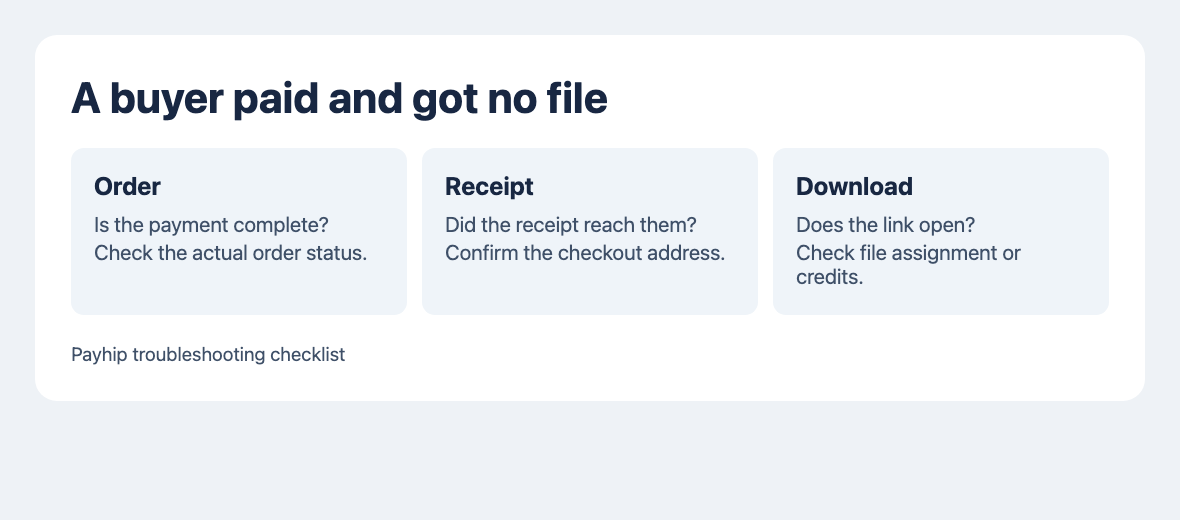
Check whether payment completed, where the receipt went and what the download page actually says. Ask only for the order identifier or checkout address needed to locate the purchase, plus the error text.
Check payment, receipt and file access
- Payment. Check the order and payment status before restoring access. A bank authorization screenshot does not show that delivery occurred. Confirm any cancellation or refund first.
- Receipt. If the order completed, ask the buyer to check spam or promotions. Find the purchase under Customers, verify the email and resend the receipt. Authenticate the request before using a different email.
- File access. If the link opens but no file appears, check which files the purchased variant includes. If Payhip reports a download limit, verify the buyer before resetting it. For a course or membership, check its login and access flow.
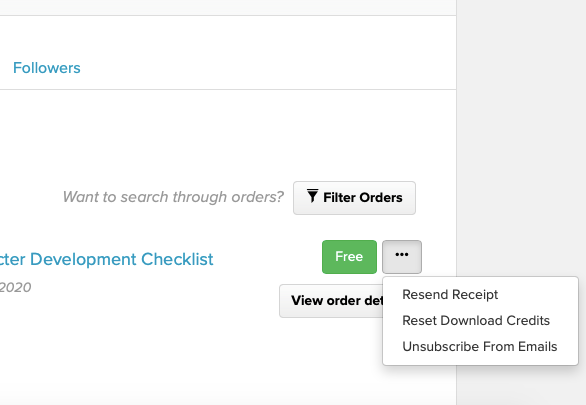
For a completed purchase, look up the order under Customers. The menu offers Resend Receipt and Reset Download Credits. Use the reset when the buyer hits the current download limit. A refunded or cancelled purchase may have lost access.
Leave the next agent a usable record
In an example with a paid order and an open receipt, inspect whether the file is still present and assigned to that buyer’s variant. Fix the missing file or assignment, then verify the original purchase can reach the expected file before closing the case.
Visit official website
ProductTally may earn a commission if you buy through these links.
Payhip · Visit official website
Related guides
Official references
ProductTally may earn a commission if you buy through these links.