
Productivity · 4 min read
Oh Dear says the site is up. Why is it slow for users in one region?
Compare monitor locations, request timings and user-visible load times in the same UTC window.
Check where each measurement came from and what it measured. Oh Dear uses a primary monitor location. On a failure it verifies from a secondary location. Its probe timings help separate DNS, connection, TLS and server response. The shopper's load time also includes their device, network, scripts and rendering.
Put the measurements on one timeline
In the run details, write down the monitored URL and the locations used for that run. A warning appears as Partially unreachable. If both locations fail, the alert timing depends on how many consecutive failures your monitor requires.
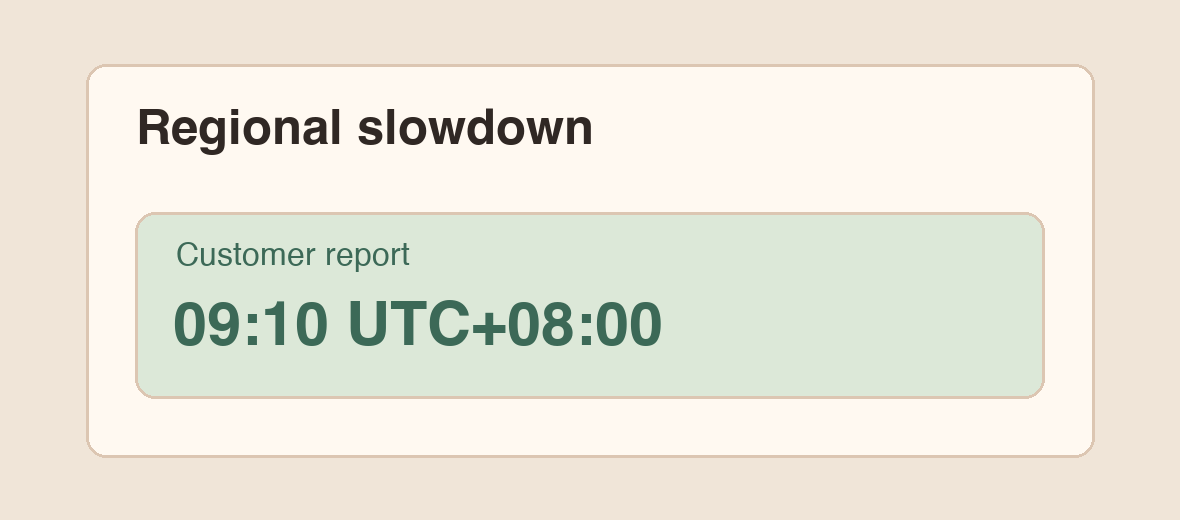
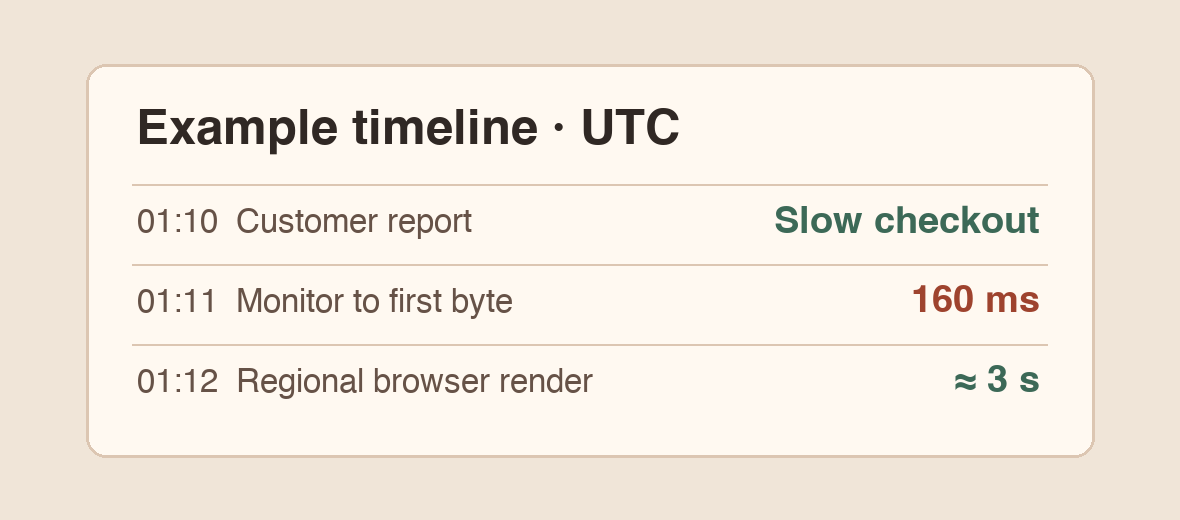
In this fictional timeline, a report at 09:10 in UTC+08:00 is 01:10 UTC.
| UTC | Example observation | What it tells you |
|---|---|---|
| 01:10 | A user reports a slow checkout on one network | Capture the route, region and client conditions for a repeat test. |
| 01:11 | The home page responds from the primary probe, 160 ms to first byte | That location reached the home page. Check checkout in the affected region. |
| 01:12 | A browser in the affected region renders the page in about 3 s | Check scripts and images. Keep rendering separate from first-byte time. |
Check where the probes ran
If the primary probe fails and the secondary succeeds, Oh Dear records a partial-reachability warning and does not record downtime or send a downtime notification for that result. The secondary location is selected for verification; it is not a fixed regional time series. Use a repeatable measurement from the region or your own real-user data alongside Oh Dear's records for the same period.
Visit official website
ProductTally may earn a commission if you buy through these links.
Oh Dear · Visit official website
Related guides
Official references
ProductTally may earn a commission if you buy through these links.