
Productivity · 4 min read
Oh Dear: The store homepage is green. Why can't shoppers check out?
Compare a homepage uptime check, an application health endpoint and a sandbox checkout.
Monitor availability and checkout dependencies separately. A cached homepage can return 200 while the cart backend is failing. Oh Dear Application Health reads JSON reported by your application. You configure the endpoint and a request secret; your app decides which database, queue or payment dependencies it checks.
Run two separate probes
Oh Dear’s example uses finishedAt for the check time and checkResults for individual dependencies. Keep the timestamp within ten minutes when the monitor reads it.
| Staging condition | Homepage | Application health |
|---|---|---|
| Cache and cart healthy | 200 | Reports healthy |
| Cache works, simulated cart dependency fails | 200 | Reports the failed dependency |
| Dependency restored, required checkout option missing | May be normal | May still report healthy, so verify in sandbox |
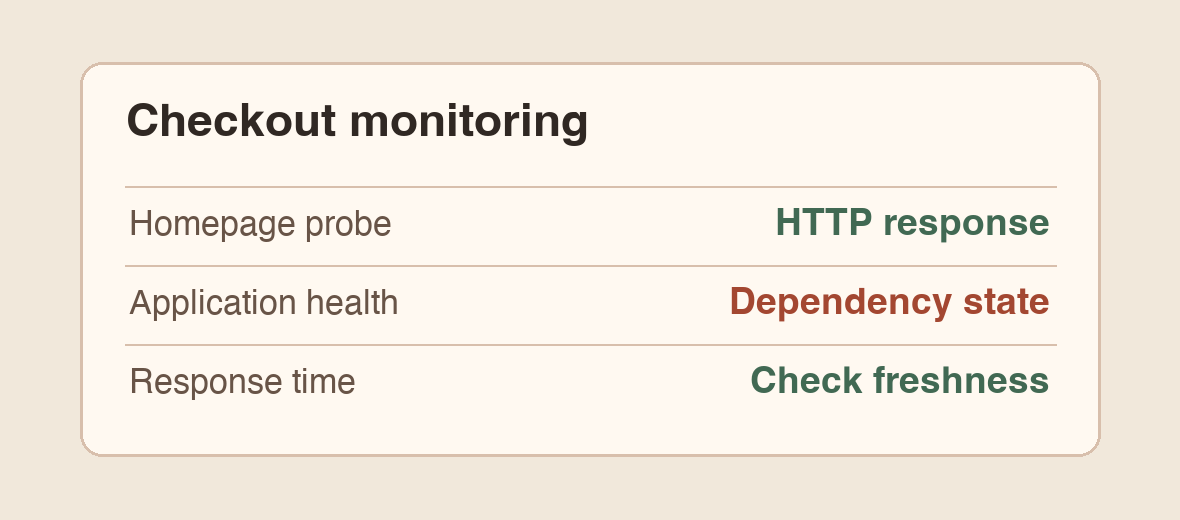
Keep the health check read-only
Keep the endpoint read-only and limit the response to fields the monitor needs. Validate the oh-dear-health-check-secret header and keep credentials and customer information out of the response.
In staging, configure the response format from the docs and record when both checks change and recover. Keep test orders and payments in the sandbox. Name each check for what it measures. “Cart dependency unavailable” gives on-call staff a place to start. Opening a product, adding it to the cart, completing a sandbox payment and seeing confirmation tests a different part of the experience.
Visit official website
ProductTally may earn a commission if you buy through these links.
Oh Dear · Visit official website
Related guides
Official references
ProductTally may earn a commission if you buy through these links.