
Productivity · 4 min read
Sunday's maintenance is planned. How long should Oh Dear stay quiet?
Separate muted alerts from the public notice and verify recovery after the window.
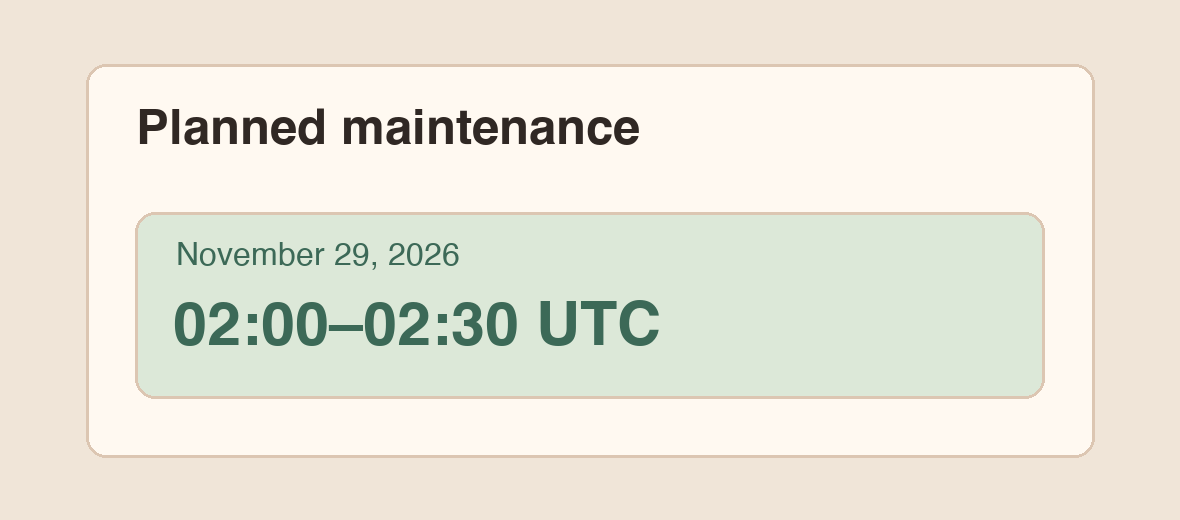
Set the alert window and write the user update as separate actions. An active Oh Dear maintenance window prevents relevant monitor notifications. A scheduled status-page update tells users the service, time and expected impact. Staff on call still need to know which checks to watch and when notification muting ends.
Prepare the public notice and the alert window
For a public notice in advance, select the Scheduled severity. Before saving a recurring alert window, confirm the team time zone shown by Oh Dear. The service converts those recurring local times to UTC.
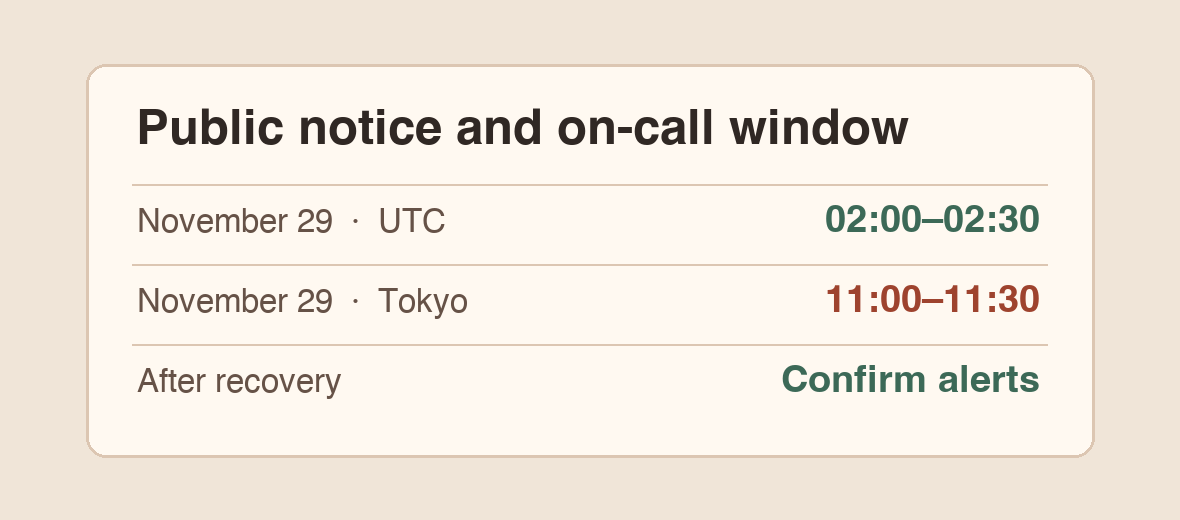
On November 29, 2026, 02:00–02:30 UTC is 11:00–11:30 in Tokyo. Publish both if they help your audience. Tell shoppers that browsing remains available but placing orders may be interrupted. Limit the window to the affected monitors. For recurring periods, check the displayed timezone especially if teams cross daylight-saving boundaries.
| Phase | What to record |
|---|---|
| Before work | Affected service, expected window and public update |
| During work | Actual start, revised estimate and checks to watch |
| After recovery | Visitor-side results, actual end and public recovery update |
Verify recovery and unmute alerts
If work extends to 02:45 UTC, update the status page and the internal window. After deploying, check the affected purchase or login flow as a visitor and confirm that alerts are active again. Keep the planned and actual impacts together. Run a practice window to see how your own status-page settings affect its display and statistics.
Visit official website
ProductTally may earn a commission if you buy through these links.
Oh Dear · Visit official website
Related guides
Official references
ProductTally may earn a commission if you buy through these links.