
Website monitoring · 3 min read
Find stale sitemap URLs in Oh Dear after a site redesign
Trace an outdated URL to the child sitemap that listed it and fix the next export.
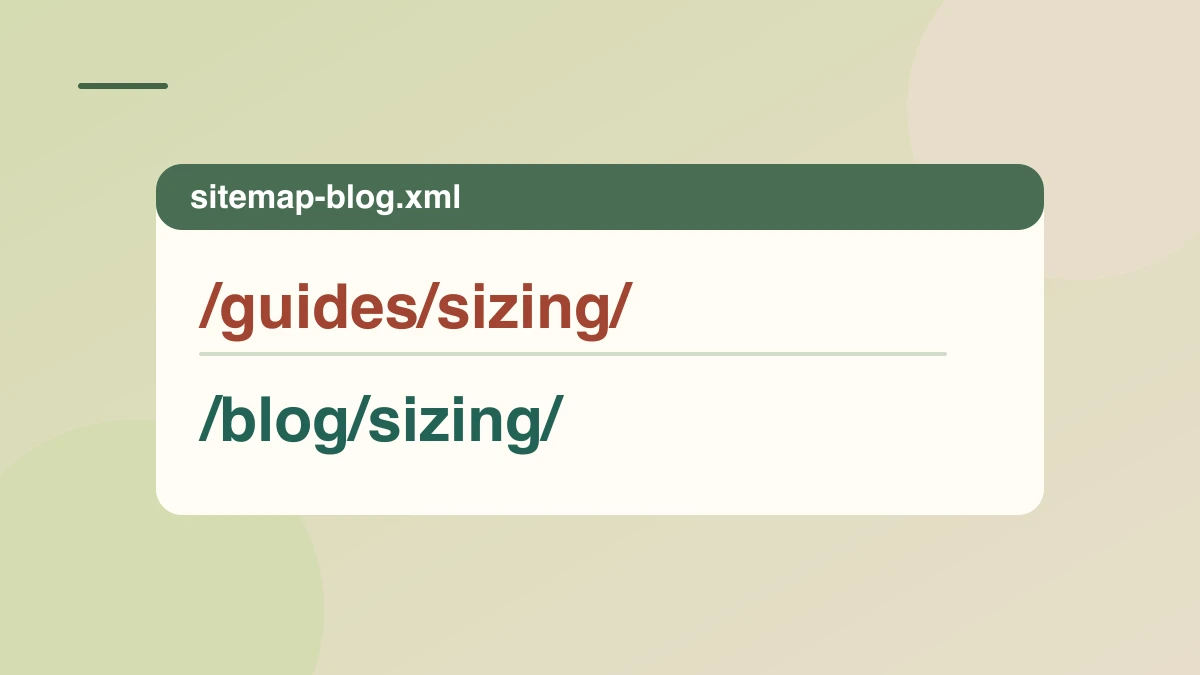
Oh Dear can check sitemap structure and visit listed URLs. After a move, start with the URL reported by the sitemap check. Correct the export so it lists the intended live URL, then review the next check.
Find the list that still points at the old page
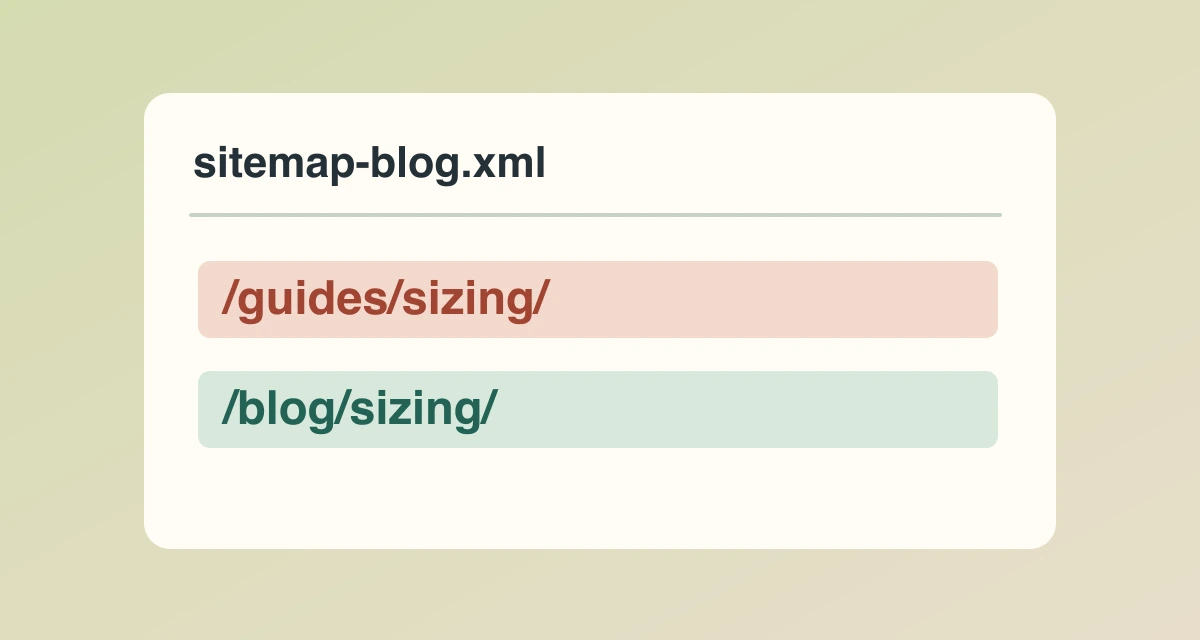
Suppose a guide moves from /guides/sizing/ to /blog/sizing/. The navigation has been updated, but the old route still appears in a generated blog sitemap. Open the sitemap check in Oh Dear. The location can come from robots.txt or a URL you configure. With a sitemap index, identify which child file lists the old route before editing anything.
Fix the export and review the resulting pages
Update the canonical route used by the CMS or build, then regenerate the sitemap. Check that the live article is listed with its intended URL. If you keep an old URL as a redirect for readers, the sitemap can still list the direct canonical URL. Otherwise a manual XML edit can disappear at the next deployment.
The next check lets you review the current file. Oh Dear documents limits on child sitemaps, visited URLs and checking time, so use a focused child sitemap for a large collection when needed. Sitemap monitoring helps you check what your site is publishing; it does not establish what a search engine has indexed.
ProductTally may earn a commission if you buy through these links.
Related guides
Official references
ProductTally may earn a commission if you buy through these links.