Free
Page titles, descriptions and XML sitemaps.
Free
 ProductTally

WordPress SEO plugin
SEOPress is a WordPress plugin for managing page titles, descriptions and indexing directives, and for generating XML sitemaps.
ProductTally may earn a commission if you buy through these links.
ProductTally may earn a commission if you buy through these links.
SEOPress fits WordPress publishers who want control over page metadata and the XML sitemap. Make one change on a test page and check the published markup and sitemap before applying it more widely.
Check the published HTML and sitemap after changing indexing settings. These settings do not guarantee indexing.
Page titles, descriptions and XML sitemaps.
Free
Annual license for one site.
Annual license for up to five sites.
Annual license for unlimited sites.
Separate annual keyword and backlink tracking license for one site.
USD prices exclude VAT. PRO licenses are priced by site allowance. Insights is billed annually per site. · Nov 11, 2026
ProductTally may earn a commission if you buy through these links.
SEOPress · View official plans and pricingProductTally may earn a commission if you buy through these links.
Confirm the published robots directive and sitemap entry after the change. Use a staging page or a URL you intend to remove from indexing.
ProductTally may earn a commission if you buy through these links.
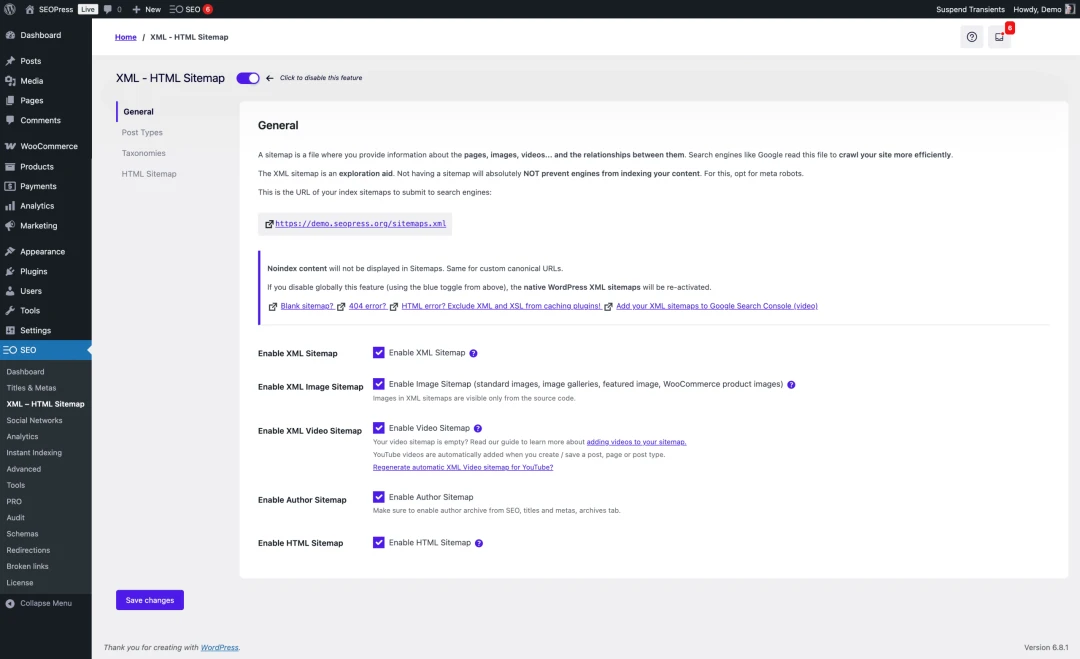
Enable XML sitemapsProductTally may earn a commission if you buy through these links.
ProductTally may earn a commission if you buy through these links.
SEOPress Free includes page-level metadata controls, a noindex setting and XML sitemap generation.
Enable XML sitemapsConfirm the published robots directive and sitemap entry after the change. Use a staging page or a URL you intend to remove from indexing.
Enable XML sitemapsCheck the published HTML and sitemap after changing indexing settings. These settings do not guarantee indexing.
Enable XML sitemapsRead about SEOPress in the ProductTally blog.
SEO · 3 min read
Count the sites that need PRO, work out the cost per site, and check how SEOPress renews the Black Friday offer.
SEO · 2 min read
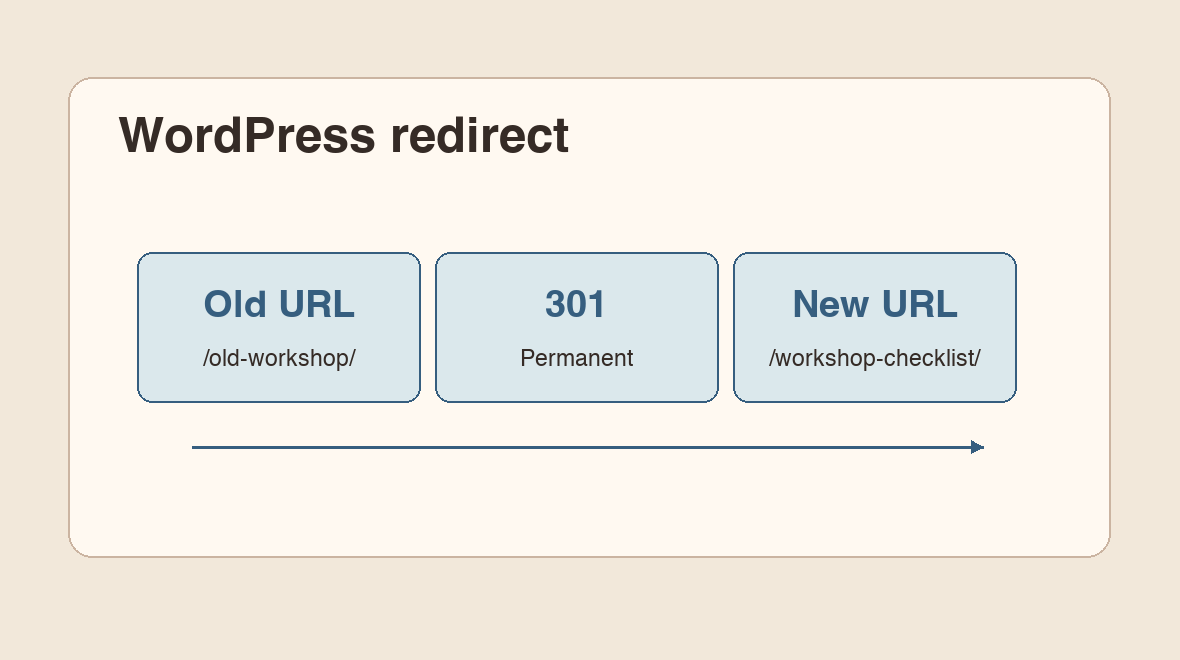
Send visitors from an old article URL to the replacement and check the path they actually take.
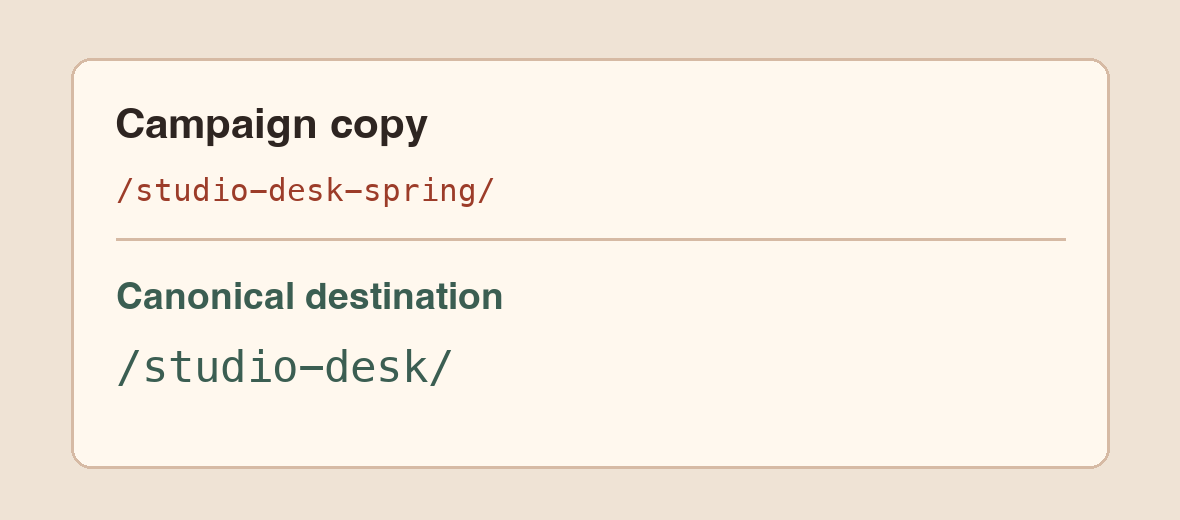
Writing & research · 4 min read
Choose the canonical for a regular product page, campaign copy and regional variant, then check the live HTML.
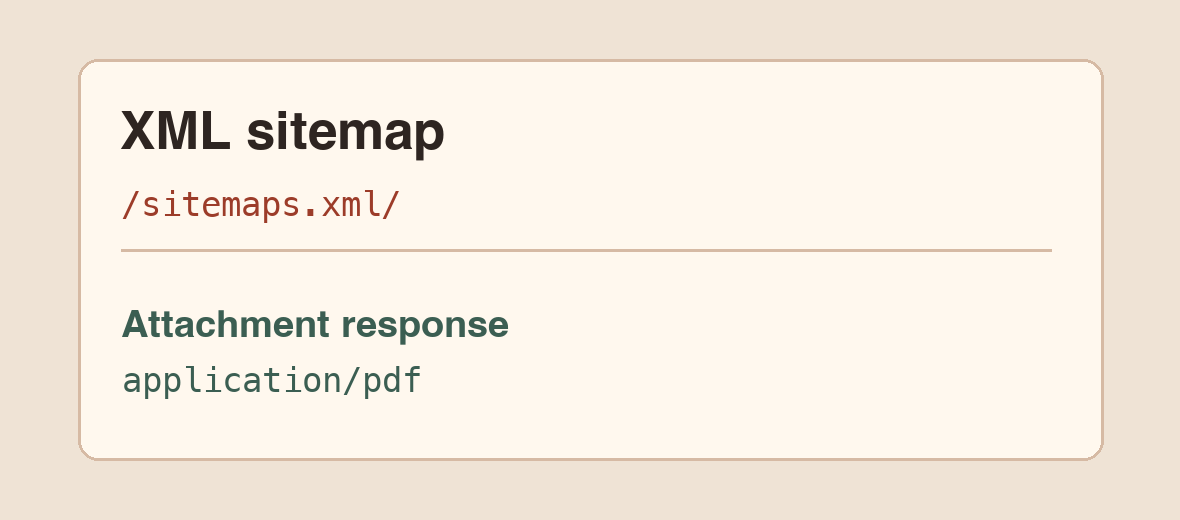
Writing & research · 4 min read
Identify the URL type before changing the sitemap. Check the actual HTML or media response and public access separately.