
SEO · 2 min read
Change a WordPress post slug with one SEOPress redirect
Send visitors from an old article URL to the replacement and check the path they actually take.
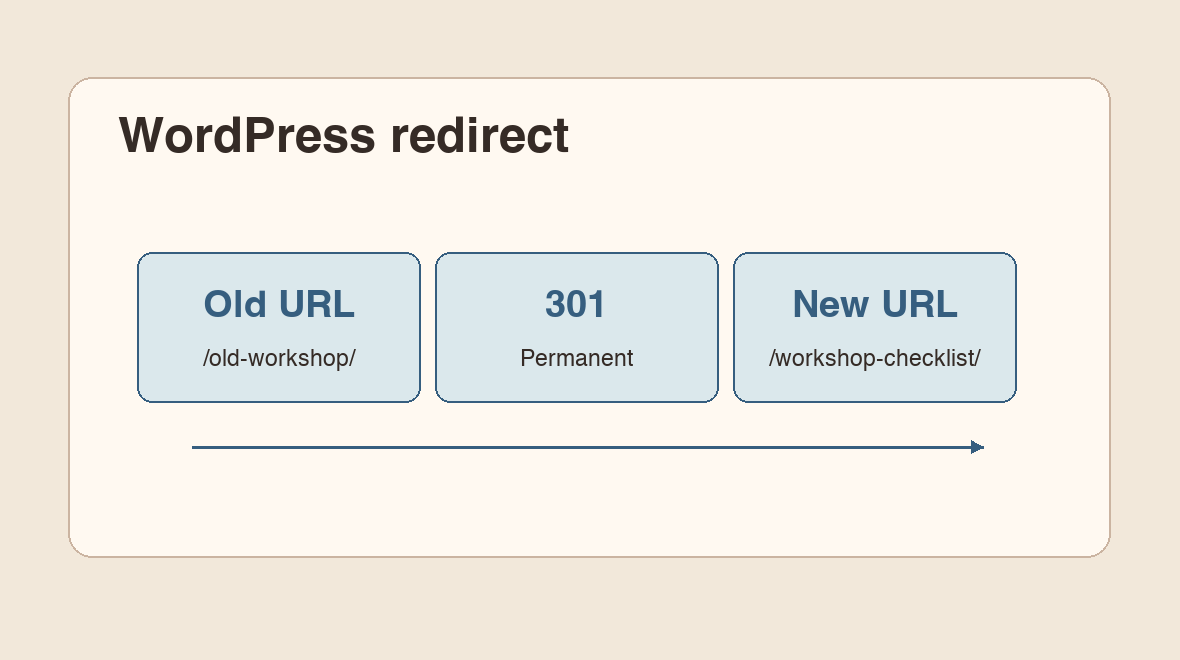
Use a direct permanent redirect when you move a post to a new address and the underlying article remains the same. In a hypothetical migration, /blog/old-workshop/ moves to /blog/workshop-checklist/. Keep an entry in the migration sheet with both absolute URLs, their owner and when the change happened.
Set one rule for the old path
SEOPress documents the redirect manager as a PRO feature. Create a rule in SEO → Redirections. Use the old relative path in Origin URL and the full new URL as the destination. Select 301, enable the rule and use its Test URL control. If campaign links already use query parameters on the old URL, decide whether to pass them on and test the matching option you selected.
Follow the route as a visitor
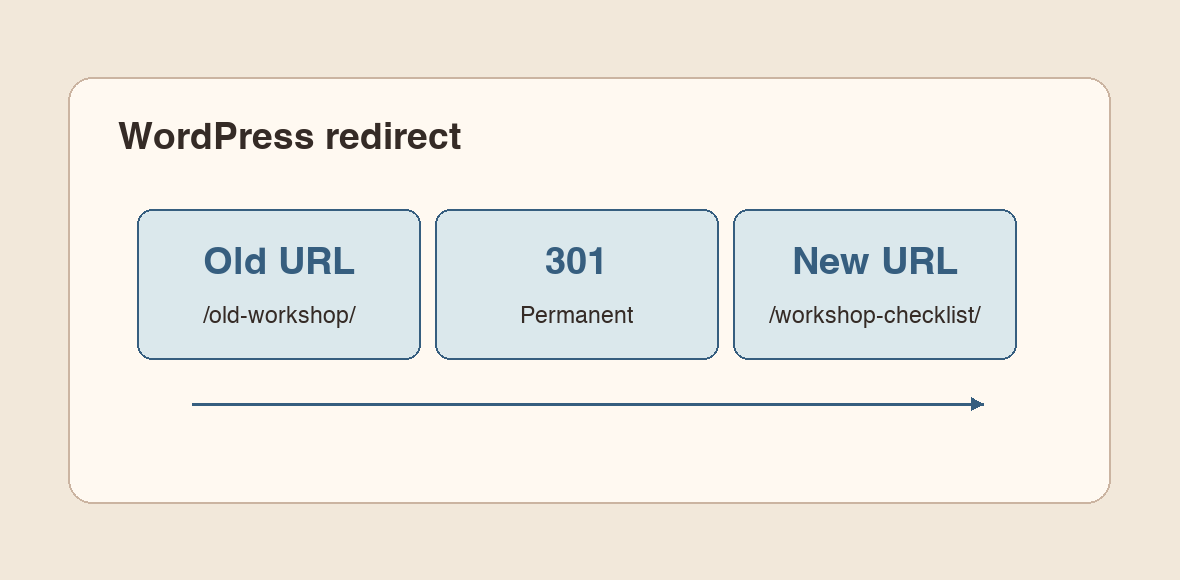
Open the old link while logged out. Confirm it redirects directly to the new page and the destination returns 200. Update navigation, incoming links you control and the sitemap to the new canonical address. Give teammates the new URL to share. Leaving the old rule in place lets people using saved links still reach the article.
Visit official website
ProductTally may earn a commission if you buy through these links.
SEOPress · Visit official website
Related guides
Official references
ProductTally may earn a commission if you buy through these links.