
Writing & research · 4 min read
Why are author, attachment or private URLs in your SEOPress sitemap?
Identify the URL type before changing the sitemap. Check the actual HTML or media response and public access separately.
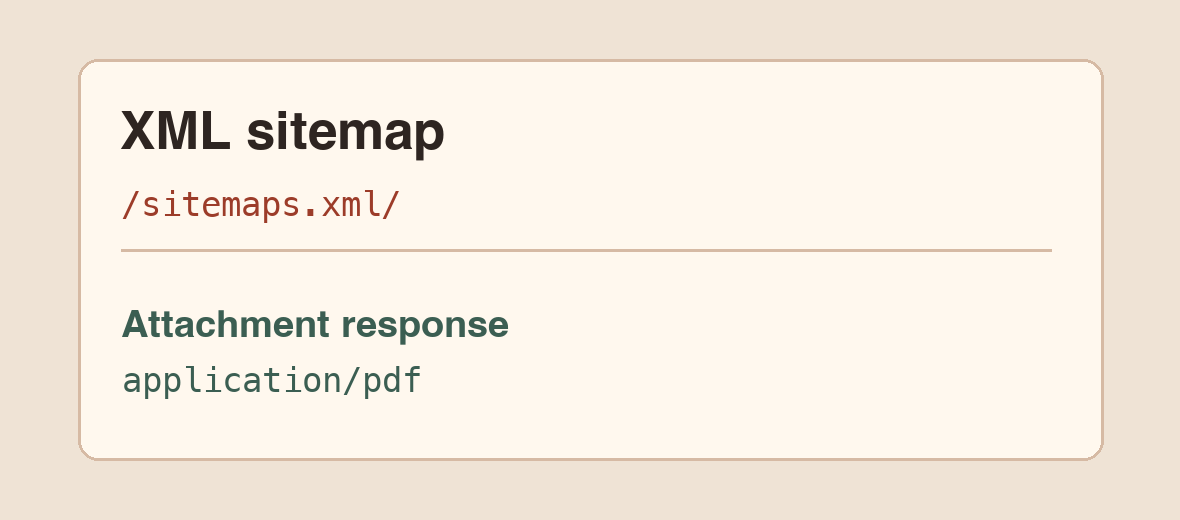
Open the sitemap index and find the child sitemap that lists the URL. Identify whether it is an author archive, an attachment page, a direct file or an ordinary page. SEOPress documents that marking a page or post noindex in its SEO metabox under Advanced excludes it from its XML sitemap. An old link may still lead to the URL.
Identify the URL in the sitemap
| URL you found | Check first | Verify after the change |
|---|---|---|
| /author/editor/ | Whether the archive provides standalone value and has an author sitemap | The archive response and the intended index policy |
| WordPress attachment | Whether it opens HTML or the image or PDF itself | The policy on the actual page or file response |
| Internal quote preview | Whether a signed-out visitor can open it | Access is restricted and public links and sitemap entries are gone |
Test the URL as a visitor
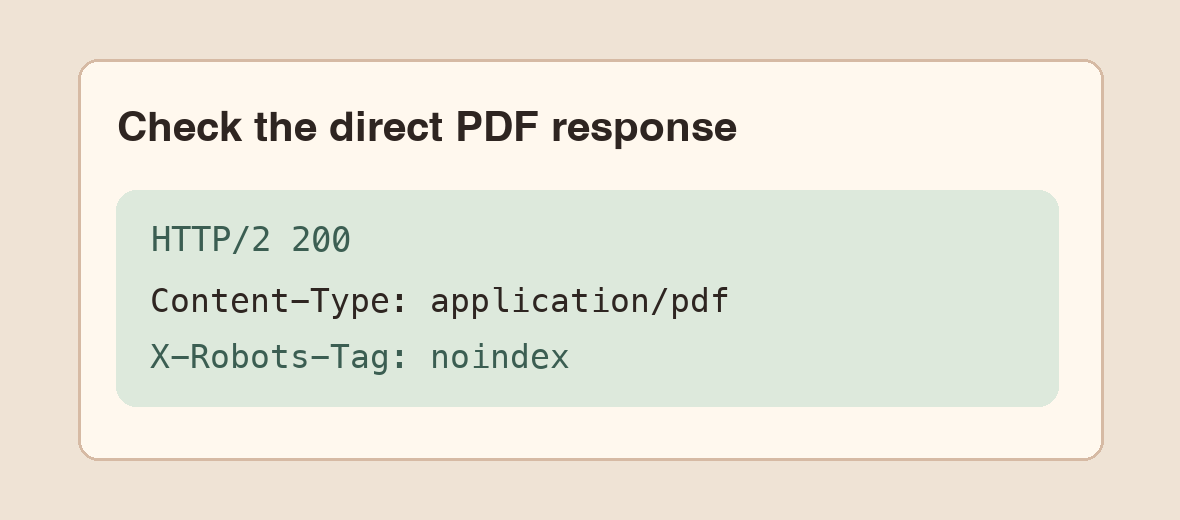
Imagine a team removes an internal quote from its sitemap but a PDF in an old email still opens. Check the direct PDF or image URL and enforce access there. A public PDF that should remain out of search can use an HTTP X-Robots-Tag with noindex, provided crawlers can read it. Restrict access for an internal quote. Recheck the actual response, the old child sitemap and the pages that link to it.
Use the sitemap link shown in SEO → XML – HTML Sitemap to find the actual index. In Post Types & Taxonomies, review which groups you intended to include. If you changed one page, open the relevant child XML after saving and look for its exact URL. For a direct file, inspect its own HTTP response as well.
Purge stale sitemap caches as applicable. After submitting the updated sitemap, check current crawl and index information in Search Console. Leaving the sitemap is one check. The original URL's visitor access and search status are separate checks.
Visit official website
ProductTally may earn a commission if you buy through these links.
SEOPress · Visit official website
Related guides
Official references
ProductTally may earn a commission if you buy through these links.