Premium
Individual plan with credits and Magnific upscalers.
Check regional price
 ProductTally

AI image upscaler
Enlarge illustrations, 3D renders, and design assets with Magnific. Choose how closely the result follows the original and how much new texture the AI adds.
ProductTally may earn a commission if you buy through these links.
ProductTally may earn a commission if you buy through these links.
Magnific suits illustrators, designers, and small creative teams preparing images for larger layouts. Use a conservative setting when lettering, faces, or logos need to stay intact.
Compare included credits and access to upscalers. Check your local currency and billing interval on Magnific before subscribing.
Individual plan with credits and Magnific upscalers.
Check regional price
Higher credit allowance and access to Magnific and Topaz upscalers.
Check regional price
Higher credit options for heavier production.
Check regional price
Compare included credits and access to upscalers. Check your local currency and billing interval on Magnific before subscribing. · Nov 12, 2026
ProductTally may earn a commission if you buy through these links.
Magnific · View official plans and pricingProductTally may earn a commission if you buy through these links.
Start with a conservative preset and zoom in on text, faces, or logos. Reduce Creativity or increase Resemblance if important details change.
ProductTally may earn a commission if you buy through these links.
Magnific Academy image upscaling tutorial
ProductTally may earn a commission if you buy through these links.
Creative mode can add texture and detail as it enlarges an image.
Magnific Academy image upscaling tutorialStart with a conservative preset and zoom in on text, faces, or logos. Reduce Creativity or increase Resemblance if important details change.
Magnific Academy image upscaling tutorialCompare included credits and access to upscalers. Check your local currency and billing interval on Magnific before subscribing.
View official plans and pricingRead about Magnific in the ProductTally blog.
Design & visuals · 4 min read
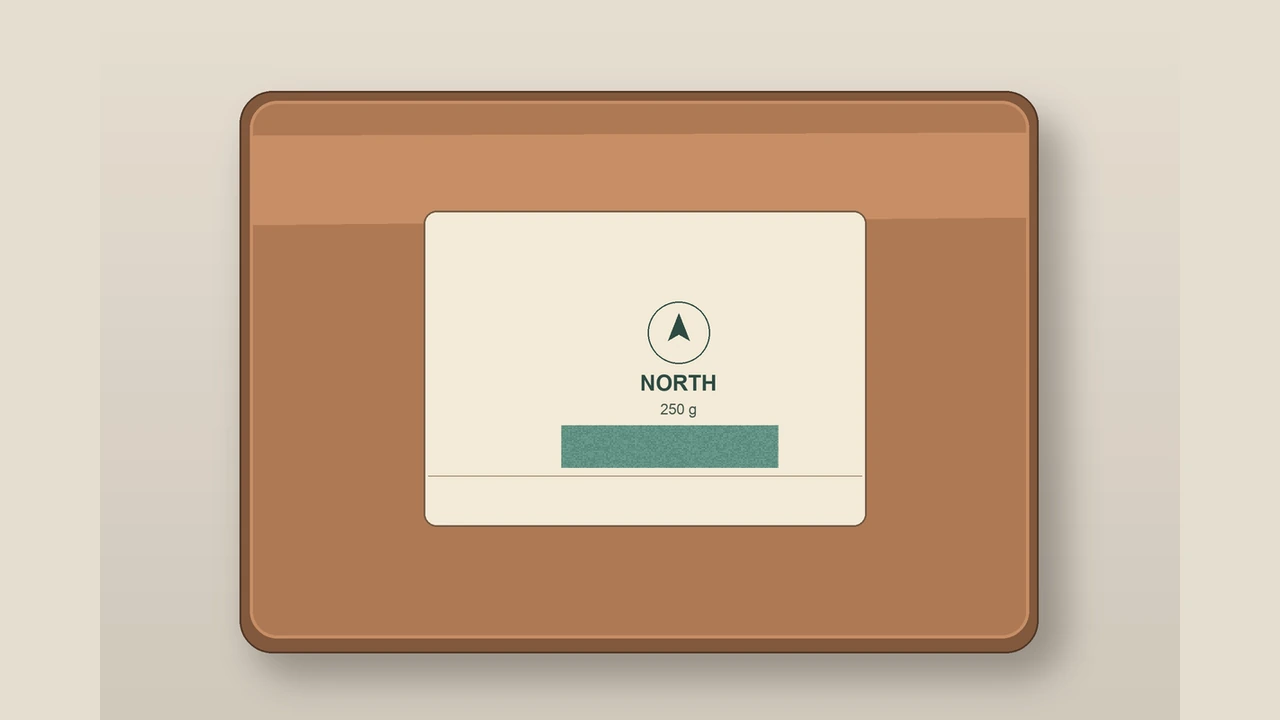
Use the same 1200 × 800 image in both modes, then check the label, logo and fabric against a known reference.