Starter
Entry individual plan.
- Monthly billing
- $ 15per month
 ProductTally

AI video generation and shot design
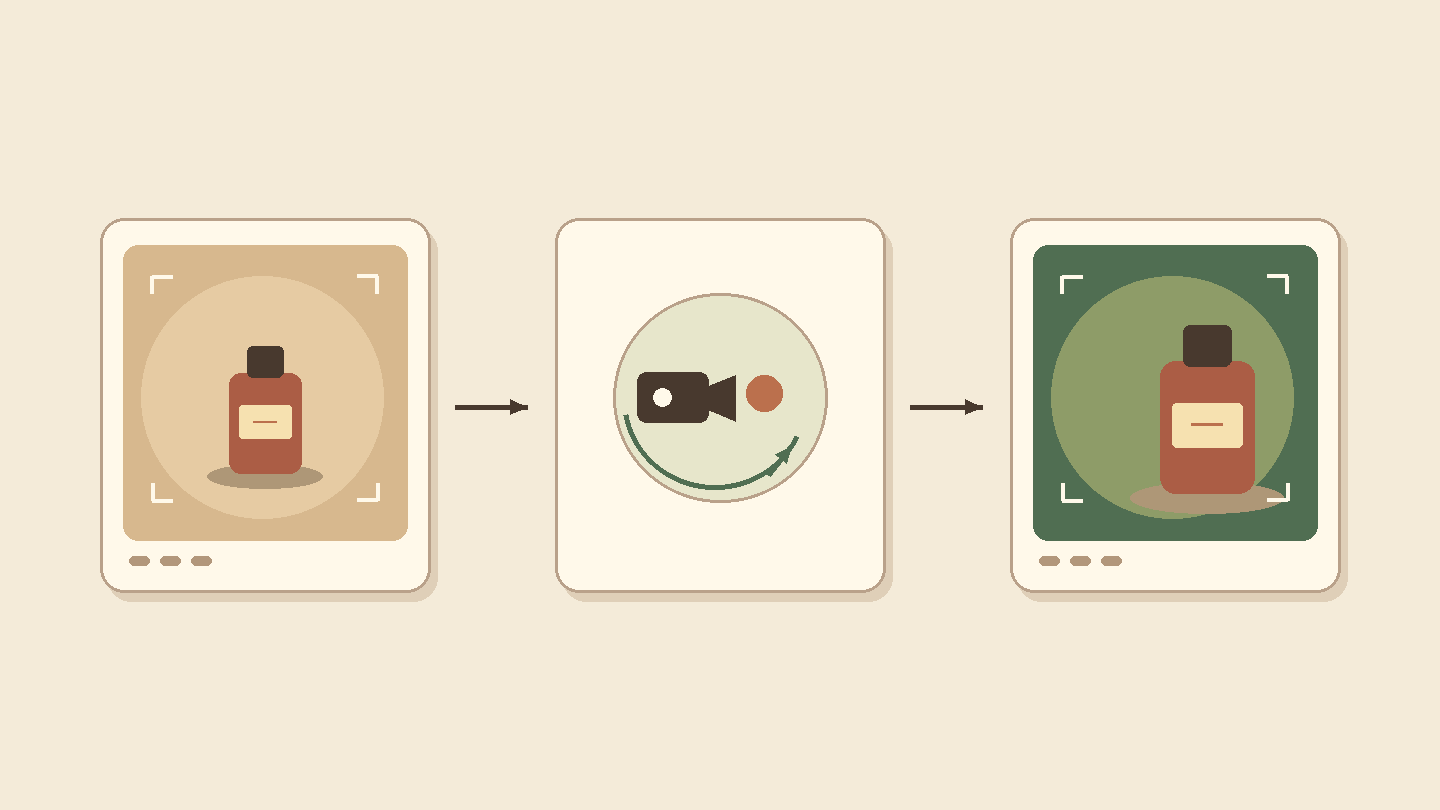
Plan a product shot with reference images and direct how the camera moves. Higgsfield’s Cinema Studio lets you choose the lens, lighting, and motion before generating a video draft.
ProductTally may earn a commission if you buy through these links.
ProductTally may earn a commission if you buy through these links.
For creators and small studios storyboarding a product reveal or pitching a scene. Start with a short shot and compare one change in camera movement before spending credits on a longer sequence.
Higgsfield plans allocate credits. Generation costs vary with the model, duration, and resolution.
Entry individual plan.
Individual plan with a larger credit allowance than Starter.
Individual plan with selectable credit tiers. Price shown for the base tier.
Monthly renewal prices shown on the official individual plans page on the check date. The initial offer and annual billing may differ. The vendor displayed the $ symbol. Confirm the billing currency and any taxes at checkout. · Nov 18, 2026
The vendor displays $. Confirm billing currency at checkout.
ProductTally may earn a commission if you buy through these links.
Higgsfield · View official plans and pricingProductTally may earn a commission if you buy through these links.
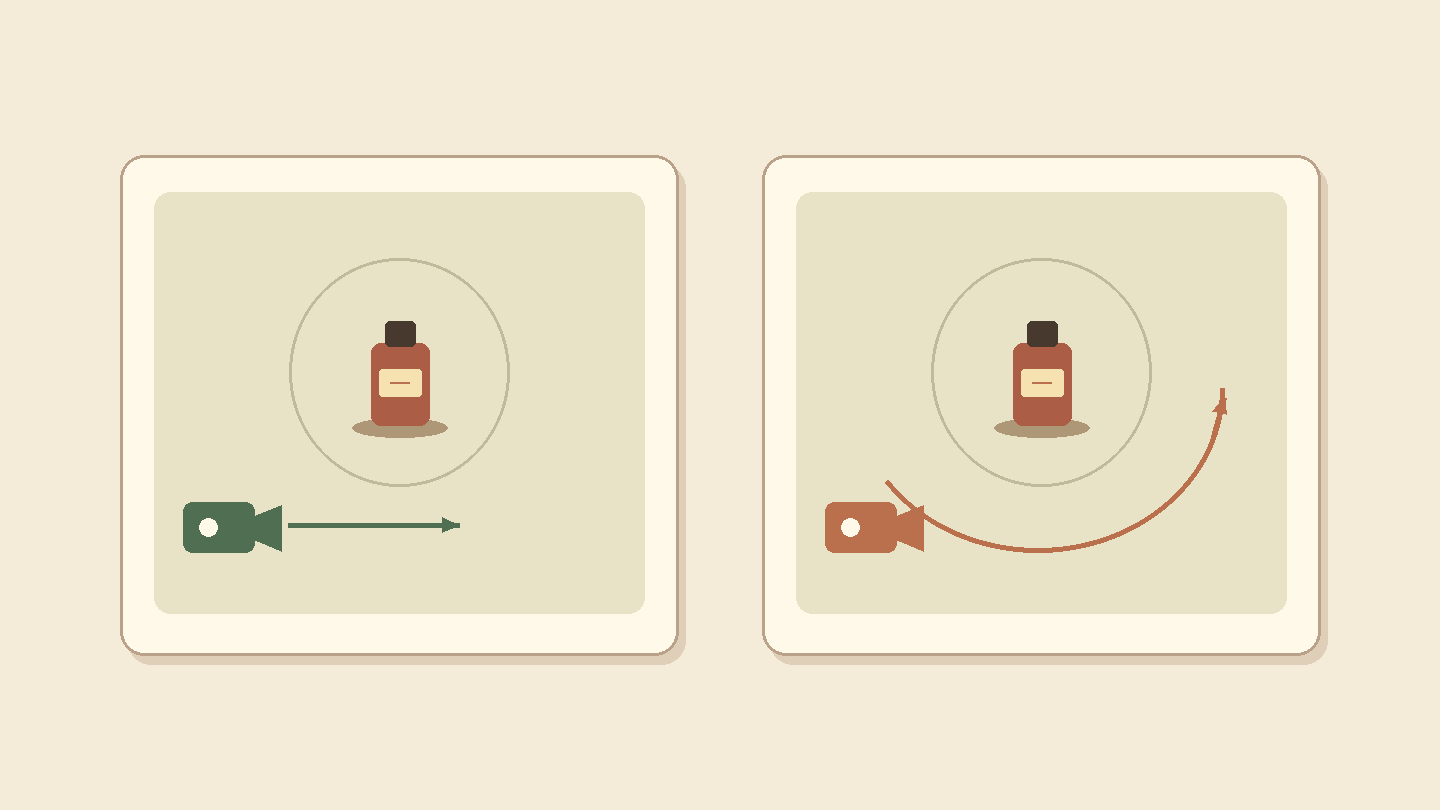
Compare the draft with your reference for product details and framing. Change one camera setting before the next take.
ProductTally may earn a commission if you buy through these links.
Higgsfield’s Cinema Studio 4.0 guideProductTally may earn a commission if you buy through these links.
ProductTally may earn a commission if you buy through these links.
Cinema Studio 4.0 accepts references such as images, video, and audio to guide a shot.
Higgsfield’s Cinema Studio 4.0 guideCompare the draft with your reference for product details and framing. Change one camera setting before the next take.
Higgsfield’s Cinema Studio 4.0 guideHiggsfield plans allocate credits. Generation costs vary with the model, duration, and resolution.
View official plans and pricingRead about Higgsfield in the ProductTally blog.
Video · 3 min read
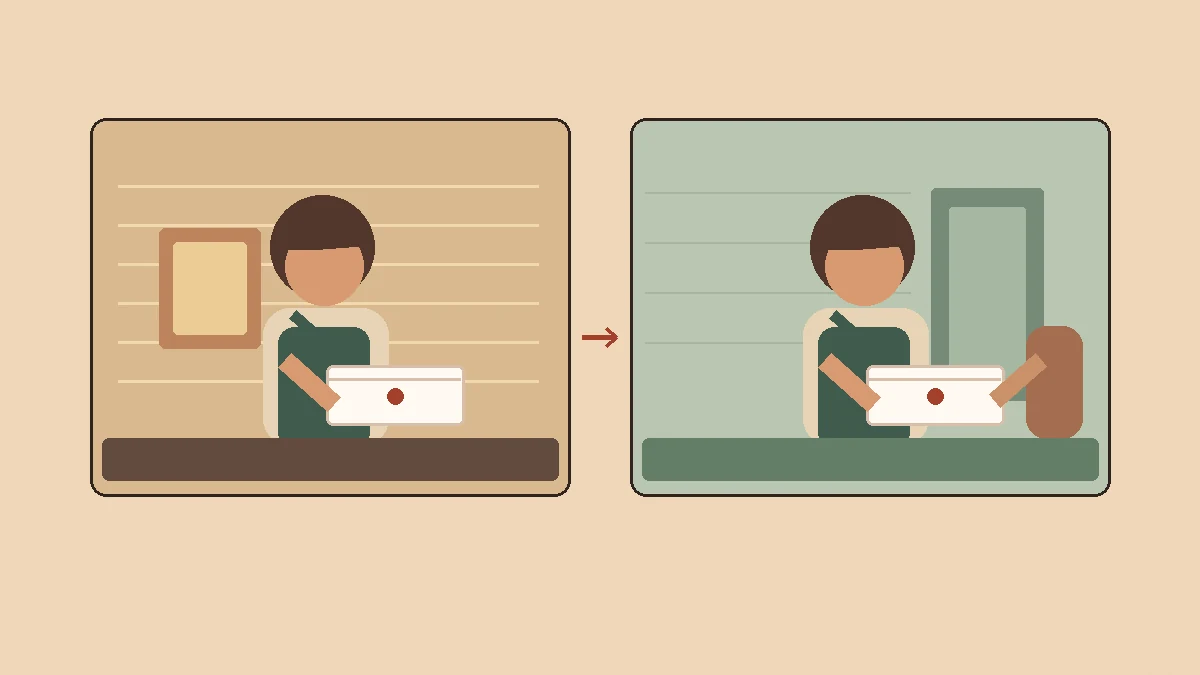
Plan two scenes around one cast entry, then review the character, prop and setting before expanding the series.
Video · 3 min read
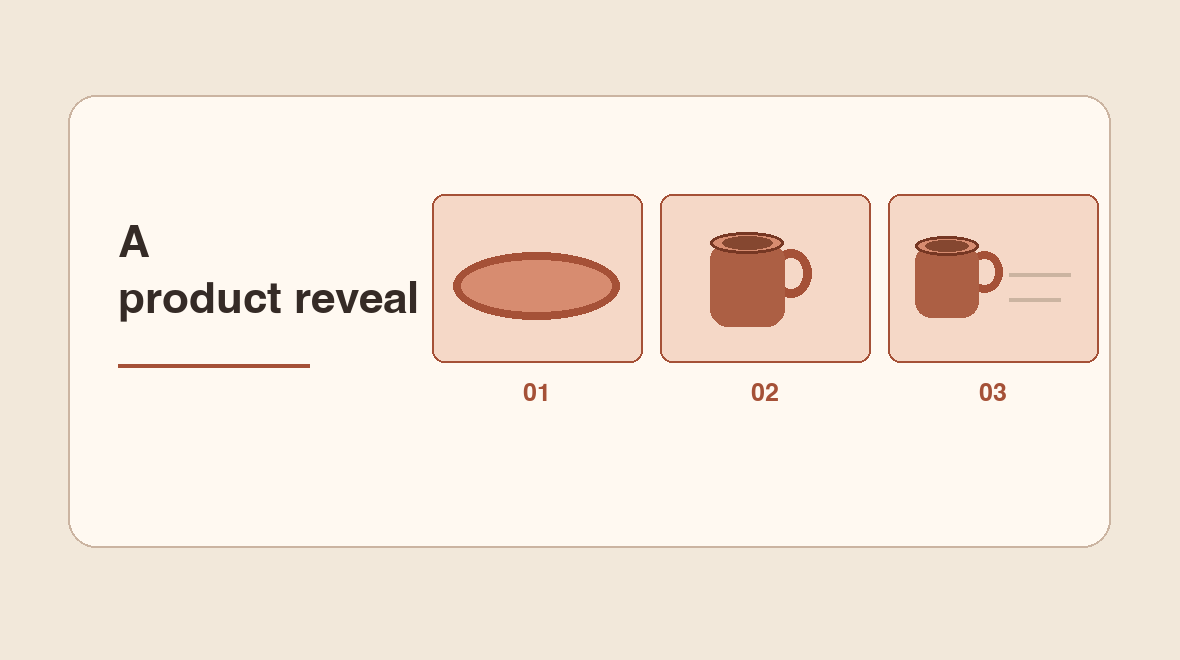
Use a product reference, one clear camera move and a final frame with room for copy to pitch a short reveal.