
Video · 3 min read
How to keep the same character across scenes in Higgsfield Short Drama Studio
Plan two scenes around one cast entry, then review the character, prop and setting before expanding the series.
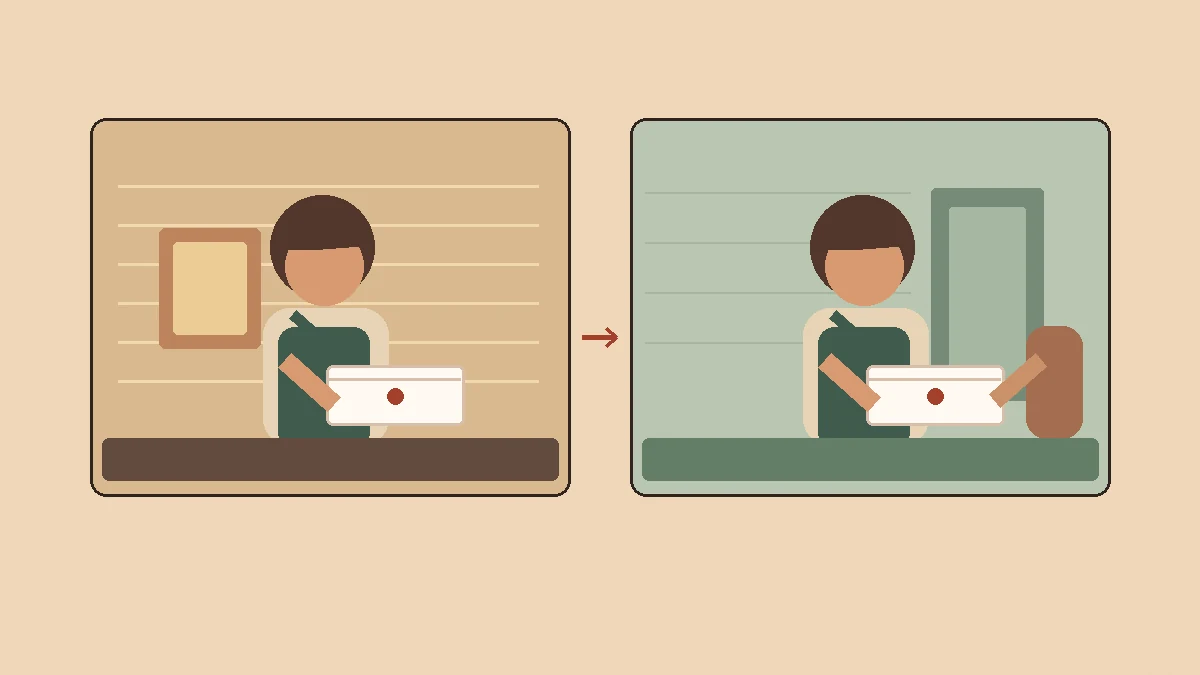
Higgsfield Short Drama Studio reuses characters defined in Cast & World across a series. For a two-scene pilot, name the character consistently in the script, review the cast entry once, and build both scenes from that shared setup. Higgsfield introduced the desktop studio on November 15, 2026.
Write a scene change you can see
Picture the opening of a pilot about a bakery owner leaving the kitchen to make a delivery. In the first scene she seals a white pastry box. In the second she hands the same box to a customer outside. Make the objects and actions explicit in the script. Give the character one name and reserve separate setting descriptions for the kitchen and the street.
In the studio’s Script stage, add your script and choose a format and style suited to the intended viewing surface. Read the breakdown before developing the cast. If the street scene introduces the shopkeeper as a new character, clarify that in the script before creating the visual material.
Set the continuity details in Cast & World
The official walkthrough shows a stage for editing characters, locations and props before the episodes are built. In the bakery example, anchor the actor description with a short haircut and dark apron. Add the pastry box as a recurring prop. Its small visual details matter if it is the object that connects the two scenes.
Use the manual workflow for a pilot that depends on continuity. Review Cast & World and the proposed shots before generation. The project’s Usage view helps you follow credit consumption as shots are added or repeated.
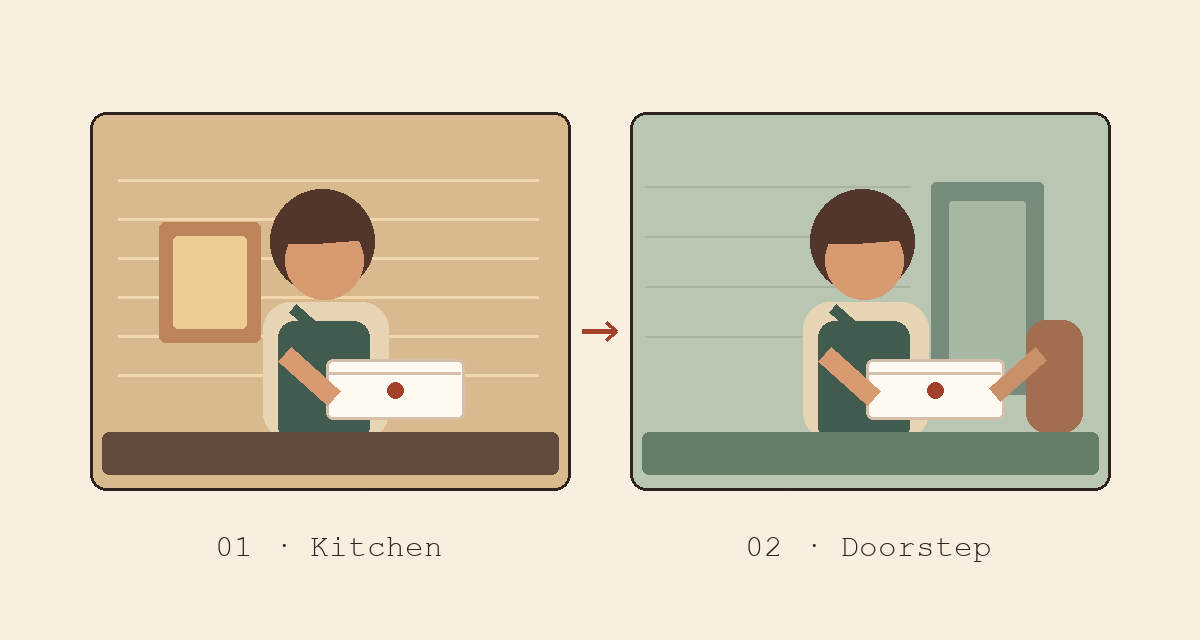
Check the cut between the scenes
In Episodes, review the action at the end of the kitchen shot and the start of the delivery shot side by side. Ask whether the apron and box still read as the same objects and whether the handoff is obvious without a line of dialogue. If the scene needs a correction, give it a precise instruction about the prop, costume or action. That is a better brief than asking for more consistency everywhere.
ProductTally may earn a commission if you buy through these links.
Official references
ProductTally may earn a commission if you buy through these links.