
Video · 3 min read
Plan a product reveal with Higgsfield Cinema Studio 4.0
Use a product reference, one clear camera move and a final frame with room for copy to pitch a short reveal.
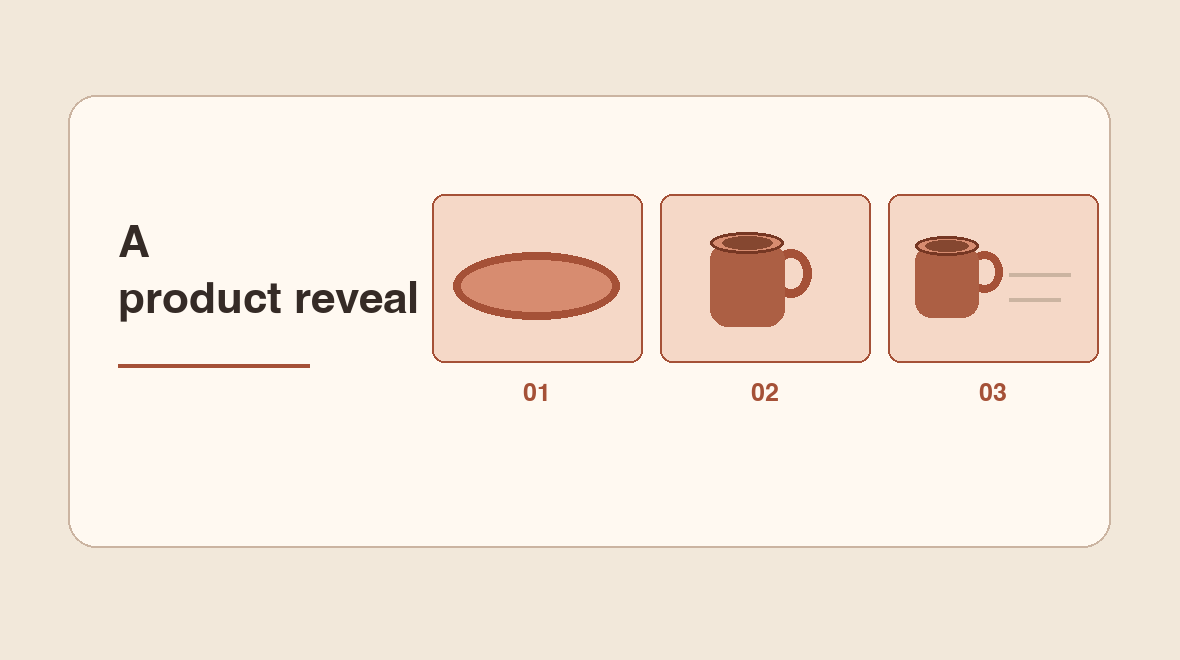
For a short product reveal, start with a reference that shows what the product must look like. Decide what the viewer should recognize at the end, then assign one camera movement that reveals it. Higgsfield’s Cinema Studio 4.0 guide describes image, video and audio references and controls for camera settings. This is a workflow for pitching a shot with materials you can use.
Give each reference a job
For a fictional ceramic mug campaign, an approved three-quarter photo can show body shape and handle position. A separate mood reference can communicate the light or background. Label them in your brief so the editor knows which properties should remain fixed. If the product photo and mood reference disagree on color, make the product photo the color reference and describe the mood in words.
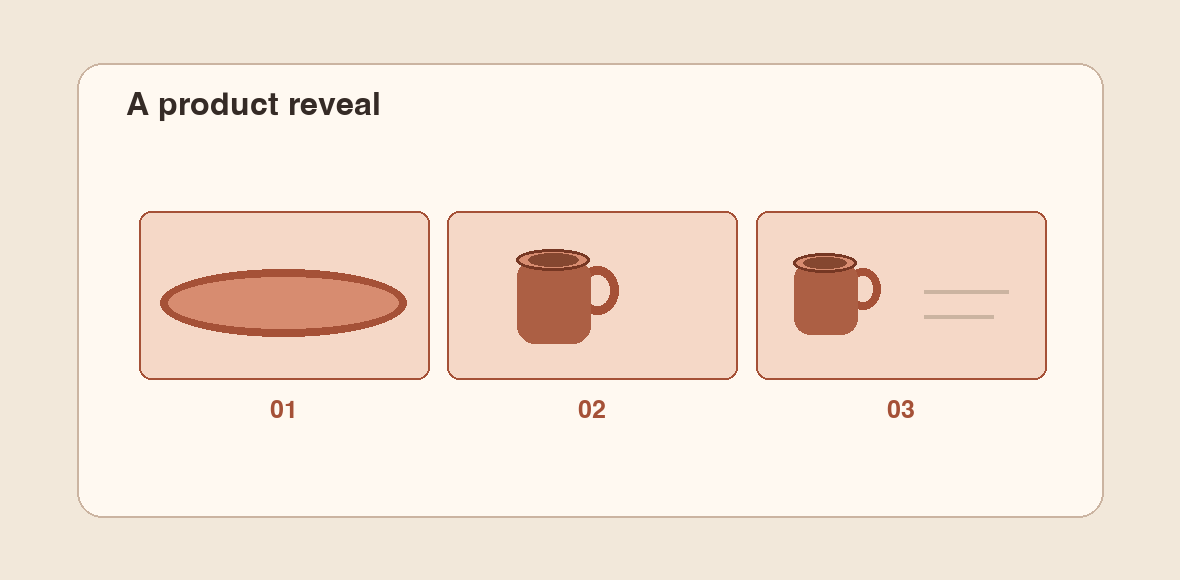
Treat the closing frame as a deliverable
Higgsfield’s official guide breaks its drive-in scene into timed shots with a stated angle and a separate visual action. Apply that method to a simpler product shot: start close on the rim, ease back until the handle is visible, and finish with space on the right for the campaign line. Set the relevant camera options in the Director’s Panel. Keep the motion and the reveal order in the shot description so reviewers can tell which change to request.
Spend the next generation on one visible change
Plan a first version for internal review and one revision. In the app, note the estimate shown for the chosen duration and resolution before generating. Save the settings with the draft, then freeze the closing frame when reviewing the clip. Check the outline and the reserved space against the brief. If only the final composition needs work, keep the reference and lighting choices and revise that framing. Add the final headline or exact packaging text during production when it needs to match approved artwork.
Visit official website
ProductTally may earn a commission if you buy through these links.
Higgsfield · Visit official website
Official references
ProductTally may earn a commission if you buy through these links.