Standard
Standard access with a Google Account.
Free
 ProductTally

AI research notebook
Gemini Notebook, formerly NotebookLM, is Google’s AI research notebook. Ask questions about your source documents and follow citations back to the original passages.
Gemini Notebook fits research based on a set of sources you already have. Use it to compare a few documents, then open the cited passage to verify dates, numbers and context before you reuse them.
A citation may point to a whole short source. Open it and verify the passage before reusing a claim.
Standard access with a Google Account.
Free
US personal subscription with higher usage limits.
US personal subscription with higher usage limits than Plus.
US personal subscription with up to 5× the Pro usage limits for Gemini Notebook.
US personal subscription with up to 20× the Pro usage limits for Gemini Notebook.
Official price snapshot checked Nov 19, 2026. Yearly prices are monthly equivalents, charged annually. Final price and terms are set by the vendor.
Gemini Notebook · View official plans and pricingConfirm that each figure has a source and that the brief preserves differences in date, unit and scope.
Select which sources to query and open a citation to inspect its supporting text.
Google Help · Add sourcesConfirm that each figure has a source and that the brief preserves differences in date, unit and scope.
Google Help · Add sourcesA citation may point to a whole short source. Open it and verify the passage before reusing a claim.
Google Help · Add sourcesRead about Gemini Notebook in the ProductTally blog.
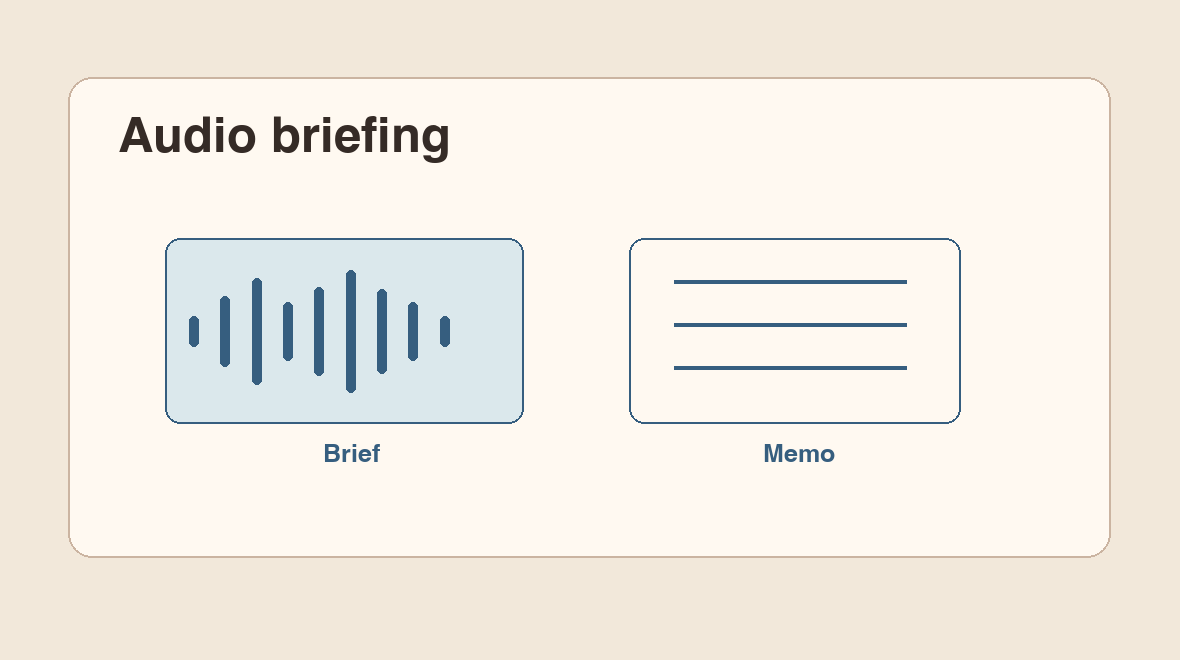
Productivity · 2 min read
Choose a compact format, specify the decision listeners need, and share the original reference alongside the audio.
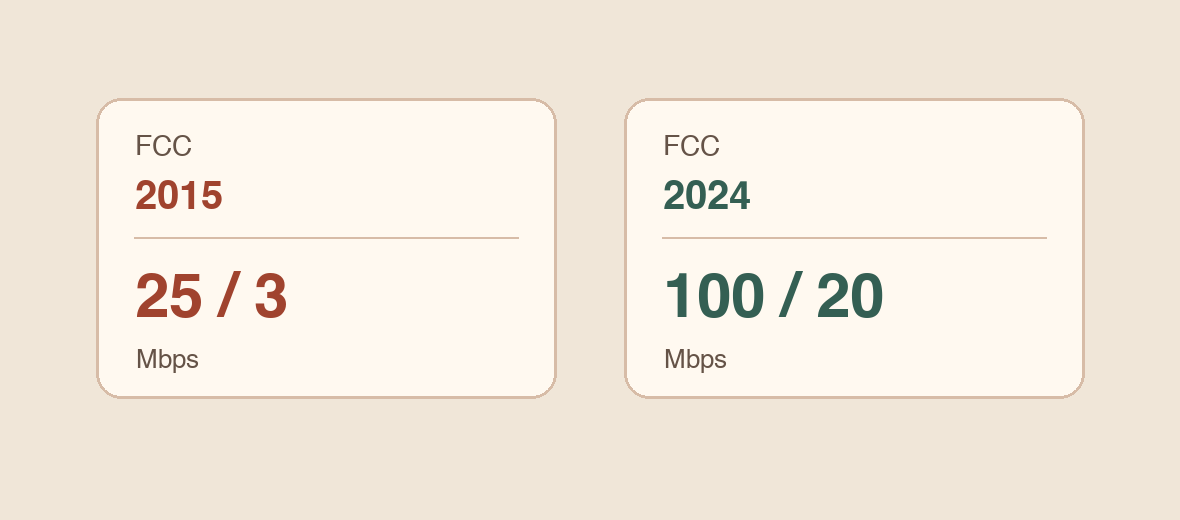
Writing & research · 4 min read
Compare conflicting sources in Gemini Notebook, formerly NotebookLM. Follow citations and check dates, units and scope using two public FCC reports.