
Productivity · 2 min read
Turn a long team memo into a Gemini Notebook audio brief
Choose a compact format, specify the decision listeners need, and share the original reference alongside the audio.
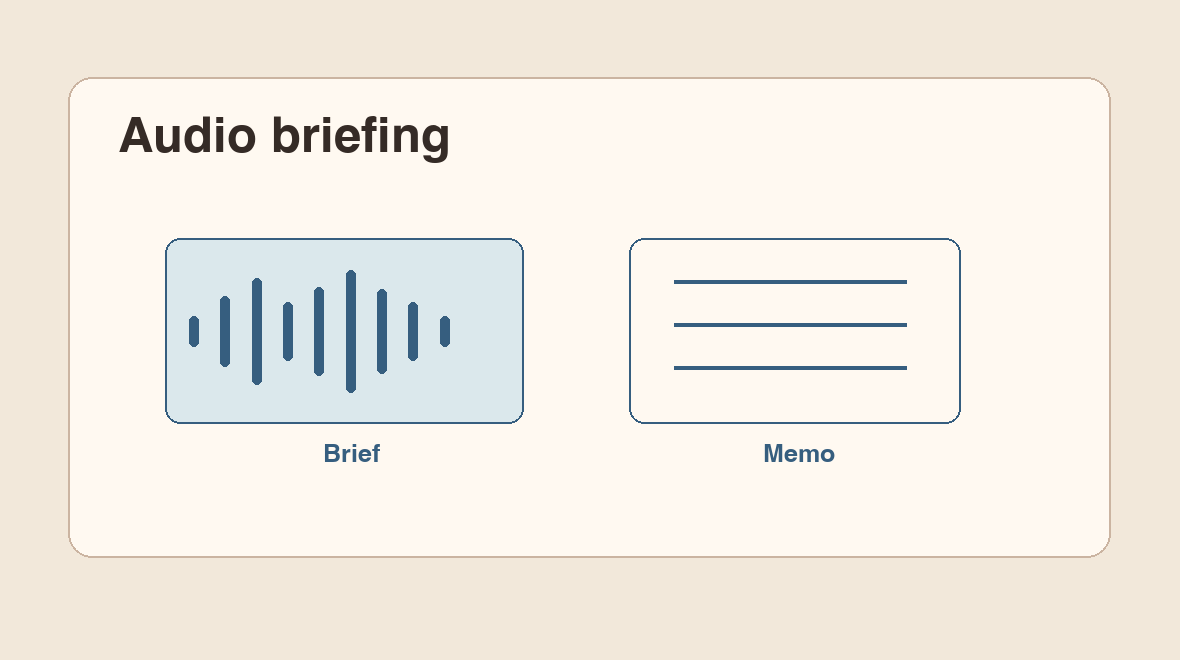
Google documents Brief as a single-speaker Audio Overview designed to convey takeaways quickly. For a team memo, add the approved sources to a notebook you can edit. In Studio choose Audio Overview, set the format and language, and use the prompt to name the decision the audience needs to understand.
Give the audio a specific job
Suppose the memo announces a Friday handoff. Ask the overview to cover what changes, who owns the first action and when that action is due. Keep both the memo and the current handoff note in view as you listen. If the deadline is the most important part, check the exact day and time against the text before sharing the overview.
Share the document with the audio
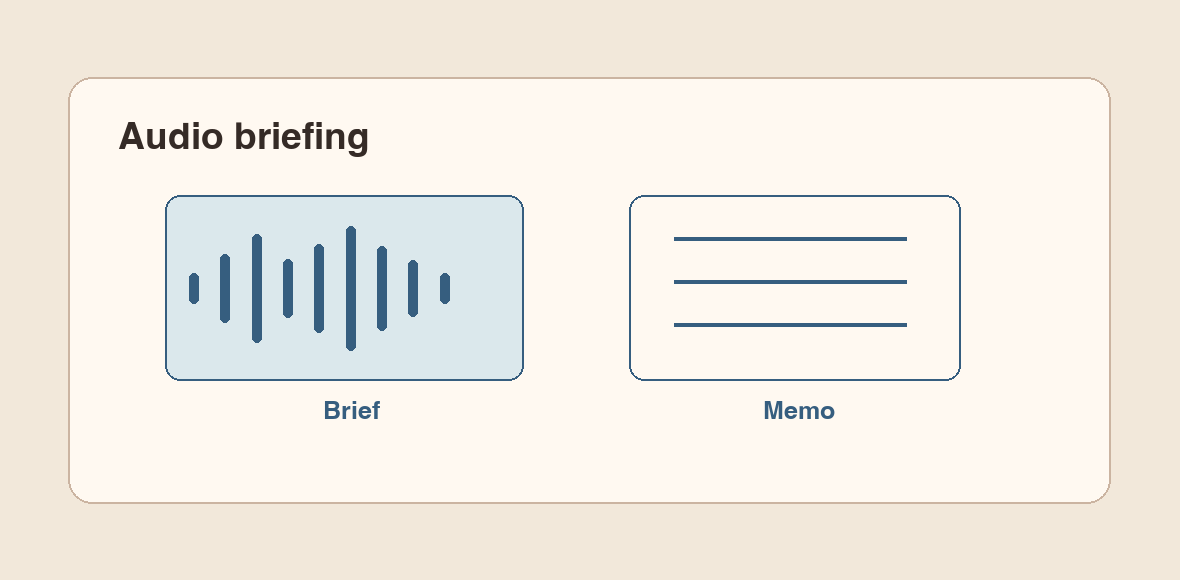
Brief suits a quick orientation. Pick Deep Dive for a discussion of how the pieces fit together. Share the written memo alongside the audio so teammates can check exact dates or responsibilities. For the Japanese edition, choose Japanese explicitly when generating and confirm that names used by the team are recognizable to listeners.