Free
PPTX export with Gamma branding. No credit card required.
Free
 ProductTally

AI presentation maker
Gamma is an AI presentation tool that turns an outline, brief or existing file into an editable deck. Share it as a web link or export it to PowerPoint or PDF.
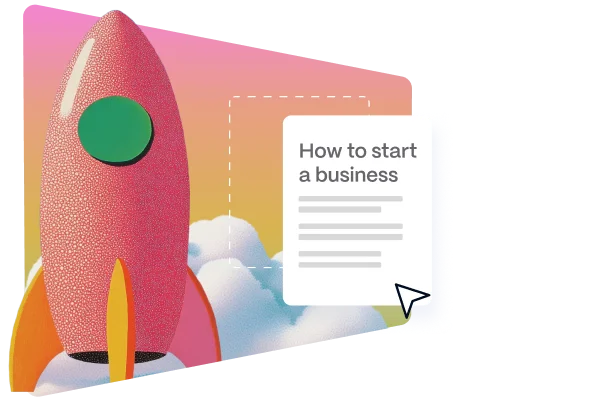
Gamma fits client proposals and project updates when a team already has the outline. Share a link for web viewing or test a PPTX export in PowerPoint first when the recipient needs an editable file.
Gamma lists branding removal starting on Plus. Check the Free export before client delivery if your agreement calls for an unbranded file.
PPTX export with Gamma branding. No credit card required.
Free
Export without Gamma branding. Includes advanced image models.
Check regional price
Adds custom branding, premium image models and advanced sharing.
Check regional price
Adds access to higher-end AI models and more custom domains.
Check regional price
Paid plans charge per workspace member. Monthly billing renews each month and annual billing is paid upfront. Check Gamma for current amounts and taxes. · Nov 11, 2026
Gamma · View official plans and pricingTurn an approved brief or rough outline into a first deck. Agree on the story and slide order before polishing individual layouts.
Gamma presentationsGamma uses editable cards. A consultant can update a scope or timeline card without starting over on the rest of the client presentation.
Gamma presentationsShare a web link for viewing, send a PDF for a fixed copy, or export a PPTX when the recipient needs to continue in PowerPoint. Test that last option with a sample deck.
Gamma export guideOpen the PPTX in PowerPoint and check whether fonts, tables and slide boundaries match the agreed brief.
Yes. Gamma can import a PPTX to use as a starting point. Check the imported content and layout before building on it.
Gamma import guideGamma offers PDF, PowerPoint (PPTX), and PNG export. Choose PPTX if your recipient needs a PowerPoint file, or PDF if they only need to read a fixed copy.
Gamma export guideGamma lists branding removal starting on Plus. Check the Free export before client delivery if your agreement calls for an unbranded file.
Gamma plans and pricingFont substitution, content scaling and sizing differences can affect the exported layout. Open the PPTX in PowerPoint and check dense slides, tables, charts and page breaks.
Gamma export troubleshootingShare a link when the audience can view the presentation online and you want them to see it in Gamma’s web player. Export when they need a file to download or edit in another application.
Gamma presentationsYes. Gamma’s export guide says its tables are saved as editable PowerPoint tables by default. Verify the appearance of any table that the recipient will need to change.
Gamma export guideCaswell found that a short prompt produced a coherent first deck. She could edit slides directly and regenerate an individual slide when she wanted a different version.
Read the originalThe agency started with a Polish SEO brief and generated an English presentation. It shared the generated draft as a web link so readers could open the deck in their browser.
Read the originalRead about Gamma in the ProductTally blog.
Design & visuals · 3 min read
Add private talking points to three cards and use Gamma’s timer to rehearse a client presentation.
Productivity · 2 min read
Keep one client’s design separate and save the reusable parts only when another project needs them.
Design & visuals · 3 min read
Use Gamma’s viewing and commenting permissions to get decisions on a proposal and keep internal pricing and notes in a separate file.
Productivity · 4 min read
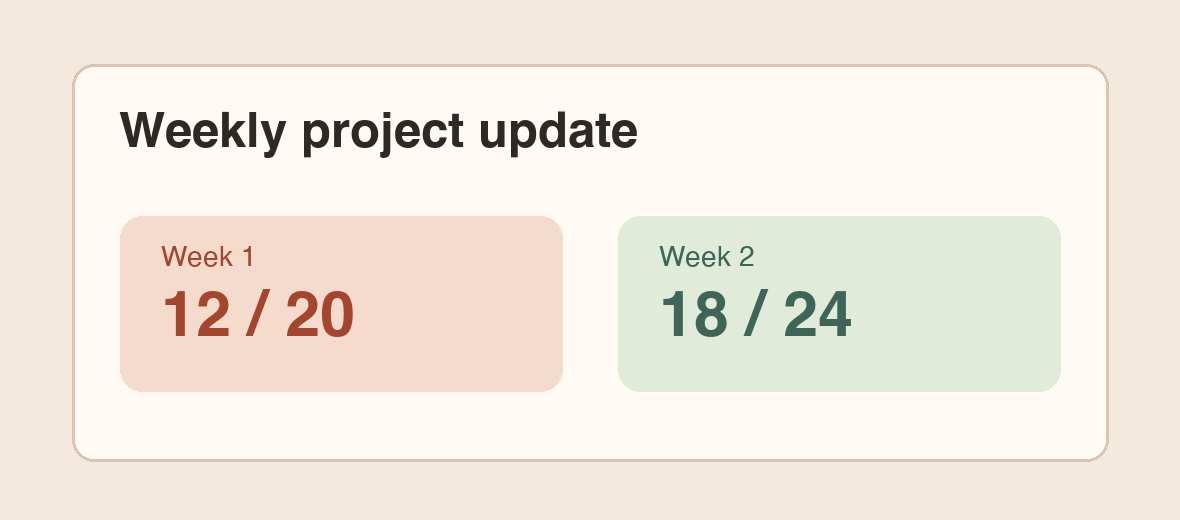
Use a Gamma workspace template for weekly changes, decisions and owners. Check the denominator and permissions.
Productivity · 4 min read
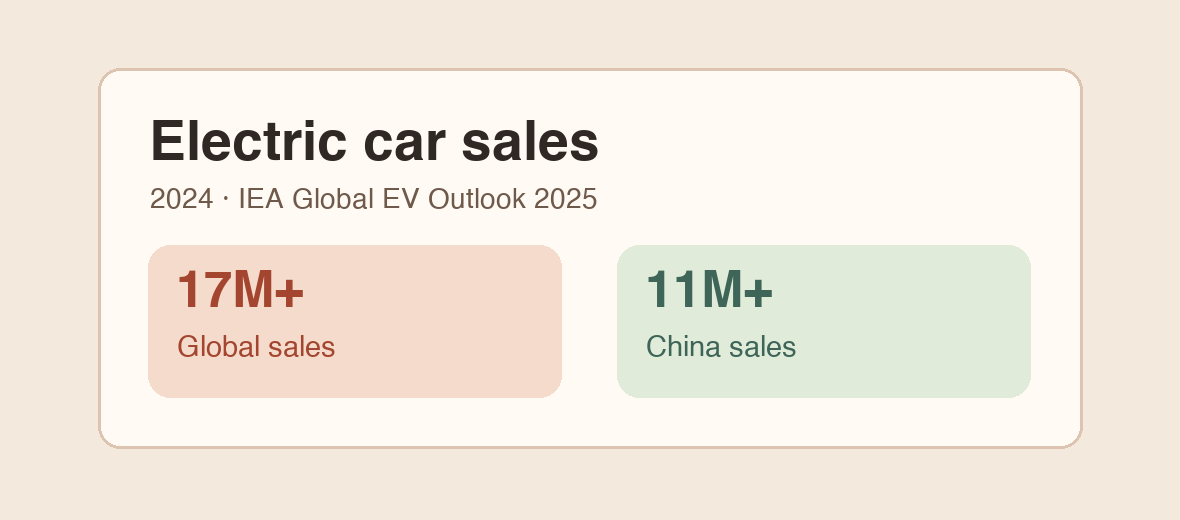
Use the IEA's 2025 EV outlook to keep source links, sales denominators and forecast dates in a six-slide Gamma deck.