
Productivity · 4 min read
Which cards should stay the same in a weekly Gamma update?
Use a Gamma workspace template for weekly changes, decisions and owners. Check the denominator and permissions.
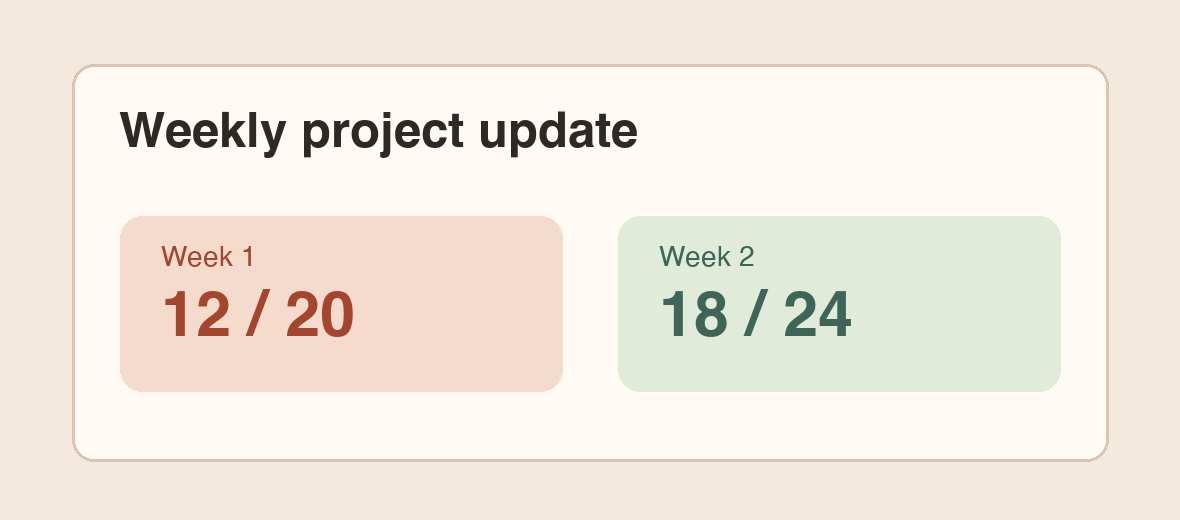
Keep what a reader looks for every week: what changed, what needs a decision, and who owns the next step. Update the numbers and their definitions. Gamma lets you save a copy of an existing deck as a workspace template. The current help article lists Workspace Templates on all plans and says Enterprise admins can restrict who creates them. Check the template's sharing settings before involving the team.
Decide what stays in the weekly template
Start with one week’s finished deck. In Templates, add that deck and save the copy as a workspace template. Before sharing, check the template’s access separately. A new template starts with the workspace’s default sharing setting.
| Card | Keep in the template | Replace this week |
|---|---|---|
| Weekly change | Current value, prior value and definition | 18/24 vs 12/20, with four tests added |
| Biggest risk | Impact, owner and next checkpoint | Two checkout tests pending, review Thursday |
| Decision | Options, owner and deadline | Whether to release the test scope Friday |
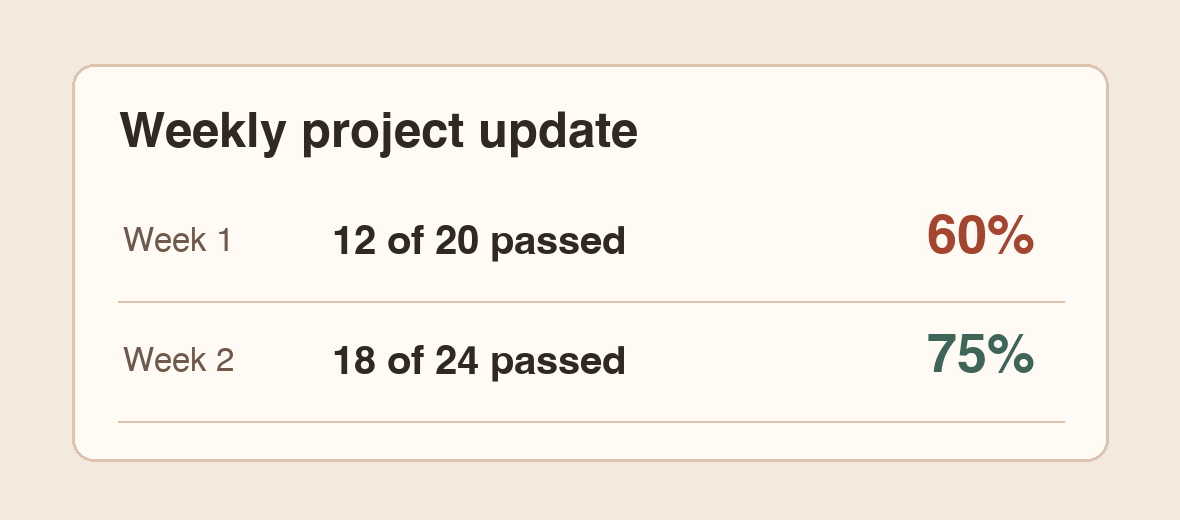
In this fictional project, tests passed rose from 12/20 (60%) to 18/24 (75%). Reporting six more passes alone would hide the change in scope.
Put the template to work
Create two copies and fill them with different weeks. Remove real client names or live links from placeholders. Ask a teammate with an ordinary workspace role to create a third copy. Check template and document access separately. The original announcement explains the feature's launch. Use the current help article for today's plan and permission details. Before sending, open the deck and the exported file to check that denominators stay visible beside the percentages.