
Productivity · 2 min read
When should a Gamma deck’s design become a workspace theme?
Keep one client’s design separate and save the reusable parts only when another project needs them.
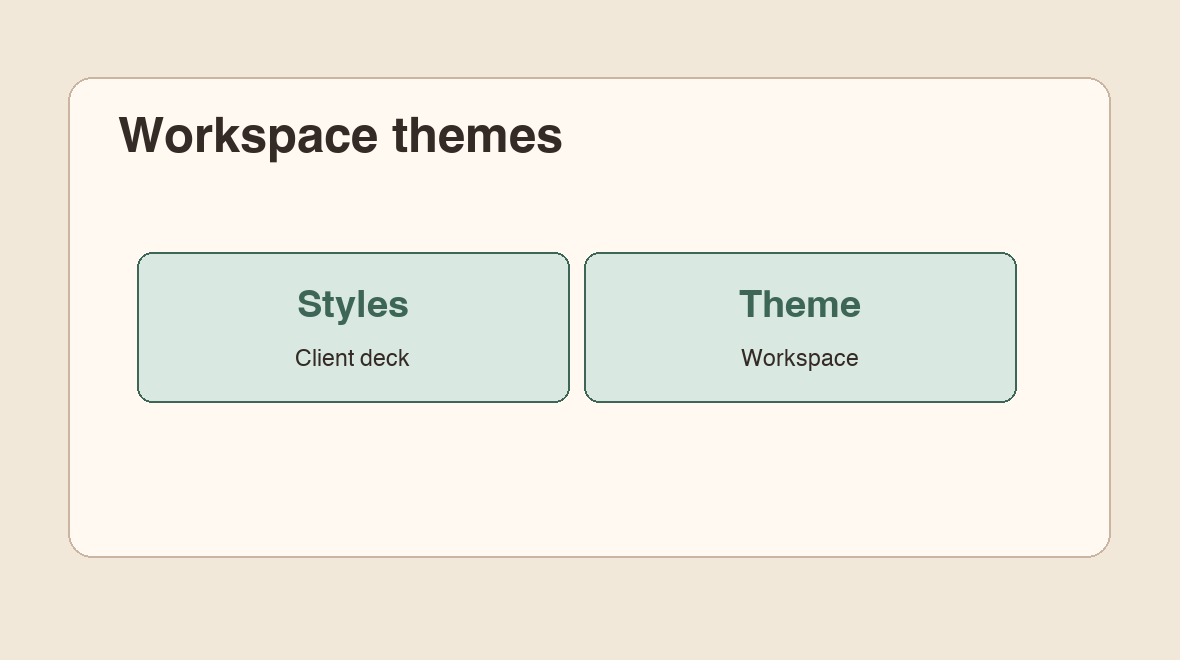
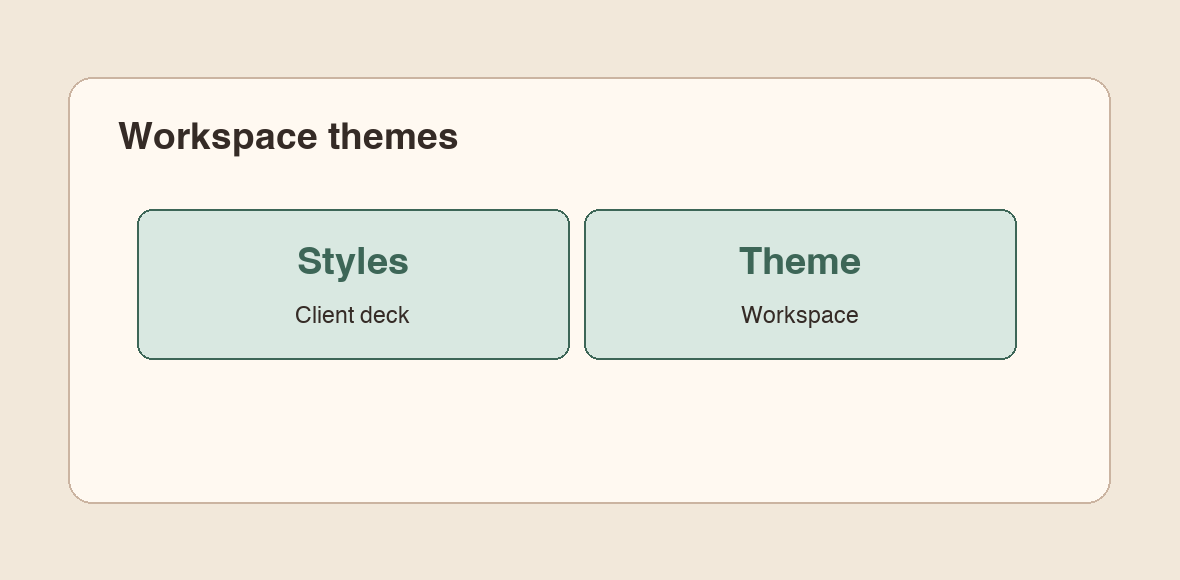
Gamma distinguishes Styles for one presentation from Themes shared in the workspace. Use Styles while editing a client deck with its own palette or typography. Save a workspace theme only when the design has a clear use beyond this deck and you have the right to reuse its fonts, logo and imagery.
Extract the design from the client deck
Take a proposal that combines your studio’s typography with a client’s logo. Duplicate the presentation before turning the design into a theme, take out the client’s assets and replace the content with a small example. Check a long heading, a two-column card and a link on a filled block. Then use Styles → Themes → Save as new theme to preserve the look for the team.
Hand off the theme
If colleagues already use a shared theme, give the new one a distinct name and show which deck will use it first. Check Gamma’s official pricing for capabilities such as custom branding. Hand off the template with a three-line design note so editors know which elements are shared and which can change per project.